LD HUD 4.0
LD HUD 4.0 - Ein stilvolles HUD, das das Spielerlebnis auf ESX-basierten FiveM-Servern verbessert.
Video-Vorschau
Click to load video from YouTube. By watching, you agree to their privacy policy.
LD HUD 4.0 - Modern Performance-Optimized Player Interface for FiveM
LD HUD 4.0 represents the next generation of player interface design for FiveM servers, delivering a sleek, minimalist heads-up display that prioritizes performance without sacrificing style. Built for server owners who demand professional-grade UI with zero performance overhead, this HUD system provides players with essential real-time information through a clean, modern interface that stays out of the way during intense gameplay moments. Whether you're running an ESX economy server, a hardcore roleplay community, or a casual freeroam experience, LD HUD 4.0 adapts seamlessly to your server's needs while maintaining smooth 60+ FPS performance even on lower-end systems.
What's Included in LD HUD 4.0
This comprehensive HUD package includes everything you need for a complete player interface overhaul. You'll get the core HUD script with highly optimized performance (typically 0.00-0.01ms resmon), fully customizable display elements, framework integration modules for ESX and QBCore, and extensive configuration files that let you control every visual aspect. The package includes pre-configured color schemes, icon packs, and example configurations to get you started immediately. All elements are built with modern web technologies for smooth animations and responsive design.
Key Features That Set LD HUD 4.0 Apart
- Ultra-Low Performance Impact - Optimized code ensures 0.00-0.01ms resmon usage, making it one of the lightest HUD systems available while maintaining full functionality
- Fully Responsive Design - Automatically adapts to different screen resolutions and aspect ratios, from 1920x1080 to ultrawide displays, ensuring perfect visibility
- Customizable Status Indicators - Display health, armor, hunger, thirst, stress, stamina, oxygen, and custom status effects with configurable colors and animations
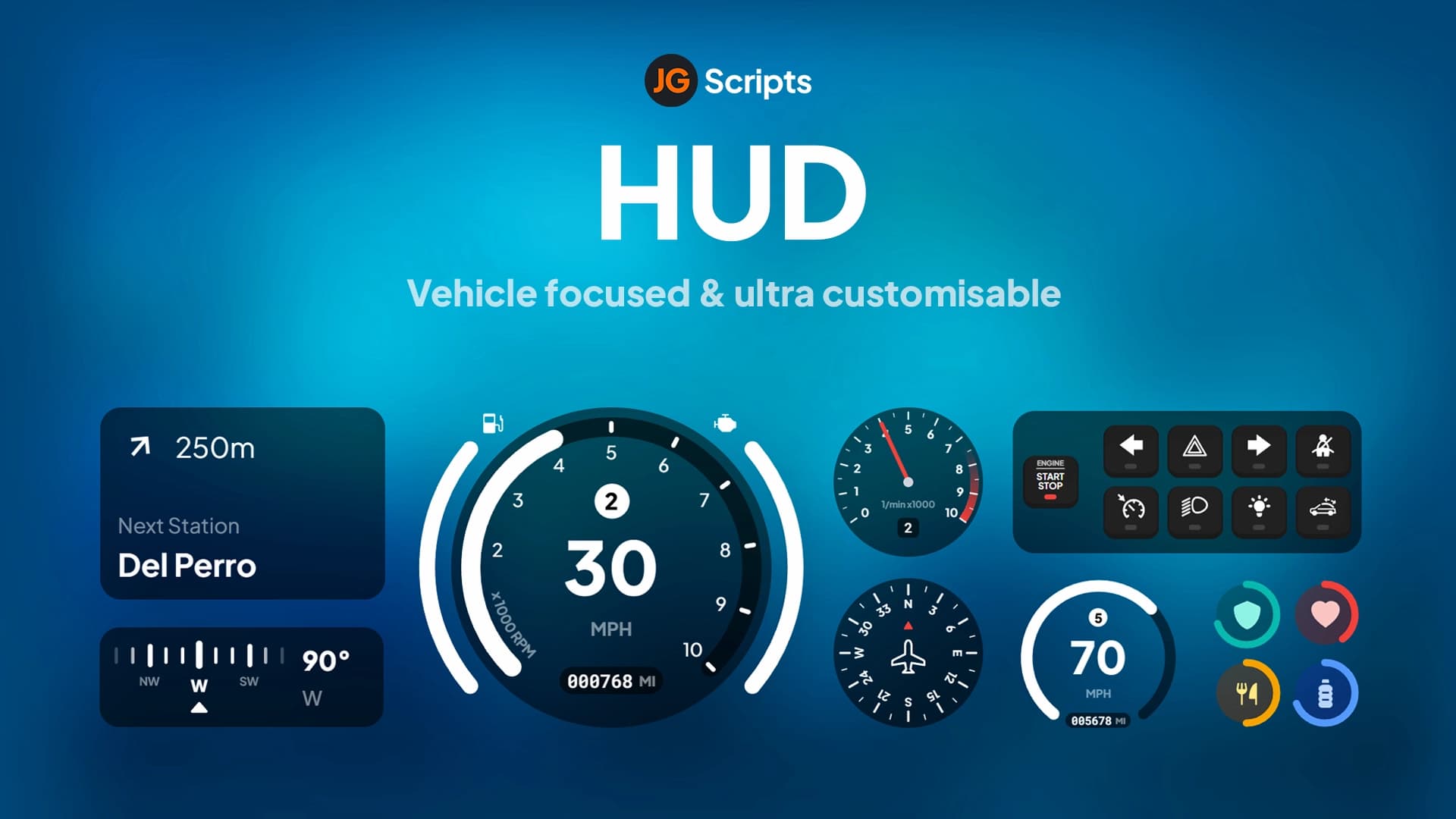
- Dynamic Vehicle HUD - Sleek speedometer with fuel gauge, engine health, mileage tracking, and gear indicator that appears only when you're in a vehicle
- Minimap Enhancement - Refined minimap styling with custom borders, street name display, and zone information that integrates seamlessly with your HUD theme
- Status Bar System - Elegant progress bars that smoothly animate status changes, providing clear visual feedback without cluttering the screen
- Money Display - Real-time wallet and bank balance tracking with currency formatting and optional transaction notifications
- Compass Integration - Directional compass with degree indicators and cardinal direction markers for navigation-focused gameplay
- Voice Chat Indicators - Visual feedback for proximity voice, radio, and phone calls with customizable positioning and styling
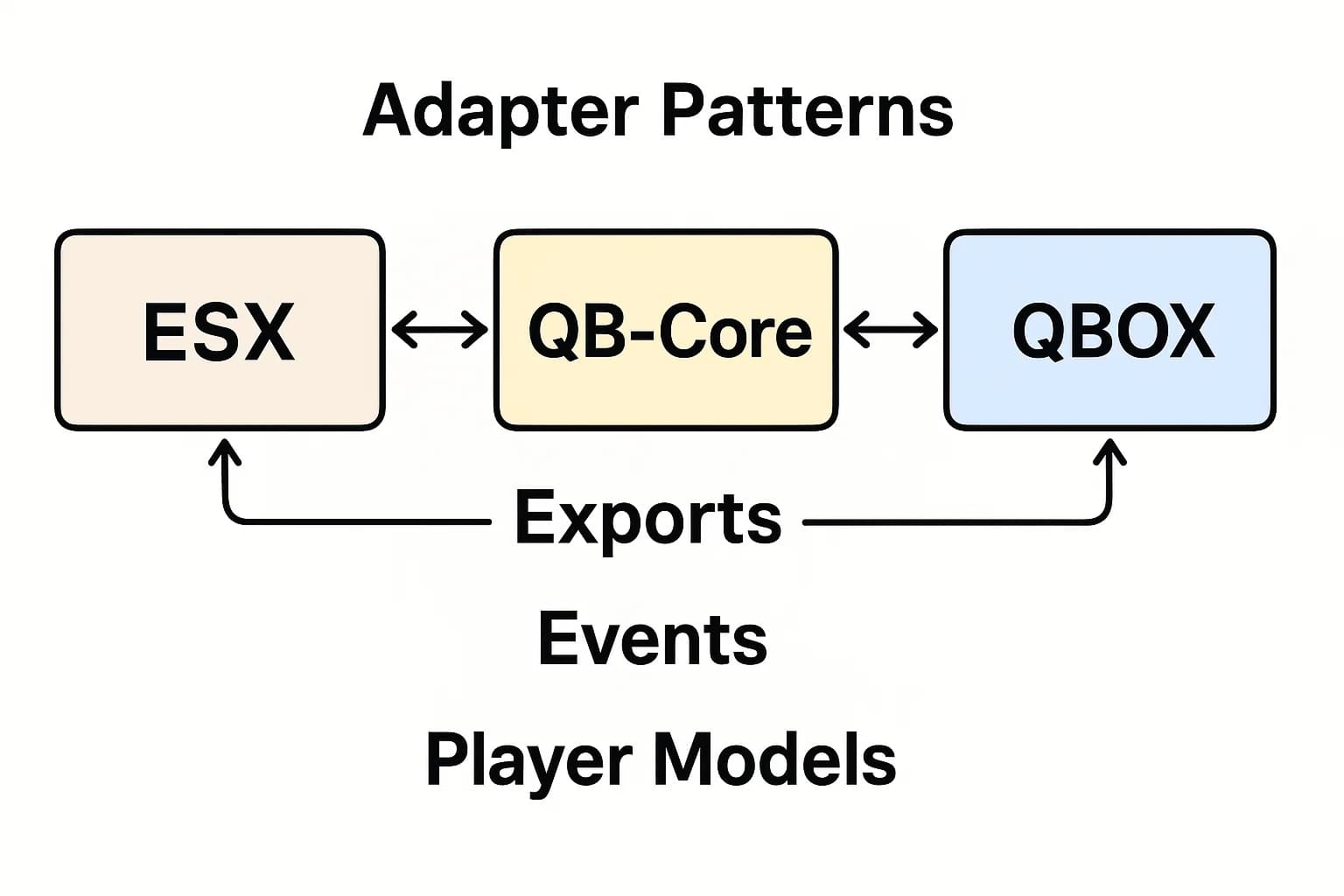
- Framework Integration - Deep integration with ESX and QBCore for automatic status syncing, job display, and gang/organization information
- Multi-Language Support - Built-in localization system supports multiple languages with easy translation file editing
- Developer-Friendly - Clean code structure with comprehensive documentation and export functions for integration with custom scripts
Perfect For These Server Types
- Roleplay Servers - Clean interface that enhances immersion without breaking the roleplay experience with intrusive UI elements
- Economy Servers - Built-in money display and status tracking keeps players informed of their financial situation and character needs
- Racing Servers - Vehicle HUD with speedometer and gear indicator provides crucial information for competitive racing
- Survival Servers - Hunger, thirst, and stamina indicators integrate perfectly with survival gameplay mechanics
- Public Servers - Lightweight performance ensures smooth gameplay even with 100+ concurrent players
- Hardcore RP Servers - Minimalist design can be configured to show minimal information for realistic immersion
Technical Specifications
- Performance: 0.00-0.01ms average resmon impact
- Framework Support: ESX Legacy, ESX 1.2, QBCore, Standalone
- Script Type: Client-side with optional server-side sync
- Dependencies: None required (framework-specific features optional)
- Customization: Config-based with CSS styling support
- Updates: Regular updates with new features and optimizations
Installation Process
- Download and Extract - Download the LD HUD 4.0 package and extract to your server resources folder
- Configure Settings - Edit the config.lua file to customize colors, positions, status bars, and framework integration options
- Framework Setup - If using ESX or QBCore, configure the framework-specific options and ensure status exports are enabled
- Add to server.cfg - Add ensure ld-hud to your server.cfg file (order matters - load after framework)
- Restart Server - Restart your server and test the HUD in-game, adjusting config settings as needed
Framework Compatibility Details
- ✅ ESX Legacy (1.9+) - Full integration with esx_status, esx_basicneeds, and all standard ESX features including job display and society info
- ✅ ESX 1.2 - Compatible with legacy ESX versions, supports older esx_status implementations and classic ESX structure
- ✅ QBCore - Complete QBCore integration with stress, hunger, thirst tracking, job/gang display, and qb-core status management
- ✅ Standalone - Works independently without framework requirements, ideal for custom servers or framework-free setups
Customization Capabilities
LD HUD 4.0 offers extensive customization through easy-to-edit configuration files. You can adjust the position, size, and color of every HUD element to match your server's branding. The color system supports hex codes and RGB values, letting you create unique color schemes that align with your server's visual identity. Animation speeds, fade effects, and transition timings are all configurable, giving you complete control over how the HUD feels during gameplay.
Advanced users can modify the CSS files directly for pixel-perfect positioning and styling. The HUD supports custom icons - simply replace the default icon files with your own designs. You can also toggle individual elements on or off, creating minimal HUDs for hardcore servers or feature-rich displays for casual communities.
What Makes LD HUD 4.0 Stand Out From Competitors
While many HUD scripts sacrifice performance for visual appeal or vice versa, LD HUD 4.0 achieves both. The secret lies in its efficient rendering system that only updates elements when values change, rather than constantly redrawing the entire interface. This intelligent update system results in near-zero performance impact while maintaining smooth animations and responsive updates.
The design philosophy focuses on clarity and usability - every element is positioned for optimal visibility without obscuring gameplay. Unlike cluttered HUDs that overwhelm players with information, LD HUD 4.0 presents data contextually, showing vehicle stats only when driving, and fading non-critical elements during combat. This context-aware approach keeps your screen clean while ensuring critical information is always accessible.
Another standout feature is the comprehensive framework integration that goes beyond basic status tracking. ESX servers benefit from job-specific displays, society balance tracking, and grade indicators. QBCore servers get gang/organization support, stress system integration, and metadata tracking. The developers clearly understand framework architecture, resulting in seamless integration that feels native rather than bolted-on.
Support and Updates
LD HUD 4.0 comes with detailed documentation covering installation, configuration, and troubleshooting. The developers maintain an active support channel and regularly release updates with bug fixes, performance improvements, and new features based on community feedback. Lifetime updates are included with your purchase, ensuring compatibility with future FiveM and framework updates.