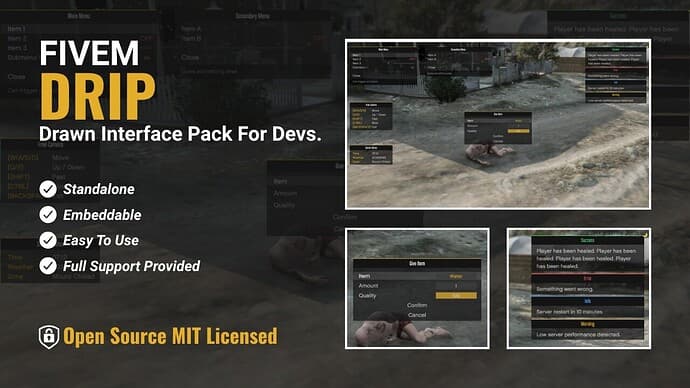
About This Mod
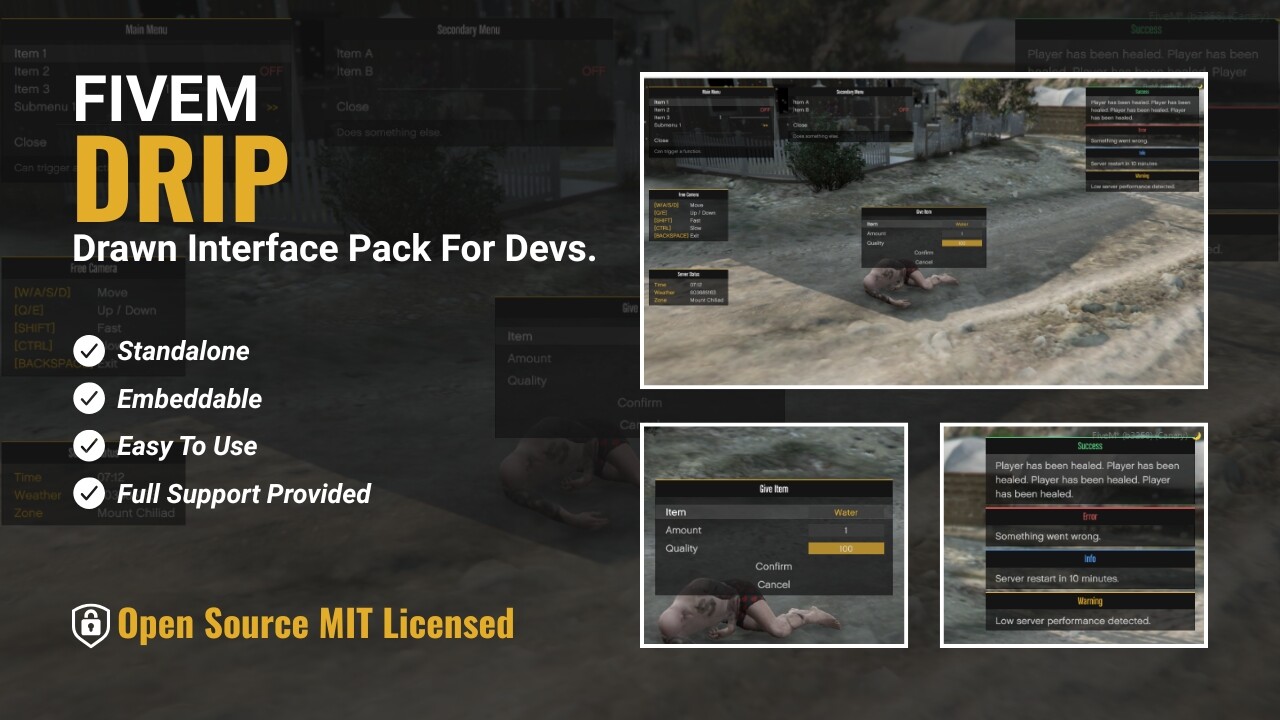
DRIP - Drawn Interface Pack
A lightweight collection of standalone drawn UI components.
Each component is a single file with no dependencies - use one, some, or all of them.
Preview
A full video preview is not really needed here.
It is self explanatory, build a component, use it with key controls, call it a day.
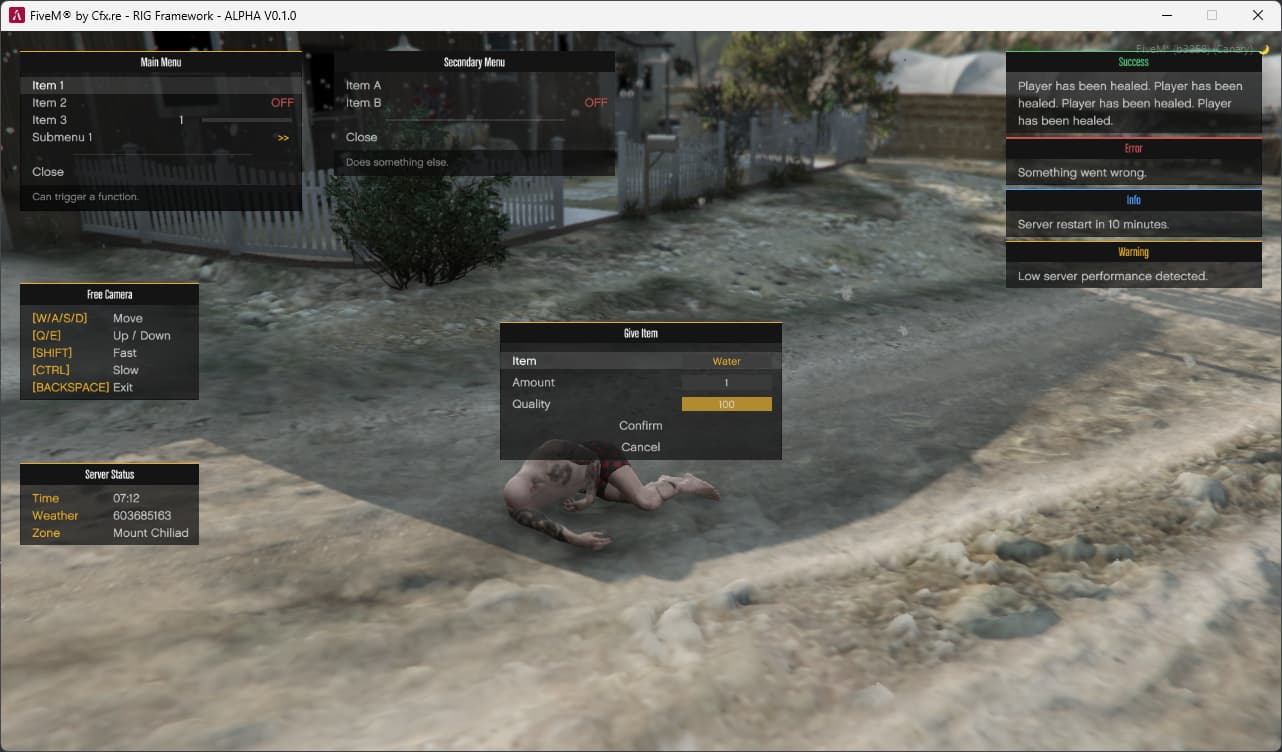
Components
| File | Description |
|---|---|
notify.lua | Queued notifications |
input.lua | Multi-field data entry panel |
menu.lua | Multiple menus with tab switching |
panel.lua | KVP text panel, multiple instances |
All components share the same patterns - identical helpers, style = {} overrides, and consistent structure.
How to Use DRIP
Option A - Standalone Resource
Drop the drip folder into your resources, ensure drip in server.cfg, then call via exports from any resource:
exports.drip:send_notification({header = "Info", type = "info", message = "Hello.", duration = 3000})
exports.drip:open_menu({id = "main", root = "menu_1", menus = {...}})
exports.drip:show_panel({id = "hud", title = "Status", lines = {...}})
exports.drip:open_input({title = "Give Item", inputs = {...}})
Option B - Embedded Library
Copy the drip/components/ folder into your resource, for example into a libs/drip/ folder, then add to your fxmanifest.lua:
client_scripts {
    "libs/drip/*.lua"
}
Functions are then available directly in your resource scope via the drip namespace:
drip.send_notification({header = "Info", type = "info", message = "Hello.", duration = 3000})
drip.open_menu({id = "main", root = "menu_1", menus = {...}})
drip.show_panel({id = "hud", title = "Status", lines = {...}})
drip.open_input({title = "Give Item", inputs = {...}})
Option C - Single File
Take only the component you need, drop it into your resource, and call the functions directly:
-- fxmanifest.lua
client_scripts {
    "notify.lua",
    "my_script.lua"
}
-- my_script.lua
send_notification({header = "Success", type = "success", message = "Done.", duration = 3000})
No extra setup. No dependencies. It just works.
Quick Install
- Download the latest release from Releases
- Drop the
dripfolder into yourresourcesdirectory. - Add
ensure driptoserver.cfg - Start
refresh; ensure dripor Restart server
Notes
This resource uses Draw functions entirely to create UI elements.
Do not cry about the client side ms.
This is not intended to be used as full forward facing UI, more for debug/dev use.
Support
Need help? Found a bug? Got feedback?
👉 Discord
Support Hours: Mon–Fri, 10AM–10PM GMT
Outside those hours? Leave a message. I’ll get to it when I’m back.
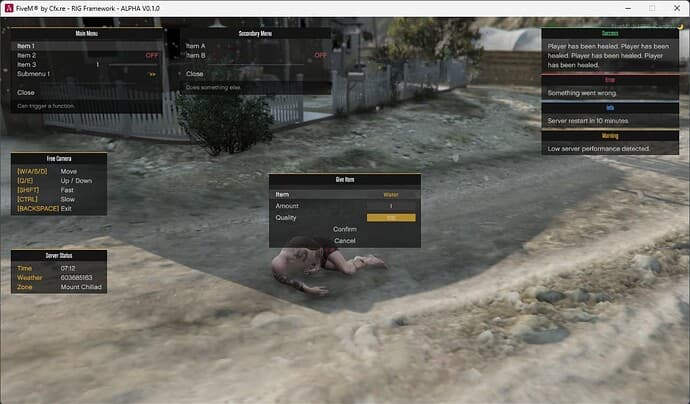
Gallery
Download
Free download (ad supported)
Premium Alternatives
Brauchst du eine produktionsreife Version?
Kostenlose Mods sind ein guter Start. Wenn dein Server mehr Support, sauberere Installation und staerkere Premium-Systeme braucht, wechsle in die Hubs unten.