izzy Loading Screen
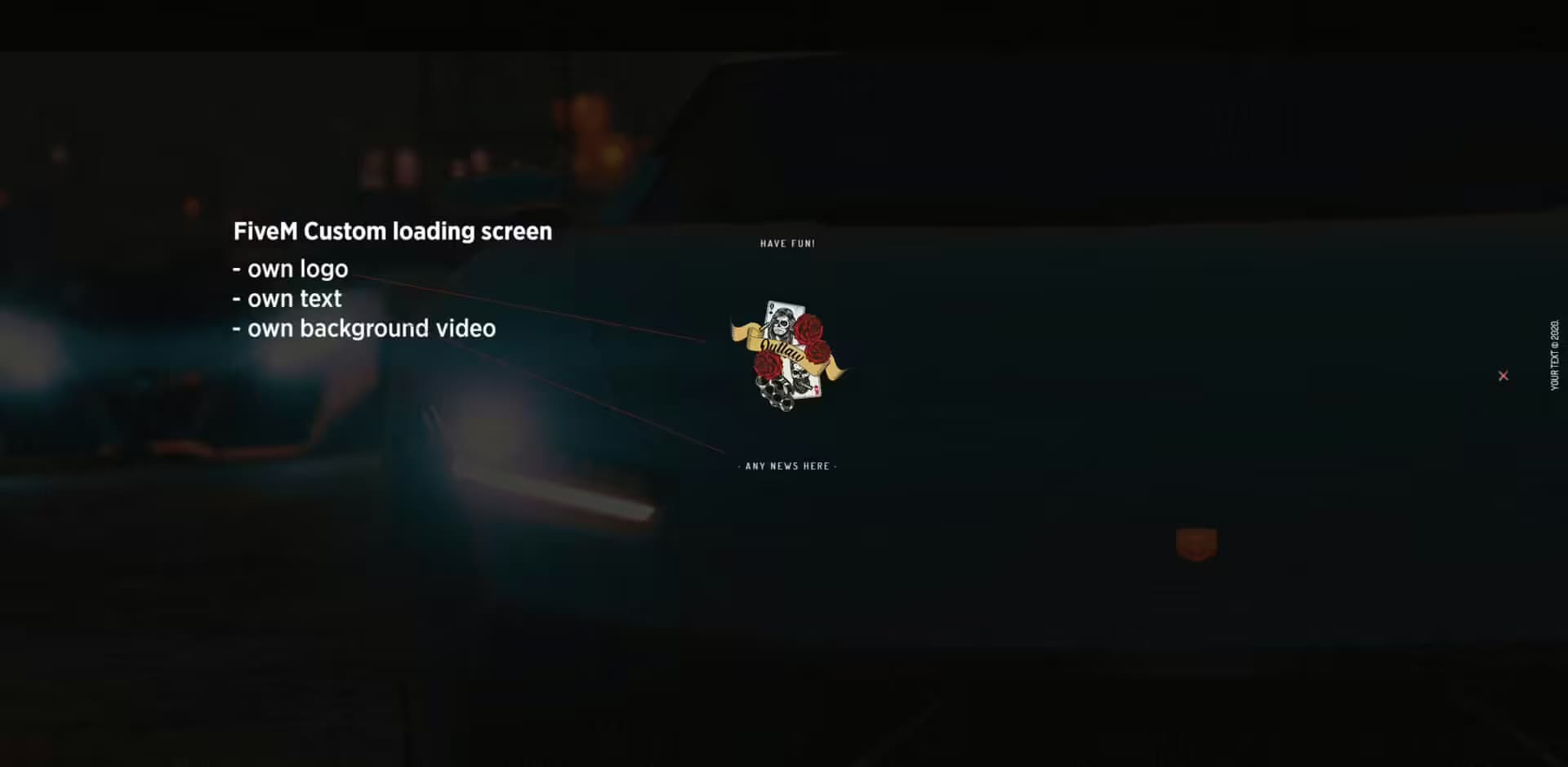
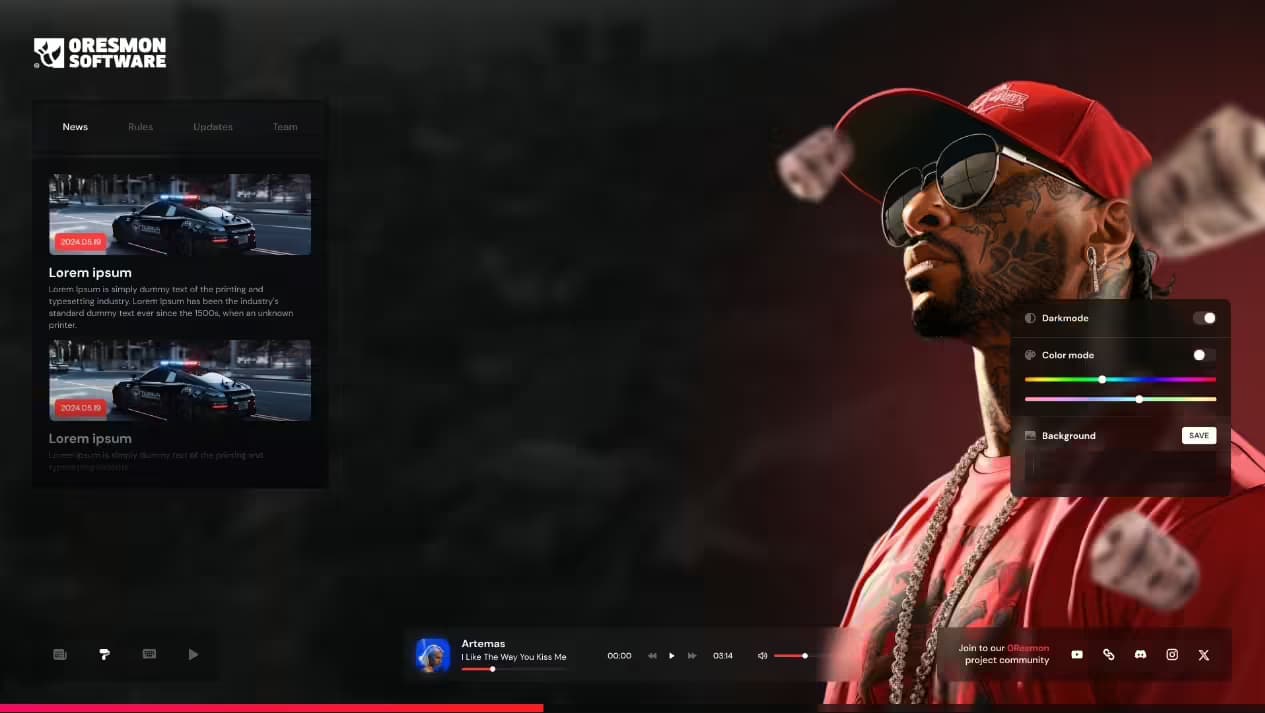
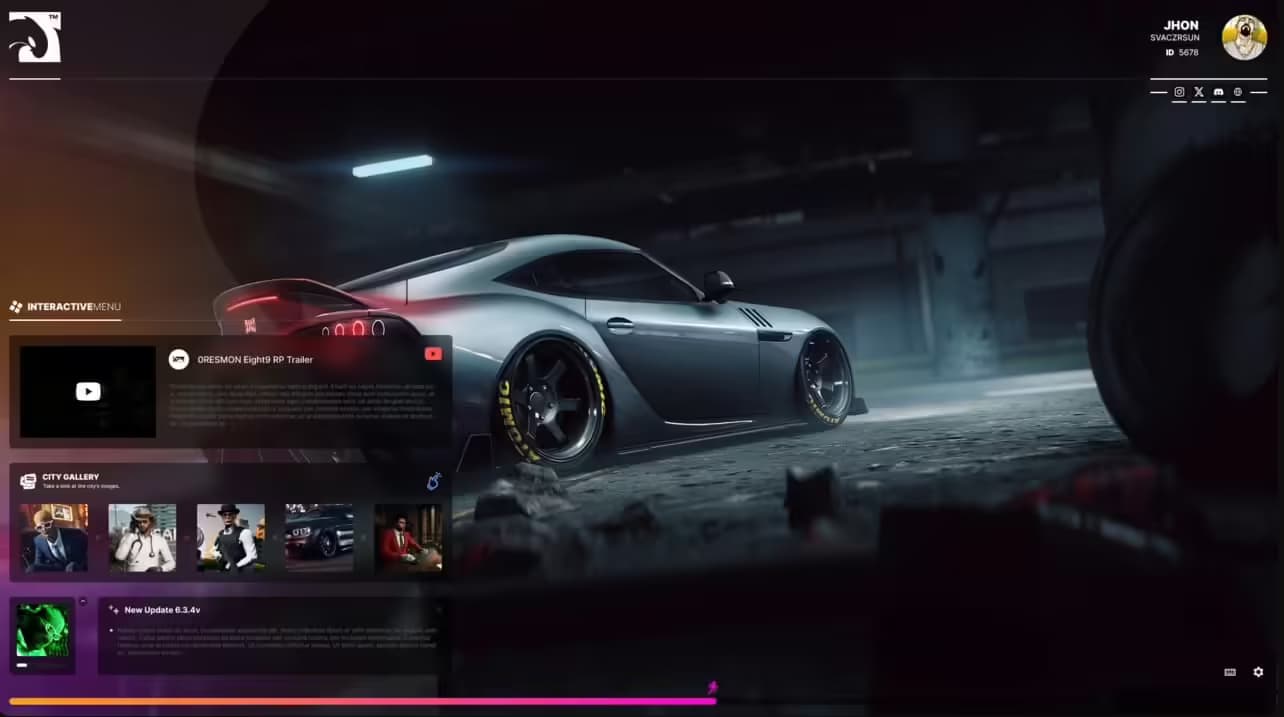
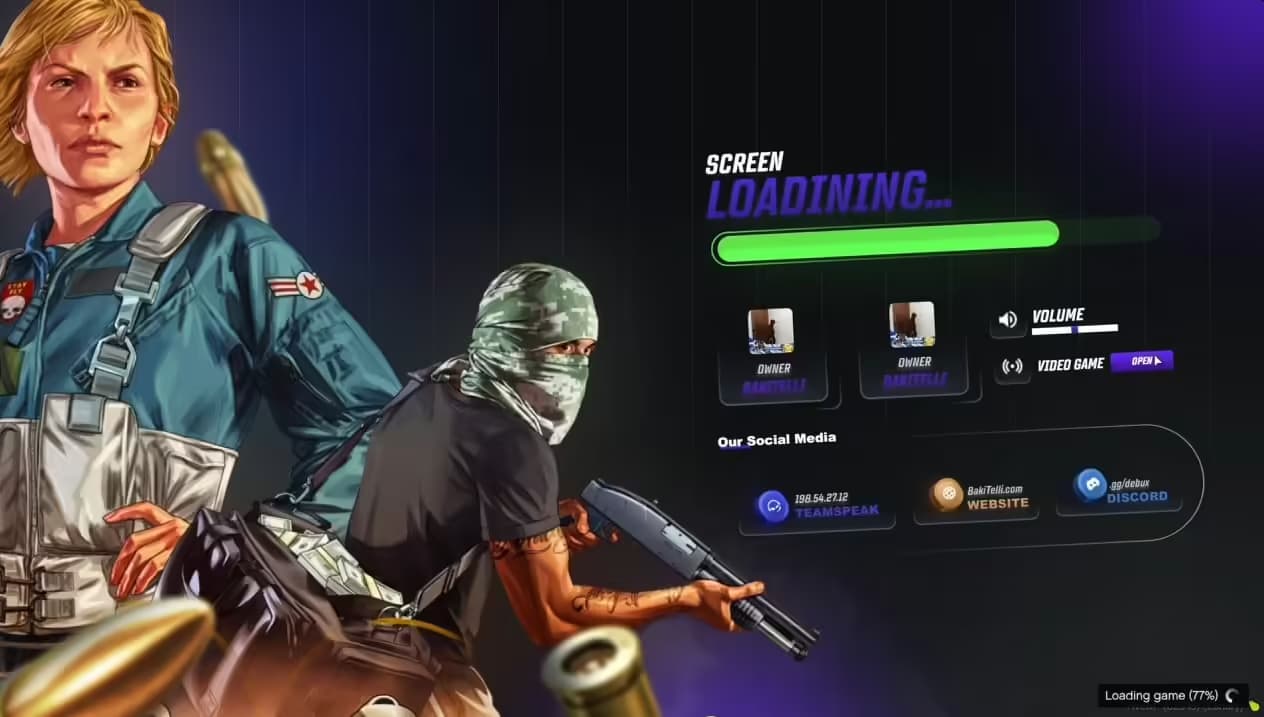
Izzy Loading Screen - Modern, simple and great! Server Gallery : Displays images or videos showcasing the server's environment. Social Media Integration : Quick links to Discord, Instagram, and YouTube. Server Updates : Section for latest updates with images, descriptions, and d
Aperçu vidéo
Click to load video from YouTube. By watching, you agree to their privacy policy.
izzy Loading Screen - Modern Animated First Impression for Your FiveM Server
The izzy Loading Screen transforms your server's first impression with a sleek, fully customizable animated loading experience. In the competitive FiveM server landscape, players form opinions within seconds of connecting - this loading screen ensures those seconds count. With smooth animations, custom branding options, and an intuitive interface, izzy Loading Screen creates a professional welcome that keeps players engaged during connection rather than staring at generic loading bars.
What sets izzy Loading Screen apart is its focus on player experience during those crucial loading moments. Instead of dead air or basic progress indicators, your players see dynamic animations, server information, and branded visuals that communicate your server's quality and personality. The loading screen supports music playback with volume controls, animated backgrounds, and customizable text elements that can display server rules, Discord links, donation information, or rotating tips. It's not just functional - it's an opportunity to build excitement before players even spawn in.
What's Included
The izzy Loading Screen package provides everything you need for a complete loading experience overhaul. You get the core HTML5-based loading screen framework with modern CSS3 animations, JavaScript interactivity for volume controls and dynamic content, and comprehensive configuration files for easy customization. The resource includes pre-designed animation templates you can use immediately or modify to match your server's aesthetic. All assets are optimized for fast loading - because ironically, nobody wants a slow loading screen while they're waiting to load into your server.
Documentation covers every customization option, from changing background images and colors to adjusting animation timings and adding custom server information. The package includes example configurations for different server types (roleplay, racing, freeroam) so you can see professional implementations and adapt them to your needs. Support for both ESX and QBCore frameworks means it integrates seamlessly regardless of your server's foundation.
Key Features
- Fully Animated Interface - Smooth CSS3 animations create visual interest during loading, with customizable transition effects, fade-ins, and dynamic elements that keep players engaged rather than staring at static screens.
- Custom Branding Options - Replace backgrounds, logos, colors, and fonts to match your server identity perfectly. Every visual element can be customized to ensure brand consistency from the moment players connect.
- Music Player with Controls - Built-in audio player supports background music during loading with volume control and mute options, letting players control their experience while waiting to connect.
- Dynamic Server Information - Display rotating tips, server rules, social media links, Discord invites, donation information, or staff announcements through customizable text modules that update automatically.
- Progress Indicators - Multiple progress bar styles show actual loading progress with percentage displays, keeping players informed about connection status rather than leaving them guessing.
- Responsive Design - Works flawlessly across all screen resolutions from 1080p to 4K, with mobile-friendly design for players connecting via remote desktop or streaming setups.
- Lightweight Performance - Optimized asset loading ensures the loading screen itself loads instantly, with compressed images, minified code, and efficient animations that don't delay actual server connection.
- Easy Configuration - Simple config.lua file controls all customization options without touching HTML/CSS code, making it accessible even if you're not a web developer.
- Multi-Language Support - Display loading screen text in multiple languages with easy translation files, perfect for international servers or multilingual communities.
- Social Media Integration - Embed clickable links to your Discord, Twitter, Instagram, TikTok, or website directly in the loading screen, growing your community while players wait.
Perfect For
- Roleplay servers wanting professional branding from the first connection
- Racing communities showcasing sponsor logos and leaderboards
- Freeroam servers displaying rules and VIP perks during loading
- New servers establishing credibility with polished presentation
- Established servers refreshing their visual identity
- Servers with active Discord communities (display invite prominently)
- Donation-supported servers (highlight donation perks)
- Competitive servers (show tournament information or rankings)
Customization Options
The izzy Loading Screen offers extensive customization through an intuitive configuration system. Background customization supports static images, video backgrounds, or animated gradients - choose what matches your server's vibe. The color scheme is fully adjustable with primary, secondary, and accent color controls that apply across all UI elements for consistent branding. Typography customization lets you select from web-safe fonts or import custom fonts via Google Fonts integration.
Animation settings control timing, easing functions, and animation styles for every element. Want faster transitions? Slower fades? Different entrance effects? It's all configurable. The music player supports MP3, OGG, and WAV formats with options for looping, auto-play, and default volume levels. Text content modules can be positioned anywhere on screen with full control over size, color, alignment, and update intervals for rotating content.
Technical Details
- File Size: ~2.5 MB (optimized assets)
- Performance Impact: Zero - runs client-side before server load
- Technology: HTML5, CSS3, JavaScript (no external dependencies)
- Browser Compatibility: All modern browsers (Chrome, Firefox, Edge)
- Asset Formats: PNG, JPG, WebP for images; MP3, OGG for audio
- Configuration: Lua-based config file
- Update Frequency: Regular updates with new templates
Installation
- Download the izzy Loading Screen package and extract to your server resources folder
- Open config.lua and customize colors, text, images, and music to match your server branding
- Replace default background image with your custom image in the /assets folder (recommended: 1920x1080)
- Add your server logo to /assets and update the logo path in config.lua
- Configure loading text, tips, and server information in the text modules section
- Add resource to server.cfg:
ensure izzy-loading - Restart server and test connection to see your new loading screen
- Fine-tune animations, timings, and content based on player feedback
Framework Compatibility
- ✅ ESX Legacy - Full compatibility, no conflicts
- ✅ QBCore - Works perfectly with all QB versions
- ✅ QBOX - Tested and confirmed compatible
- ✅ Standalone - No framework dependency, works with any setup
- ✅ Custom Frameworks - Framework-agnostic design
What Makes It Stand Out
Unlike generic loading screens that just show a logo and progress bar, izzy Loading Screen treats the loading experience as part of your server's storytelling. The animations aren't just eye candy - they're carefully designed to reduce perceived wait time through visual engagement. Studies show animated loading screens make waits feel 20-30% shorter than static screens showing identical progress.
The customization depth lets you create something truly unique rather than using the same template as dozens of other servers. Want a cyberpunk aesthetic with neon animations? Corporate clean with subtle transitions? Vintage GTA with retro styling? The tools are there to build whatever matches your vision. And because everything runs client-side during connection, there's zero impact on server performance or player experience once they're in-game.
Common Use Cases
Roleplay Servers: Display character creation tips, server lore snippets, or faction information during loading. Show rulebook highlights so players start informed. Include Discord verification reminders or whitelist application status.
Racing Servers: Feature current leaderboards, track records, or upcoming race schedules. Showcase sponsor logos and partner servers. Display new vehicle additions or track updates.
Freeroam Servers: Highlight VIP perks, donation tiers, or premium features. Show recent updates, new areas, or events. Feature community screenshots or player achievements.
Custom/Experimental Servers: Use the loading screen to explain unique mechanics, special features, or gameplay differences that set your server apart. First-time player orientation starts before spawn.
Support and Updates
Purchase includes access to regular updates with new animation templates, features, and optimization improvements. The development team actively maintains the resource with bug fixes and compatibility updates for new FiveM versions. Community-requested features are regularly added based on user feedback.
Pro Tips
- Keep background images under 1MB for fast loading - compress with TinyPNG
- Use WebP format for images (40% smaller than JPG with same quality)
- Test loading screen at different resolutions to ensure readability
- Rotate tips/messages every 5-7 seconds for optimal engagement
- Include a Join our Discord call-to-action with clickable link
- Update loading screen content regularly to keep it fresh for returning players
- Use music that matches your server theme but isn't too loud (default 30% volume)
- Display actual useful information rather than filler text