Kostenlos
vMenu Download – FiveM Admin Menu Tool
Beschreibung
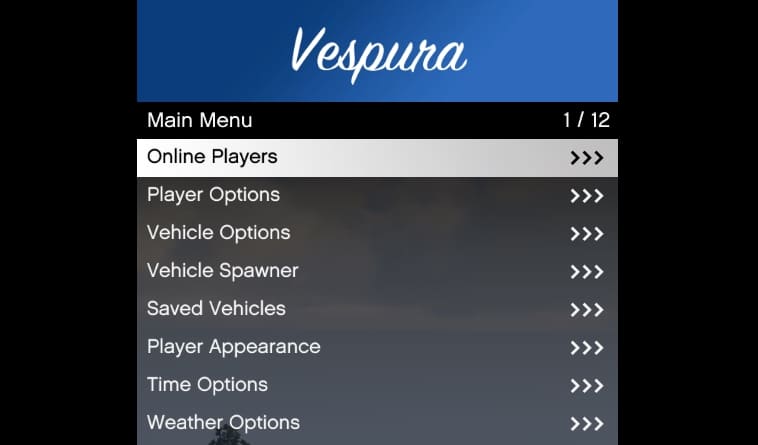
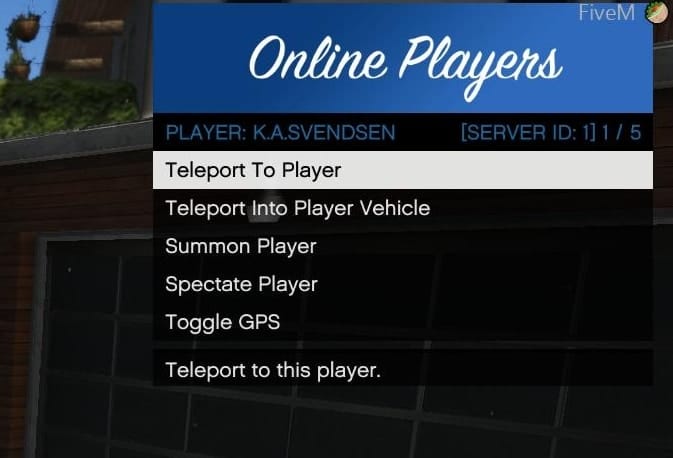
vMenu is a dynamic, server-sided menu/trainer for FiveM. It includes permissions and configuration support, making it a great tool for server owners. With vMenu, you can adjust the menu to meet your specific needs, ensuring that players have access only to the features you want to allow.
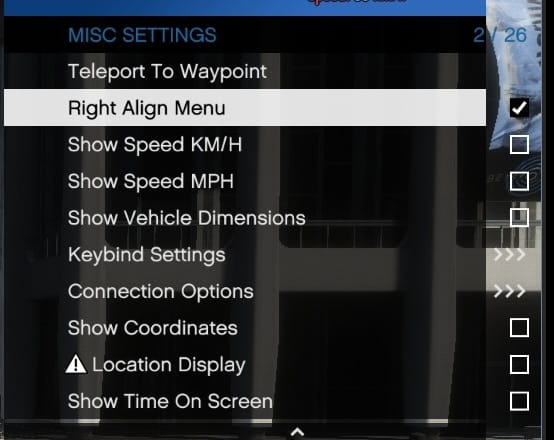
Manage player options, customize vehicles, or tweak miscellaneous settings – vMenu offers a range of functionalities that make it a must-have for any FiveM server.
About vMenu
This admin-tool was created to offer server administrators a versatile and powerful tool to manage player privileges and server settings. Key features include:
- Player Options: Includes god mode, healing, health setting, wanted level adjustments, weapon and ped spawning/customization, and more.
- Character Customization: Advanced multiplayer character customization, with the ability to save and spawn as a custom character upon server join.
- Vehicle Options: Extensive vehicle customization options including saving vehicles.
- Developer Tools: Offers additional tools for server developers.
- Permissions and Configuration: Full support for custom permissions and configuration settings.
Download
Installation Instructions
Manual Installation
- Download the latest version of vMenu
- Extract the downloaded ZIP file.
- Place the folder in your server’s
resourcesdirectory. - Add
start vMenuto your server configuration file (server.cfg). - Configure permissions and settings as needed by editing the
permissions.cfgfile in the resource folder.
ZAP Hosting One-Click Installation (easy)
- Get a FiveM server from ZAP Hosting.
- Use the one-click installer from the control panel.
For detailed installation steps, check out the vMenu installation documentation.
Installation Video
Compatibility
Compatible with all current FiveM server builds. However, for the best performance and to avoid compatibility issues, it’s recommended to use it with the latest stable release of FiveM.
FAQ
What is this menu?
vMenu is a server-sided admin menu (trainer) for FiveM. It allows server owners to manage player permissions, customize vehicles, and adjust various settings to enhance the gameplay experience on their servers.
What can I do with it?
Player Options: Manage god mode, healing, health, wanted level, weapon and ped spawning/customization, and more.
Character Customization: Create and save custom characters to use when joining the server.
Vehicle Options: Customize and save vehicles.
Developer Tools: Access additional tools for server developers.
Permissions and Configuration: Set custom permissions and configuration settings.
How to install vMenu?
1. Download the latest version here
2. Extract the downloaded ZIP file.
3. Place the folder in your server’s resources directory.
4. Add start to your server.cfg file.
Using Permissions: Edit the permissions.cfg file in the vMenu folder to set your permissions and settings.
If you want to use Permissions, there is a video tutorial
Is there an installation video?
Yes, you can watch the installation video here.
Is vMenu working with ESX / QBCore?
Yes. You don’t need a specific framework – it’s a standalone resource.
Credits and Acknowledgments
- Developer: Vespura
- Contributors: Thanks to all contributors in the GitHub repository.
Support and Updates
For documentation and updates, refer to the GitHub repository and the documentation (official link)
Looking for more exciting mods? Check out our free FiveM mods and explore the best MLO and scripts.