UM Loading Screen (with Minigame)
Features On the loading screen, the user sees their own steam information {Steam Web API} Minigame Background Video {Youtube API} Snow effect Flexible config
Video Preview
Click to load video from Streamable. By watching, you agree to their privacy policy.
UM Loading Screen with Minigame - Interactive Server Loading Experience
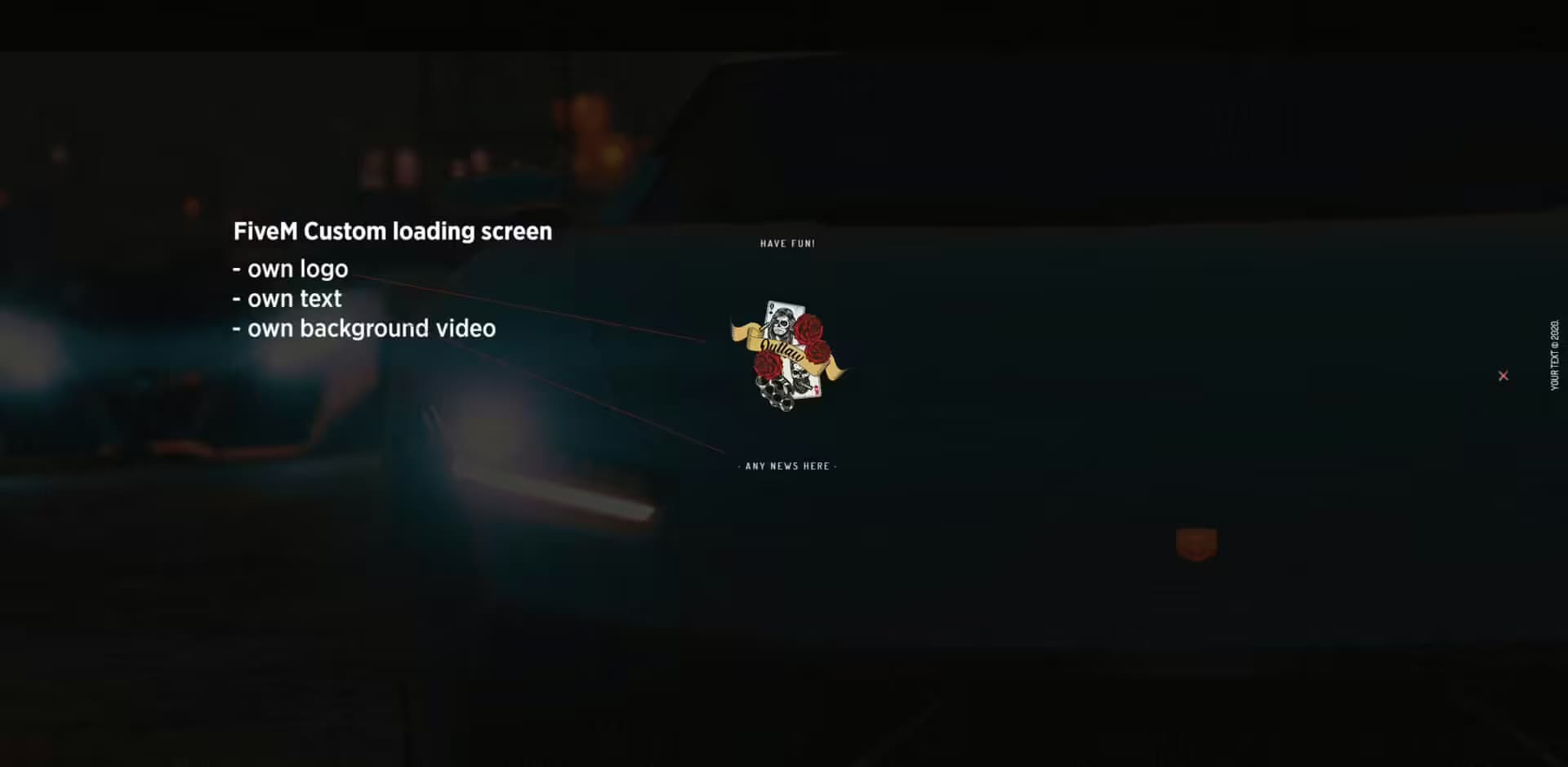
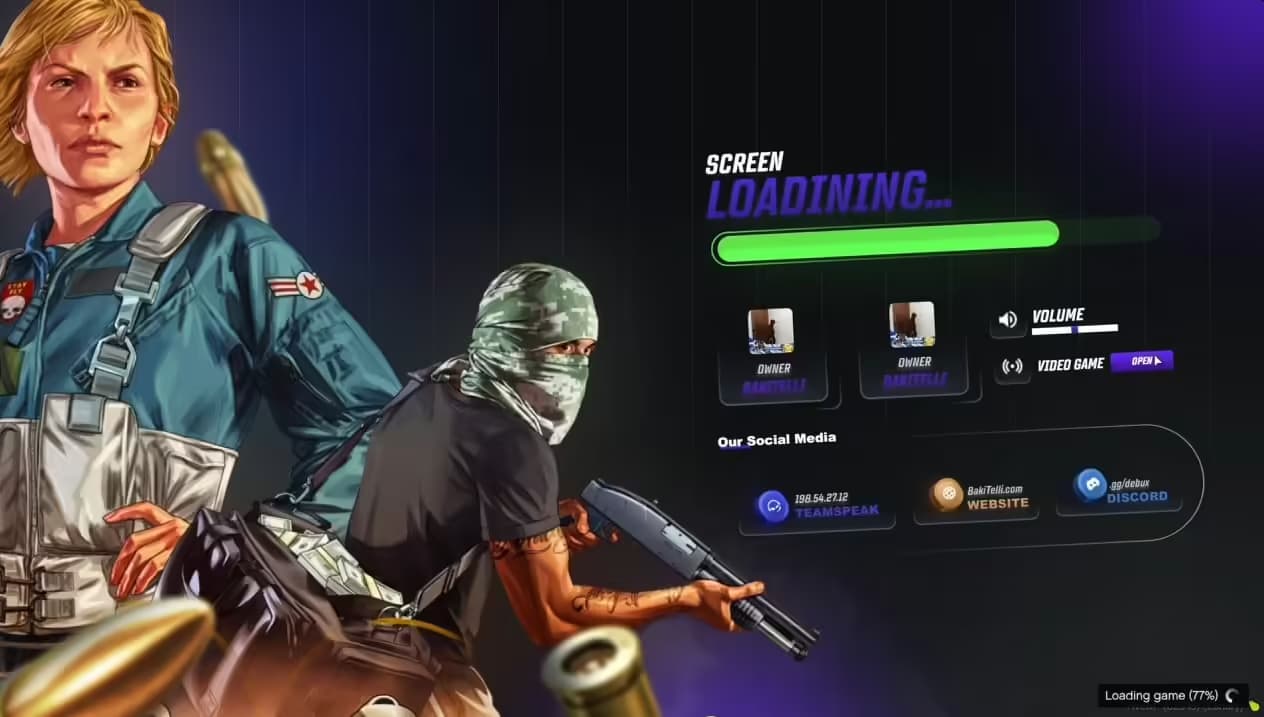
Transform boring connection wait times into engaging player experiences with an interactive loading screen featuring built-in minigames. UM Loading Screen keeps players entertained during server connection and resource loading, reducing perceived wait times and creating positive first impressions. The minigame integration turns necessary downtime into fun moments that set the tone for your server's quality and creativity.
What's Included
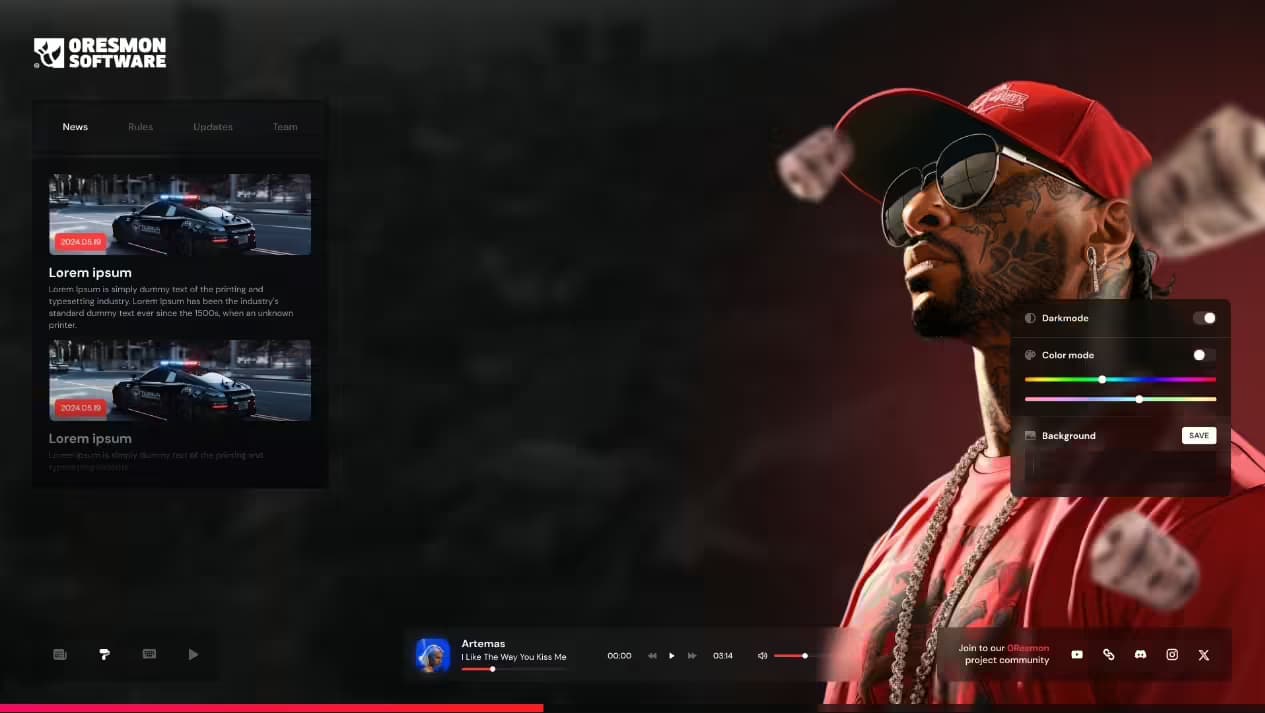
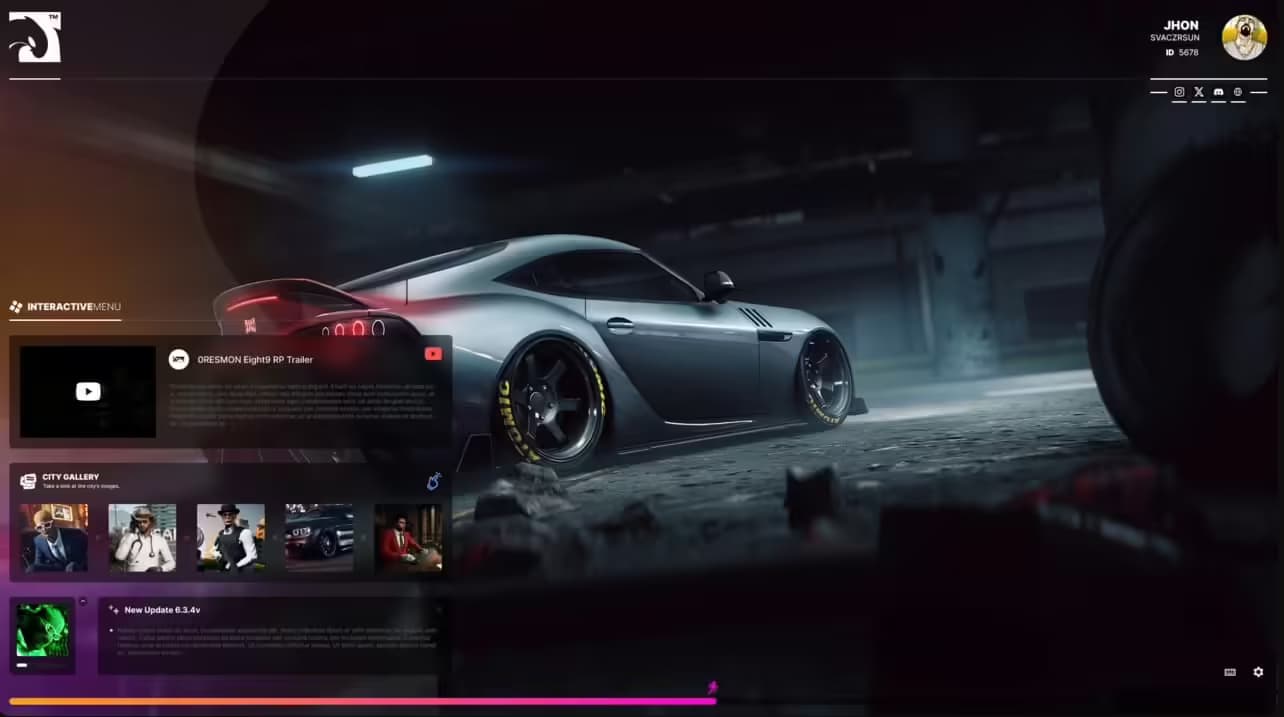
A fully customizable loading screen system with integrated minigame functionality, server information displays, music player options, progress indicators, and visual branding elements. Players arriving on your server see professional presentation with interactive entertainment during the connection process. The system supports custom backgrounds, music playlists, server rules display, and social media links alongside the minigame features.
Key Features
- Interactive Minigame - Built-in game keeps players engaged during loading times
- Custom Branding - Full visual customization with logos, colors, and backgrounds
- Music Player - Background music or playlists enhance the waiting experience
- Server Information - Display rules, Discord links, website, and social media
- Progress Tracking - Real-time loading percentage and status updates
- Responsive Design - Adapts to different screen resolutions and aspect ratios
- Message Rotation - Cycling server tips, news, or announcements during loading
- Social Links - Clickable buttons for Discord, website, forums, donations
- Performance Optimized - Lightweight HTML/CSS/JS implementation
- Easy Customization - Simple configuration files for quick setup
Perfect For
- Servers wanting professional first impressions for new players
- Communities with longer loading times due to custom resources
- Servers needing to communicate rules during connection
- Communities building brand identity and recognition
- Servers wanting to reduce alt-tab during loading
- Networks promoting Discord or community platforms
Minigame Entertainment
The integrated minigame provides simple, engaging gameplay during server connection. Players can interact directly within the loading screen, playing quick games that pass time during resource downloads. The minigame is designed to be instantly understandable and playable with mouse or keyboard controls. High scores can be displayed, creating friendly competition even before players spawn in-game. The entertainment factor significantly reduces perceived loading times and connection abandonment.
Customization Options
Visual Branding - Upload custom background images, server logos, color schemes matching your brand, and font selections for cohesive presentation.
Content Display - Configure server rules, staff lists, feature highlights, community announcements, and rotating tips that inform new players.
Audio Elements - Add background music tracks, create playlists, set volume controls, and provide mute options for player choice.
Social Integration - Link Discord servers, websites, donation pages, social media profiles, and community forums directly from the loading screen.
Technical Details
- Technology Stack - HTML5, CSS3, JavaScript for cross-platform compatibility
- File Size - Lightweight implementation for fast initial loading
- Dependencies - None required beyond standard FiveM loading screen support
- Browser Compatibility - Works across all modern browsers and FiveM client
Installation
- Download and extract UM Loading Screen files
- Customize config file with server name, logo URLs, and branding colors
- Add background image and music files to asset folders
- Configure server information, rules, and social media links
- Set up message rotation with tips and announcements
- Add the loading screen resource to server.cfg
- Set as active loading screen in server configuration
- Test connection to verify appearance and functionality
- Adjust timing and content based on actual loading durations
Framework Compatibility
- ✅ ESX - Works with all ESX versions
- ✅ QBCore - Compatible with QB-Core servers
- ✅ QBOX - Functions with QBOX frameworks
- ✅ Standalone - Universal compatibility with any server setup
- ✅ All Frameworks - Loading screens are framework-independent
What Makes It Stand Out
Most loading screens are static displays that bore players during connection waits. UM Loading Screen's minigame integration fundamentally changes this experience by giving players something to do instead of staring at progress bars. The interactive element keeps players engaged and entertained, dramatically reducing tab-away rates and connection abandonment. First-time visitors get immediately positive impressions - this server has a game in the loading screen! - setting expectations for quality and creativity throughout the server experience.
Reducing Perceived Wait Time
Psychological studies show engaged users perceive time passing faster than idle users. The minigame leverages this principle, making 30-second connection times feel shorter through active engagement. Players focus on gameplay rather than watching progress bars, arriving in-game feeling entertained rather than frustrated by wait times. This psychological advantage particularly benefits servers with extensive custom resources requiring longer initial loads.
First Impression Impact
Your loading screen is literally the first thing every player sees when joining your server. A professional, interactive loading experience immediately communicates quality and care. Players form instant judgments about server professionalism based on loading screen presentation. Investing in quality loading screens pays dividends in player retention and community reputation. The minigame feature specifically demonstrates innovation and player-first thinking that attracts quality community members.
Information Communication
Beyond entertainment, loading screens provide crucial opportunity to communicate with new players before they spawn. Display essential rules preventing common violations, highlight unique server features differentiating your community, promote Discord or forums for community engagement, share donation information for server support, and announce current events or updates. Rotating messages ensure important information reaches players even with repeated connections.
Music Enhancement
Background music significantly enhances loading screen atmosphere. Choose tracks matching your server theme - ambient electronic for futuristic servers, classic rock for retro themes, chill beats for relaxed communities. Music creates emotional connections and memorable experiences. Volume controls and mute options respect player preferences while providing enhanced experience for those who enjoy it. Playlists prevent repetition for players connecting multiple times.
Social Media Integration
Loading screens are prime real estate for promoting community platforms. Clickable Discord buttons drive server joins, website links direct traffic to forums and news, social media icons build follower counts across platforms, and donation buttons support server funding. The captive audience during loading ensures promotional content gets seen, unlike in-game announcements that may be ignored during active gameplay.
Progress Tracking
Real-time loading progress keeps players informed about connection status. Percentage indicators show concrete progress, status messages explain current loading stages (Loading scripts..., Downloading assets...), and estimated time remaining manages expectations. Transparency about loading process reduces anxiety and prevents unnecessary disconnections from impatient players thinking connection has frozen.
Message Rotation System
Cycling messages during loading prevent monotony for repeat connections. Rotate between server tips (Use /help for command list), feature highlights (Try our custom racing system!), rule reminders (RDM results in ban), community news (Double XP weekend!), and motivational messages. The variety ensures fresh content even for regular players connecting daily.
Mobile Responsiveness
The responsive design ensures perfect presentation across all screen sizes and aspect ratios. Ultrawide monitors, standard 16:9 displays, and even unusual resolutions all receive properly formatted loading screens. Elements scale appropriately, text remains readable, and the minigame functions across different input devices. Universal compatibility prevents broken experiences on edge-case hardware configurations.
Maintenance and Updates
Loading screen content can be updated without server restarts in many implementations. Change announcements, update social links, refresh background images, and swap music tracks simply by editing files. This flexibility allows seasonal themes, event promotions, and timely announcements without disrupting server operation. Regular updates keep loading screen content fresh and relevant.