CodeM mMultichar — Advanced Multi-Character System
Premium multi-character selection screen for FiveM by CodeM — supports ESX and QBCore with a sleek, fully animated UI.
Video Preview
Click to load video from YouTube. By watching, you agree to their privacy policy.
CodeM mMultichar Remake
mMultichar Remake is a professional multi-character system for FiveM servers by CodeM — one of Rockstar/CFX.re's officially verified script developers. Give your players an immersive, cinematic character selection experience right from the moment they join your server.
Features
- Multi-character support — players can create, manage, and switch between multiple characters per account
- Beautiful animated UI — modern, sleek character selection screen with smooth transitions
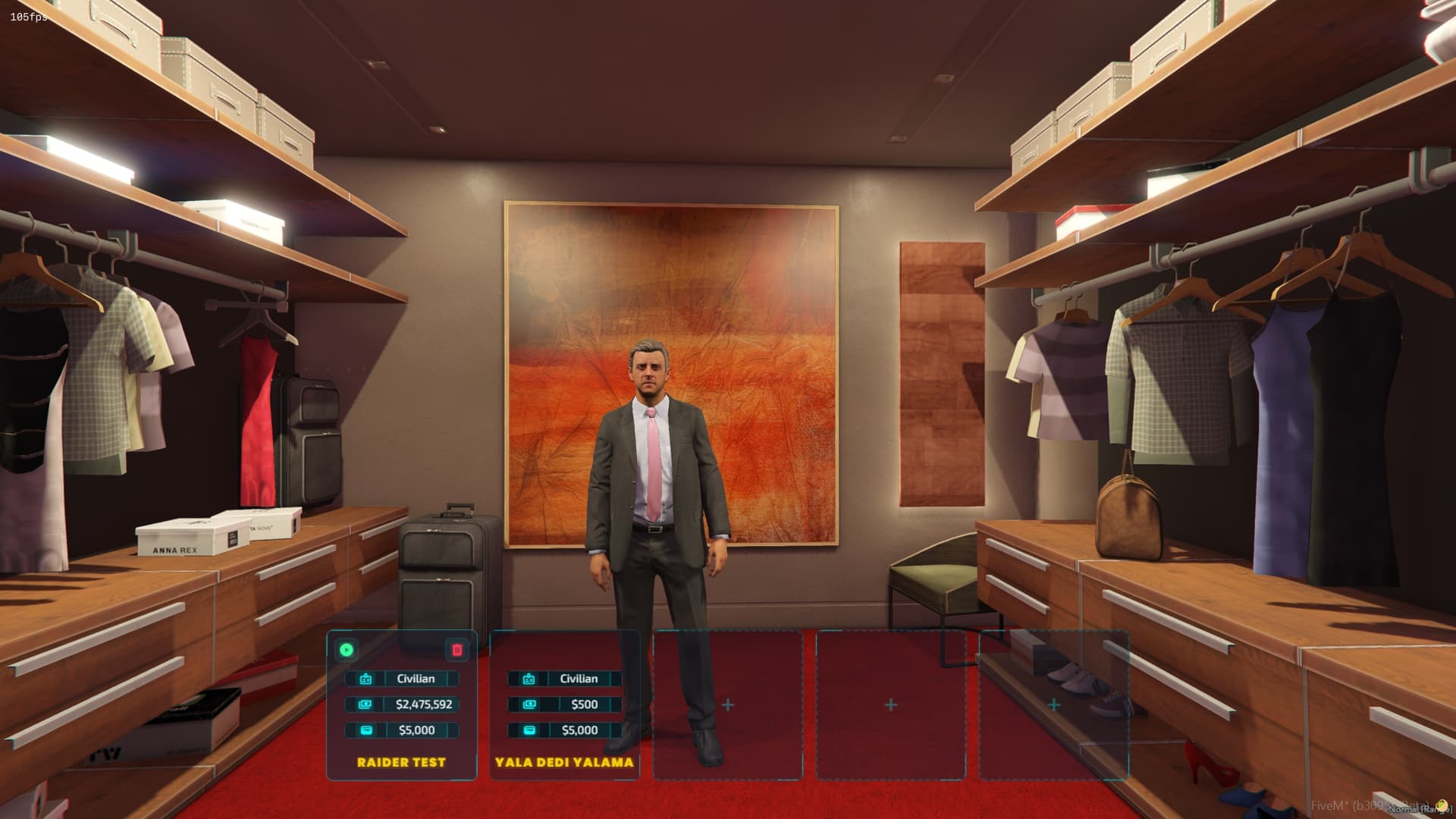
- Character preview — 3D model preview of each character directly on the selection screen
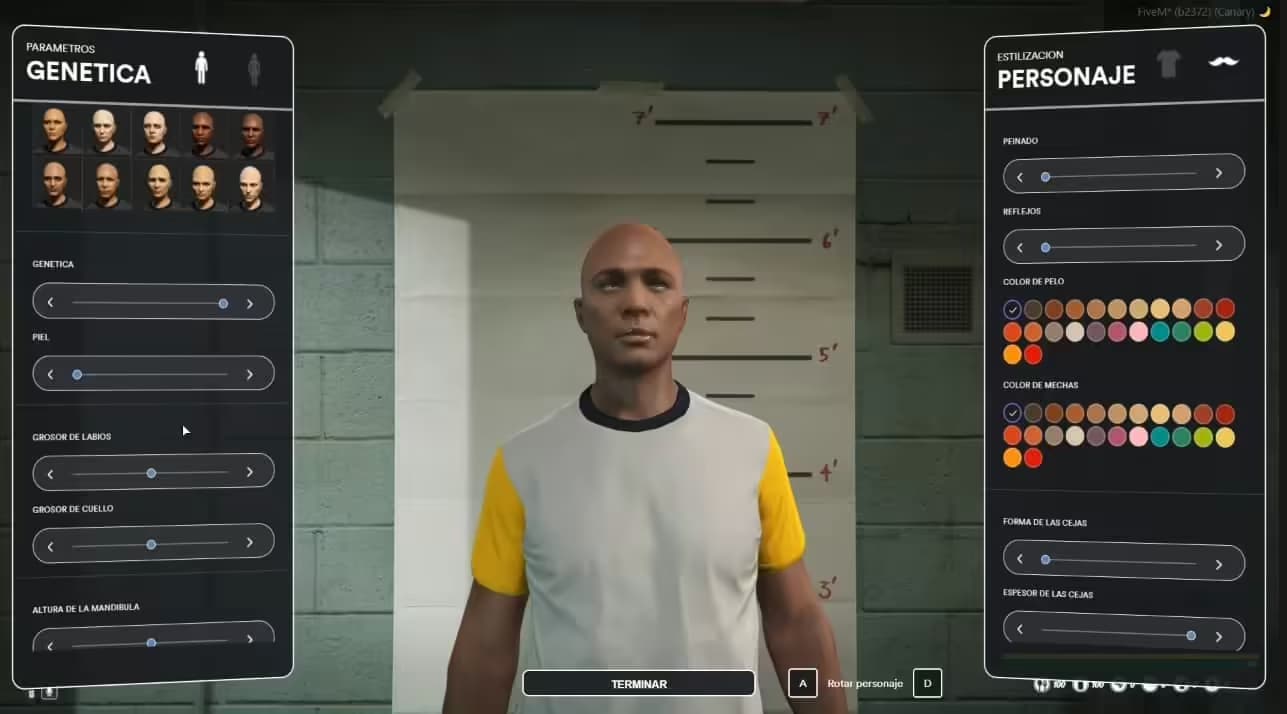
- Character creation wizard — integrated character creation flow (name, appearance, etc.)
- Character deletion — safely remove characters with confirmation prompts
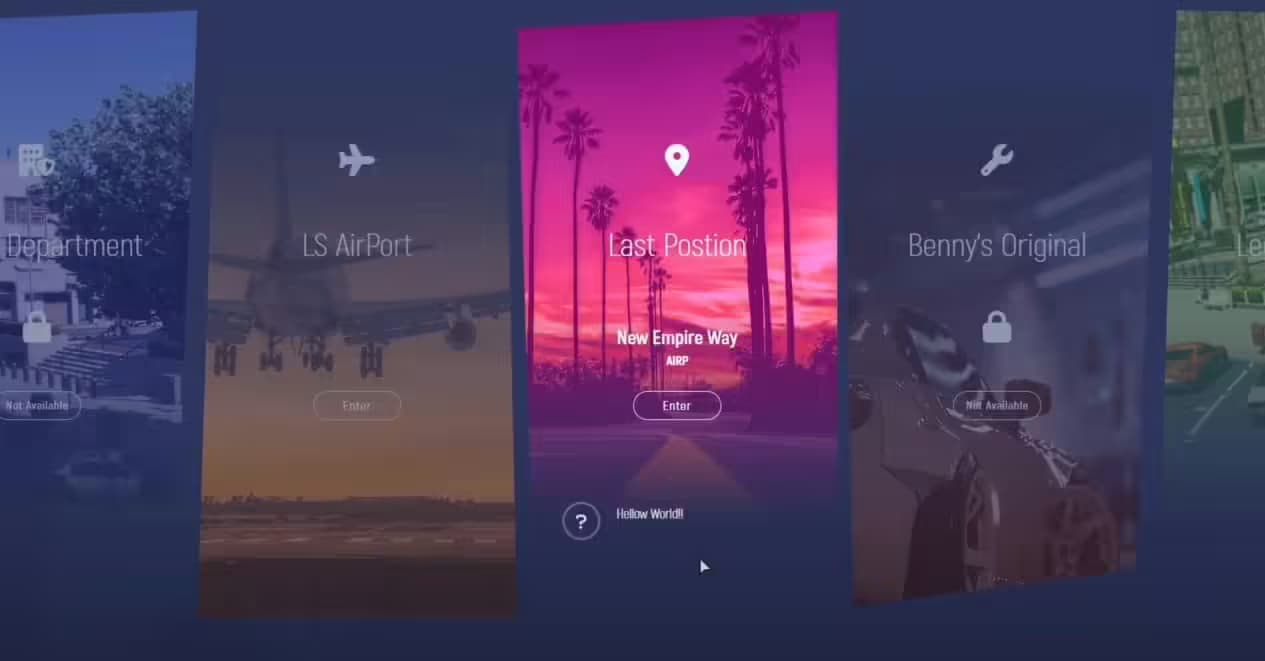
- Last location spawn — return players to where their character last logged out
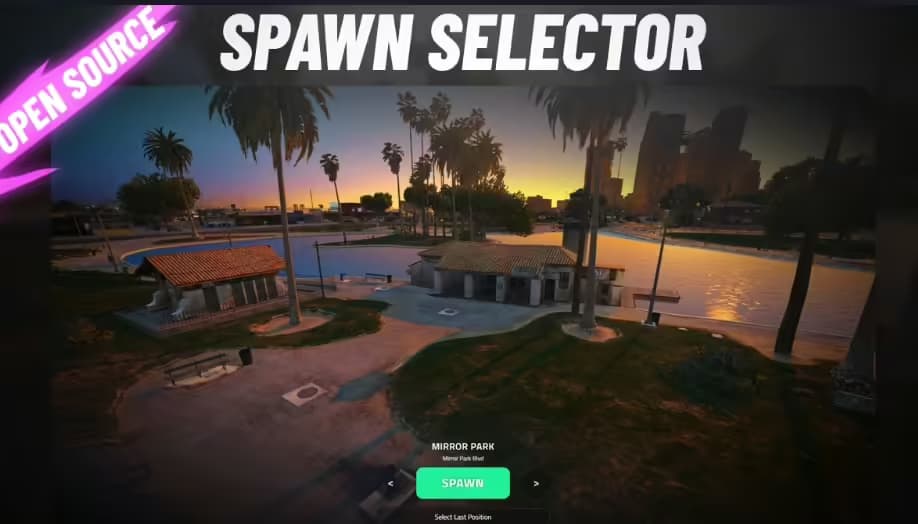
- Custom spawn points — configurable per-character or global spawn positions
- Character info display — shows character name, job, and other metadata on the selection screen
- Max character slots — fully configurable maximum characters per player
- ESX & QBCore compatible — native support for both major FiveM frameworks
- Optimized performance — lightweight client-side resource, minimal server tick overhead
- Easy configuration — single config file for all settings
- Full source code — no obfuscation, open and editable
What's Included
codem-multicharacter/FiveM resource (client, server, NUI files)config.lua— all configuration options- SQL file for database setup
- Full documentation via CodeM GitBook
Compatibility
| Framework | Supported | |-----------|-----------| | ESX | Yes | | QBCore | Yes | | Standalone | No (requires framework) |
Requirements
- ESX Framework or QBCore Framework
- ox_lib (recommended for UI notifications)
- MySQL/MariaDB database
Installation
1. Add the resource to your server's resources/ folder 2. Import the included SQL file into your database 3. Configure config.lua to match your framework and preferences 4. Add ensure codem-multicharacter to your server.cfg 5. Restart your server
Full installation guide available at: [CodeM Documentation](https://codem.gitbook.io/codem-documentation/m-series/essentials/mmultichar-remake)