CodeM mSpawnSelector — Spawn Location Picker
Premium spawn selector UI for FiveM with ESX & QBCore support, apartment system integration, last-position saving, and a fully customisable Vue.js interface.
CodeM mSpawnSelector
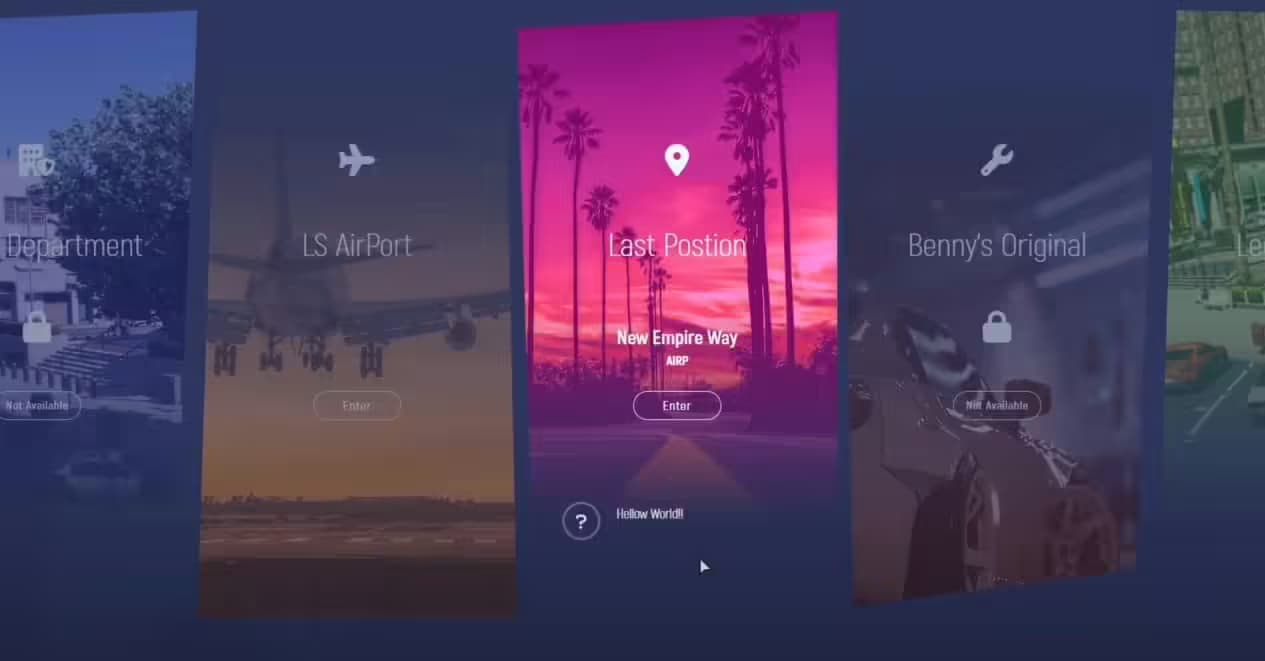
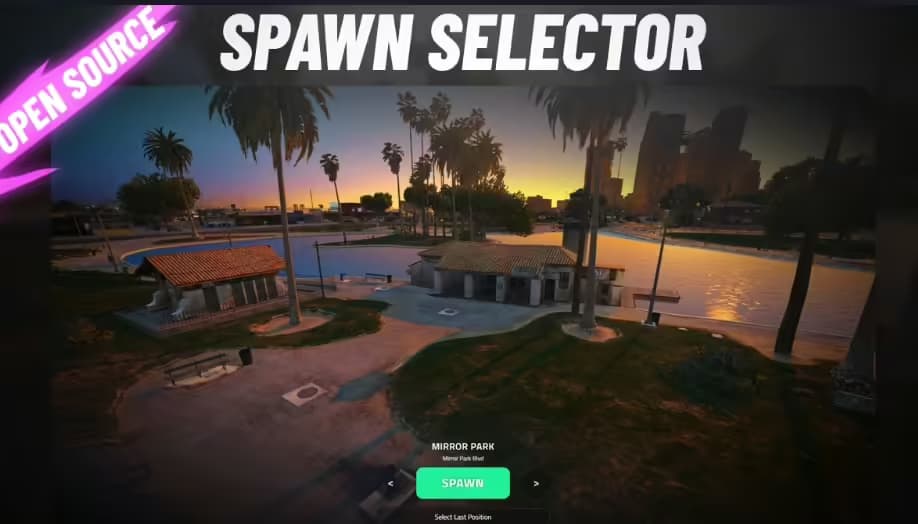
mSpawnSelector is a premium, production-ready spawn selection script for FiveM by CodeM. Built with a sleek Vue.js/Vuex-powered NUI interface and the Gilroy/Proxima Nova font stack, it gives players an elegant way to choose their spawn location every time they join the server.
Features
- Multi-framework support — ESX and QBCore out of the box, with a
FrameworkCustomNameoption for custom frameworks - Apartment system integration — automatically detects the player's apartment and offers it as a spawn option
- SQL last position — optional
SQLLastPositionflag saves the player's last known position and offers it as a respawn point - Fully configurable spawn locations — add as many custom locations as you like via
spawn_locations.sql(airport, Sandy Shores sheriff, Pink Cage, and more included as examples) - Custom background — swap
bg-default.pngfor any image to brand the selector to your server - Profile picture support — displays the player's Steam or Discord avatar (
ppTypeconfig) - Welcome message — configurable per-server greeting shown in the UI
- Version checker — built-in update notifier so you never run an outdated build
- Escrow-free config —
config.lua,config_server.lua,cl_framework.lua, andsv_framework.luaare all open and editable - Lua 5.4 compatible — declared in
fxmanifest.luafor best performance
What's Included
config.lua— full client-side configuration (framework, apartment toggle, UI settings)config_server.lua— server-side configurationclient/cl_main.lua+client/cl_framework.lua— client logicserver/sv_main.lua+server/sv_framework.lua— server logichtml/— complete NUI frontend (Vue 3, Vuex, SCSS, custom fonts)spawn_locations.sql— SQL file with example spawn points ready to importfxmanifest.lua— FiveM resource manifest (version 1.5)
Compatibility
| Framework | Supported | |-----------|----------| | ESX | Yes | | QBCore | Yes | | Custom | Yes (via config) |
Dependencies: /assetpacks (standard FiveM asset pack), MySQL/oxmysql for SQL last position
Installation
1. Import spawn_locations.sql into your database 2. Drop m-spawnselector into your resources folder 3. Add ensure m-spawnselector to server.cfg 4. Set Config.Framework to esx or qbcore in config.lua 5. Configure spawn locations, apartment toggle, and welcome message to taste 6. Restart server — done
> Full source config files are escrow-free and ready to customise.