r4 HUD (ESX)
Transform your ESX server's user interface with r4 HUD, a sleek modern HUD system featuring minimalist design, smooth animations, and customizable elements.
Pré-visualização em Vídeo
Click to load video from YouTube. By watching, you agree to their privacy policy.
r4 HUD (ESX) - Modern Minimalist Interface
Transform your ESX server's user interface with r4 HUD, a sleek modern HUD system featuring minimalist design, smooth animations, and customizable elements. This comprehensive HUD replacement provides players with essential information - health, armor, hunger, thirst, stamina, stress, and more - in a clean, unobtrusive interface that enhances immersion rather than cluttering the screen. Perfect for servers wanting a professional, contemporary look that players love.
What's Included
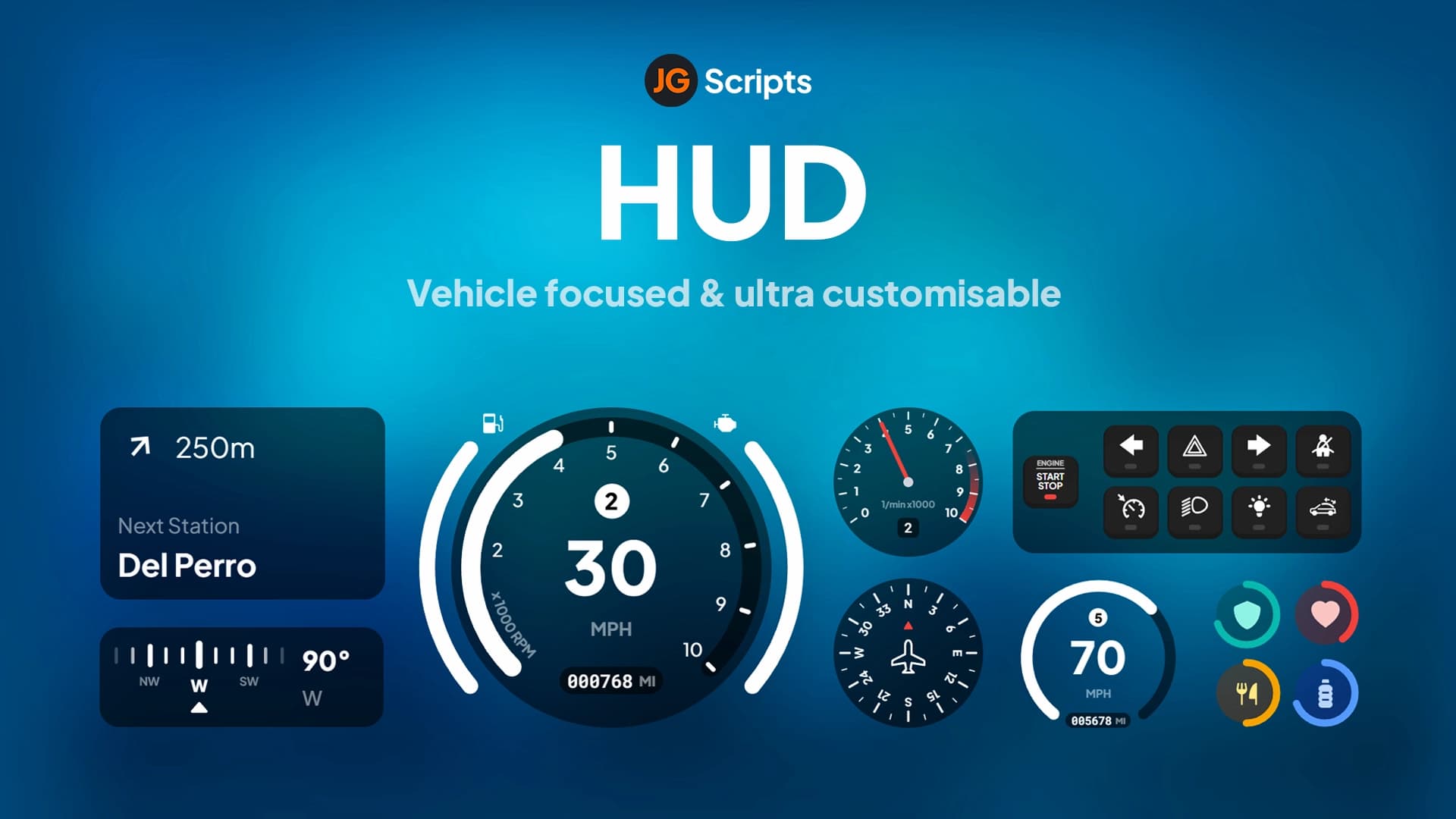
The r4 HUD system includes status displays for all vital player stats, a speedometer with vehicle information, minimap enhancements, customizable positioning and styling options, smooth fade-in/fade-out animations, and optimized performance. The HUD adapts to different scenarios - it shows relevant information when needed and hides when not in use. Color-coded elements provide at-a-glance status understanding, while the minimalist approach keeps the screen clean for maximum visibility.
Key Features
- Minimalist Design - Clean interface that doesn't obstruct gameplay
- Status Indicators - Health, armor, hunger, thirst, stamina, stress displays
- Vehicle Speedometer - Speed, fuel, and vehicle information when driving
- Smooth Animations - Fade effects and transitions for professional feel
- Customizable Colors - Adjust colors to match server branding
- Optimized Performance - Lightweight with minimal FPS impact
- Adaptive Display - Shows/hides elements based on context
- ESX Integration - Works seamlessly with ESX status systems
Perfect For
- ESX servers wanting modern, professional interfaces
- Servers prioritizing clean, uncluttered visuals
- Communities focused on immersive roleplay
- Servers with branding requiring custom color schemes
- Players who prefer minimalist UI design
Technical Details
- Framework: ESX (ES Extended) required
- Performance: 0.00-0.01ms typical resource usage
- Dependencies: ESX status system for hunger/thirst
- Customization: Config file for colors and positioning
- Compatibility: Works with most ESX resources
Installation
- Download r4 HUD from your purchase
- Extract to server resources directory
- Configure colors and positions in config file
- Add ensure r4_hud to server.cfg
- Remove or disable old HUD resources
- Restart server and verify HUD displays correctly
Framework Compatibility
- ✅ ESX - Designed specifically for ESX framework
- ❌ QBCore - Requires ESX-specific features
- ⚠️ Modifications - Can be adapted for other frameworks with coding
What Makes It Stand Out
The r4 HUD proves that less is more. Instead of flashy, distracting elements, it provides exactly the information players need in a format that enhances rather than interrupts gameplay. The animations feel polished and professional, creating a premium experience. The minimalist philosophy means players focus on roleplay and action, not cluttered UI elements. Customization options let you match the HUD to your server's visual identity while maintaining the clean aesthetic. It's the kind of HUD players don't notice until it's gone - which is exactly what good interface design should be.
https://www.youtube.com/watch?v=OA6yVC5IN-U