CodeM mBlackmarket — Underground Trading System
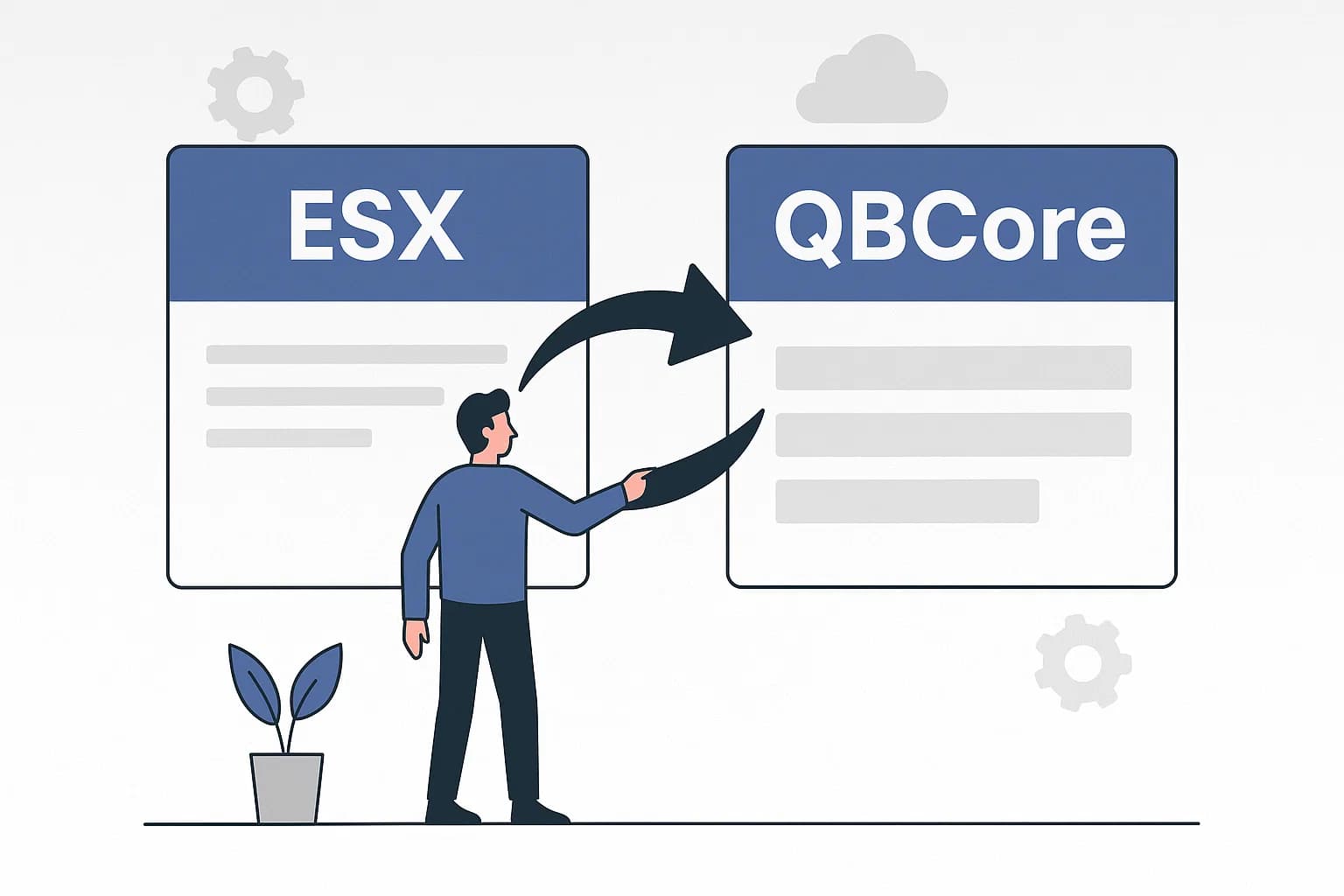
A fully-featured illegal black market script for FiveM — let players buy restricted weapons, drugs, and contraband through a hidden underground shop. Supports ESX and QBCore.
Pré-visualização em Vídeo
Click to load video from YouTube. By watching, you agree to their privacy policy.
CodeM mBlackmarket — Illegal Underground Shop for FiveM
Bring the criminal underworld to life on your FiveM server with CodeM mBlackmarket, a premium black market script from the renowned CodeM M-Series. Players can access a hidden illegal shop through a configurable NPC interaction point, browsing and purchasing restricted items that would never appear in a legal store — weapons, drugs, bomb materials, and more.
Designed with the same polished UI and robust configuration system that defines the entire CodeM M-Series, mBlackmarket integrates seamlessly into any ESX or QBCore server economy.
Features
- Illegal Item Shop — Fully configurable list of black market items including weapons, drugs, materials, and contraband
- Categorized Item Browser — Items organized into categories for easy browsing and filtering
- NPC Interaction — A configurable PED NPC spawns at the black market location; approach to open the shop interface
- Map Blip Support — Optional map blip to mark the location (toggle on/off per server style)
- ESX & QBCore Support — Works with both major FiveM frameworks out of the box
- Inventory Compatibility — Compatible with ox_inventory, qb-inventory, ESX default inventory
- oxmysql / mysql-async Support — Works with all major MySQL wrappers
- Low Resource Monitor Value — Optimized Lua code with minimal performance overhead
- Fully Configurable — Items, prices, coordinates, PED models, blip settings all in one clean config file
- CodeM TextUI Support — Optional integration with CodeM mTextUI for interaction prompts
- Full Source Code — Shipped as readable Lua source — no obfuscation, easy to extend
What's Included
m-blackmarket/FiveM resource
fxmanifest.lua — Resource manifest
- config.lua — All configurable options
- client/ — Client-side scripts
- server/ — Server-side scripts
- html/ — NUI interface files
Compatibility
| Requirement | Details | |---|---| | Framework | ESX (legacy and new) / QBCore | | Inventory | ox_inventory, qb-inventory, ESX default | | SQL | oxmysql, mysql-async, ghmattimysql | | FiveM Build | cfx-server artifact 4000+ |
Installation
1. Extract the m-blackmarket folder into your server resources directory 2. Configure config.lua — set framework, SQL wrapper, items, and location coordinates 3. Add ensure m-blackmarket to your server.cfg 4. Restart your server
No SQL import required for basic functionality. Full documentation available at the CodeM Gitbook.