Promo
Voir le produit
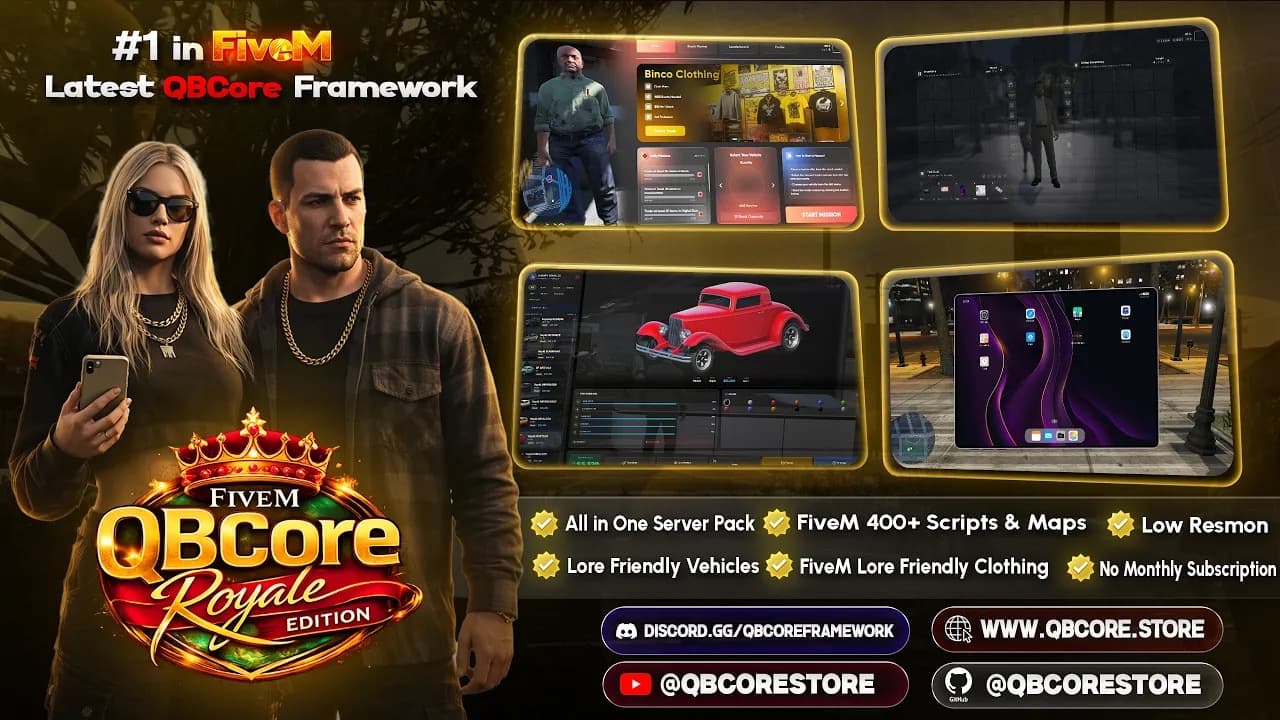
QBCore Royale Edition - Ultimate All-In-One Server Pack
QBCore
299,00 $399,00 $
Send test messages to any Discord channel instantly. Debug webhooks, preview embeds, and validate your payload — completely free.
Everything you need to debug and test Discord webhooks.
Send webhooks and see responses in real time.
Preview rich Discord embeds before sending to your server.
Validate your payload structure and catch errors before they happen.
Use the tester instantly without creating an account.
Collez votre URL de webhook Discord ci-dessous et envoyez un message test pour vérifier qu'il fonctionne. Cet outil est idéal pour les propriétaires de serveurs FiveM configurant des notifications Discord pour les connexions, les kills ou les alertes admin — validez la structure de votre payload et prévisualisez les embeds avant de les intégrer dans vos scripts.
Paste your webhook URL and send a test message.
Join thousands of server owners using VertexMods
A Discord webhook is a simple way to send automated messages to a Discord channel from external apps or scripts.
Go to your Discord server settings → Integrations → Webhooks, then create or copy an existing webhook URL.
Yes, the Discord Webhook Tester is completely free with no signup required.
Review all webhooks sent during your current session.
Build custom JSON payloads with full control over the message structure.