Sale
View Product
LB Phone v2
ESXQBCore
$49.00$99.00
Step-by-step guide for QBCore, ESX, and QBox servers.
Place the phone folder (e.g., lb-phone) inside your server's resources/ directory. Keep the original folder name — renaming it breaks internal resource references.
Open server.cfg and add "ensure lb-phone" (or your phone's resource name) after your framework ensure line (qb-core or es_extended) and after your inventory resource. Load order matters — the phone reads from your framework's shared object.
Most phone scripts include a .sql file that creates tables for messages, contacts, call logs, photos, and app data. Import it into your database using HeidiSQL, phpMyAdmin, or the command line before starting the server.
Open config.lua (or config.js) and set Config.Framework to "qbcore", "esx", or "qbox". Set the item name for the physical phone (usually "phone"), the billing resource, and optional 911 dispatch integration.
Start or restart the server. Join the server, open F8 to check for console errors. If the phone UI does not open, check for missing dependency errors and verify the ensure order. Common issues: inventory mismatch (phone item not registered) or wrong framework setting.
Which framework gets the best phone script support in 2026?
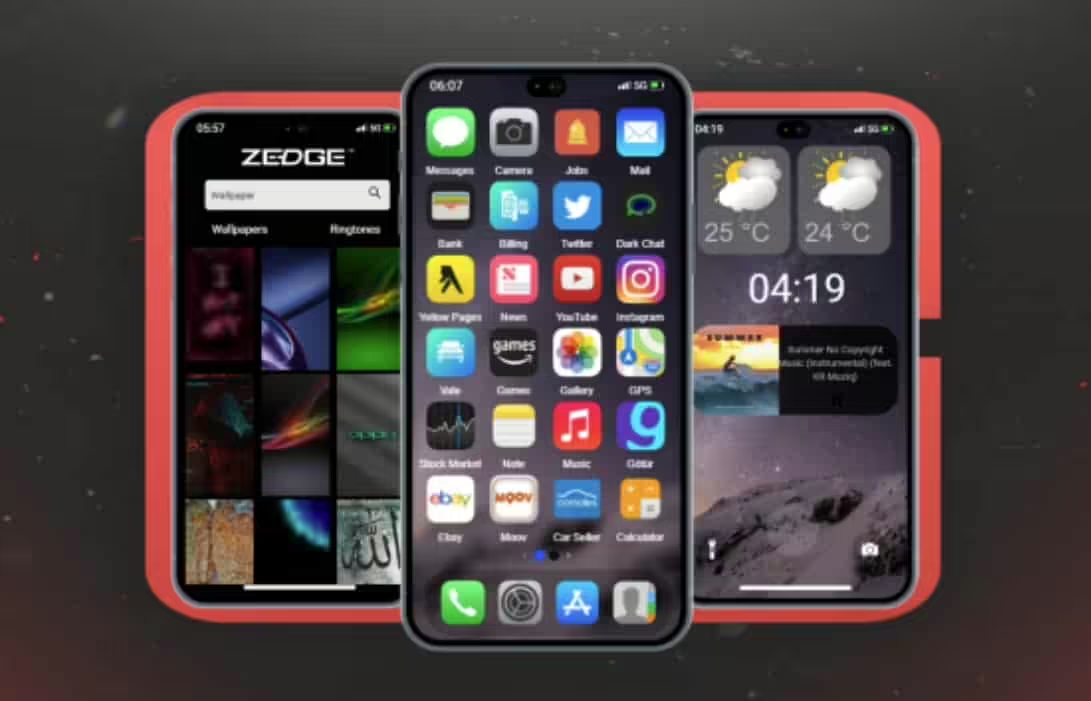
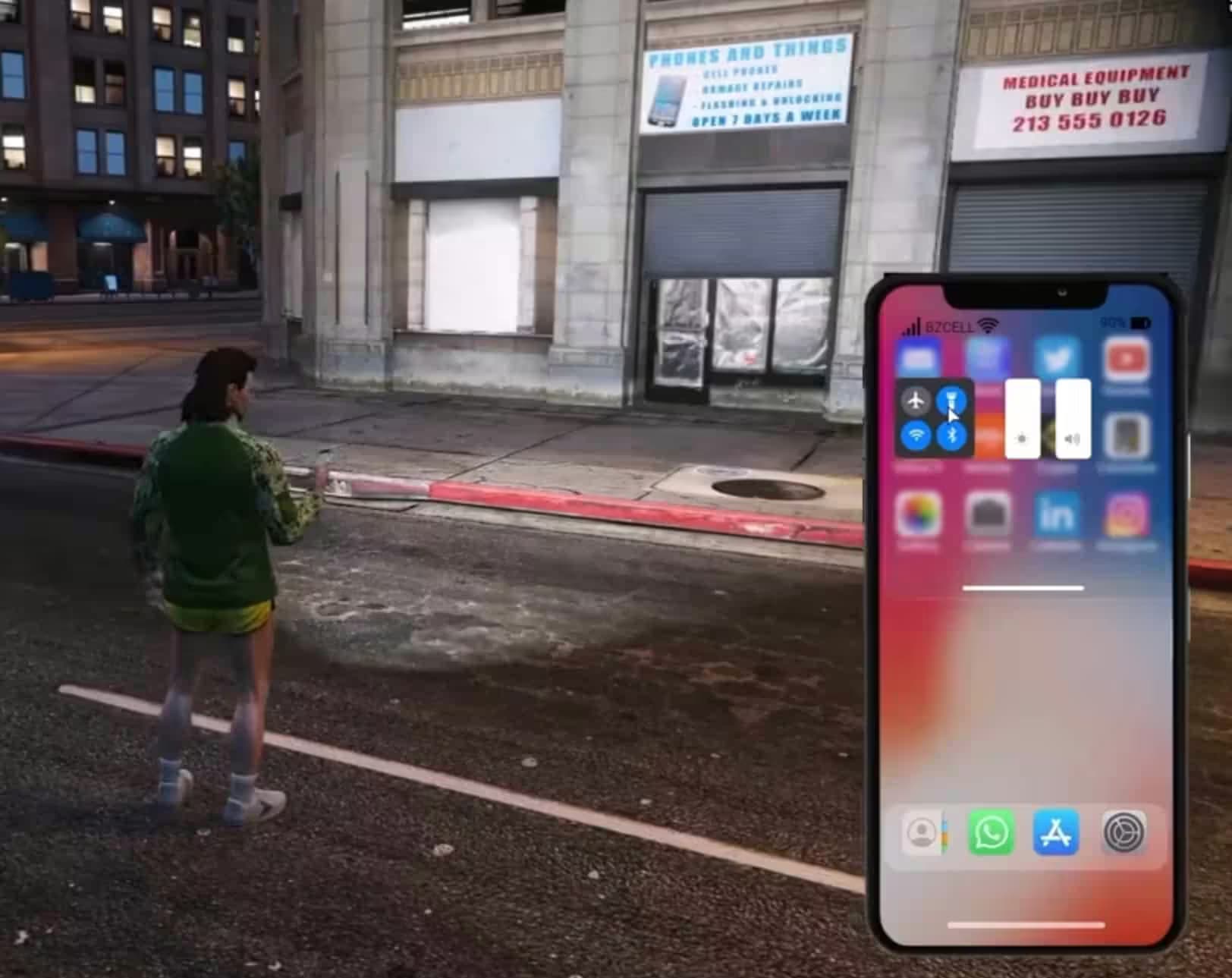
Replace the default phone with modern smartphone interfaces featuring messaging, banking apps, social media, and more.
Top-rated smartphone and phone system scripts for FiveM.
A FiveM phone script is a gameplay system that simulates a functional smartphone interface inside a roleplay server. It gives each player an in-game mobile device with calls, text messaging, an app ecosystem, photo gallery, banking interface, and emergency contacts. Most phone systems integrate with ESX, QBCore, or QBox and talk to the rest of the server through exports and events. Modern implementations use NUI-based HTML/CSS, React, or Vue for rendering and persist messages, contacts, photos, and settings per character. Advanced scripts extend beyond communication. They expose custom apps for real estate listings, vehicle marketplaces, job dashboards, stock markets, social feeds, and dating flows, which turns the phone into the central hub for most player-to-player interaction. The technical quality varies. Some phones are standalone and light on dependencies, others require specific framework versions, specific inventories, or companion resources. Because a phone keeps persistent state and updates in real time across concurrent users, resource use and network behavior matter as much as the feature list.
A phone script pays off on roleplay servers with a stable population above roughly 20 concurrent players. Below that, the messaging and social features stay empty and players default to voice chat. It earns its spot when your community actually engages in text-based roleplay and needs persistent channels that survive relogs. Servers that run economies, jobs, or player-run businesses benefit the most. If you have real estate sales, vehicle dealerships, taxi services, delivery jobs, or criminal enterprises, the phone gives you the transaction and dispatch layer that ad-hoc Discord messages cannot match without breaking immersion. Emergency services are the other strong case. With 911 flows, live location, and status updates, police, EMS, and mechanic dispatch feel coherent rather than bolted on. Social-heavy servers that value character relationships get clear value from Twitter-style feeds, photo galleries, and dating apps. Action-first servers focused on racing or PvP see less benefit from a heavy smartphone system. Framework context also decides timing. QBCore and QBox often ship with a usable phone in the base stack, so a third-party phone only makes sense when the default cannot match the features or performance you need. On ESX the decision is more direct because standalone purchases are the norm.
Confirm framework compatibility beyond the marketing claim. Check the dependency list for required inventories such as ox_inventory, qb-inventory, or qs-inventory, the SQL library the script expects, and the notification system it hooks into. A phone that is built against ox_lib and ox_inventory is not a drop-in for a server running a different inventory without bridge code. Check performance numbers. A healthy phone should stay under 0.03 ms idle, and should not spike beyond around 0.15 ms while players open apps, load galleries, or send messages. Ask for resmon screenshots if the seller does not provide them. Look for lazy loading, image compression, and sensible database caching instead of per-tick queries. Evaluate the app ecosystem. A phone is only as useful as the apps your community will actually open, and the apps you can add later. Look for documented exports, an app API, and example integrations with banking, housing, garages, and job scripts. Without that, every new feature becomes a fork instead of an add-on. Confirm update cadence and support. Phone scripts get broken by FiveM client updates, framework patches, and new exploits. Check the developer's recent update history, response times, and documentation quality before you commit. Escrow-locked scripts without a clear update commitment are higher risk than open-source alternatives with an active community. Finally, look at theming. If the phone cannot match your server's UI language through theme files, color tokens, or asset overrides, it will always feel bolted on.
VertexMods is a FiveM-specific marketplace. Phone listings are filtered for relevance, framework fit, and minimum documentation, so browsing is closer to picking between vetted options than scanning an open storefront. Tebex is a payment processor and storefront builder. Quality control lives entirely with each seller, so a Tebex phone listing can range from a maintained product with clear docs to an abandoned build with a single screenshot. GTA5-Mods is primarily a single-player mod archive with a growing FiveM section, where phone scripts are often older UI mods rather than maintained server resources. Discovery and filtering differ. On VertexMods, phone scripts sit in a FiveM phone category with framework tags (ESX, QBCore, QBox, Standalone) and feature tags, so narrowing down is straightforward. On Tebex, category structure depends on how each seller tags their products. On GTA5-Mods, FiveM content shares space with single-player mods, and framework compatibility is often not marked at all. Documentation standards also differ. Listings on VertexMods usually include framework requirements, dependency lists, and a feature breakdown because the audience is server owners evaluating a purchase. Tebex pages depend on the individual developer, and GTA5-Mods descriptions focus on installation rather than server integration. For a phone script, which lives in the middle of your server's economy, inventory, and dispatch systems, integration detail matters more than visuals. Update behavior matters for phones because they track client changes closely. On VertexMods the expectation is that phone products stay aligned with current ESX, QBCore, and QBox releases because the audience runs live servers. On Tebex, update pace depends on the seller. On GTA5-Mods, many phone resources are legacy and need patching to run on current frameworks at all. Finally, pricing and licensing are usually explicit on VertexMods, while Tebex storefronts may layer tiers, subscriptions, or bundles, and GTA5-Mods paid items can redirect to external checkouts with unclear server-use terms.
Everything you need to know about FiveM phone scripts.
A FiveM phone script replaces the default GTA V mobile interface with a fully functional in-game smartphone system. Players get real text messaging, call history, photo galleries, banking apps, social feeds, GPS sharing, and app stores — all persistent per character and synchronized in real time across the server. Most phone systems are built in HTML/CSS/JavaScript using NUI and integrate directly with your FiveM framework (QBCore, ESX, or QBox) through exports and events. The data — messages, contacts, photos, and settings — is stored in your database and survives relogs. Modern phone scripts go well beyond communication. They become the central hub for player interaction: real estate listings, vehicle marketplace ads, job dispatch, stock market tickers, emergency 911 flows, and dating apps. If your server runs any economy or player-run businesses, the phone is the layer that ties it together.
Installing a FiveM phone script involves five steps. First, download the resource and extract the folder into your server's resources/ directory (e.g., resources/[phone]/lb-phone). Second, open server.cfg and add "ensure lb-phone" (or the resource name) — place it after your framework ensure line (qb-core, es_extended) and after your inventory resource so all dependencies are loaded first. Third, import the included SQL file into your database using HeidiSQL, phpMyAdmin, or the command line to create the phone's tables for messages, contacts, photos, and call logs. Fourth, open the config.lua or config.js file and set your framework (QBCore/ESX/QBox), item name for the physical phone, billing resource, and optional 911 dispatch integration. Fifth, restart the server or use the txAdmin resource manager. If the phone does not appear in-game, check the F8 console for missing dependency errors and verify the ensure order in server.cfg.
Yes — free FiveM phone scripts exist and some are fully functional for smaller servers. The most widely used free option is qb-phone, which ships as part of the QBCore framework and covers basic calling, messaging, contacts, and a few built-in apps like banking and Twitter. Free alternatives typically have limited app selection, basic UI designs, no custom app API, and receive slower updates than paid options. Premium phone scripts like lb-phone, qs-smartphone, and np-phone add hundreds of hours of development: polished UI, animation layers, in-game app stores, documented export APIs for third-party integrations, and dedicated developer support. For a server of 30+ players that runs a real economy, a premium phone pays for itself by reducing the friction of player-to-player interaction and keeping immersion intact.
The most widely used FiveM phone scripts in 2026 are lb-phone (cross-framework, active development, strong app API), qs-smartphone (QBCore and QBox, feature-rich with marketplace integration), and qb-phone (bundled with QBCore, free, reliable baseline). For ESX servers, esx_phone and bPhone are common choices. When choosing, match the phone to your framework first — lb-phone works across ESX/QBCore/QBox, while qb-phone is QBCore-only. Then check your inventory compatibility: most premium phones require ox_inventory, qb-inventory, or a specific SQL library. Finally, evaluate the app ecosystem: if your server runs real estate, vehicle dealerships, or delivery jobs, you need a phone with a documented export API so those systems can register their own app panels. Performance matters too — check that resmon stays under 0.05ms while idle.
Most modern FiveM phone scripts support multiple frameworks (QBCore, ESX, QBox) through a single config.lua switch. lb-phone and qs-smartphone are built framework-agnostic by default. However, compatibility goes deeper than the framework: phones also depend on your inventory system (ox_inventory, qb-inventory, qs-inventory), your billing/bank resource, and sometimes your notification system. Before purchasing, check the full dependency list in the product description — a phone that requires ox_inventory will not drop into a server running a different inventory without a bridge script. QBox servers should specifically confirm QBox support (not just QBCore) since QBox uses different exports. Standalone phone scripts work without a framework but lose job-linked features like duty status and salary deductions.
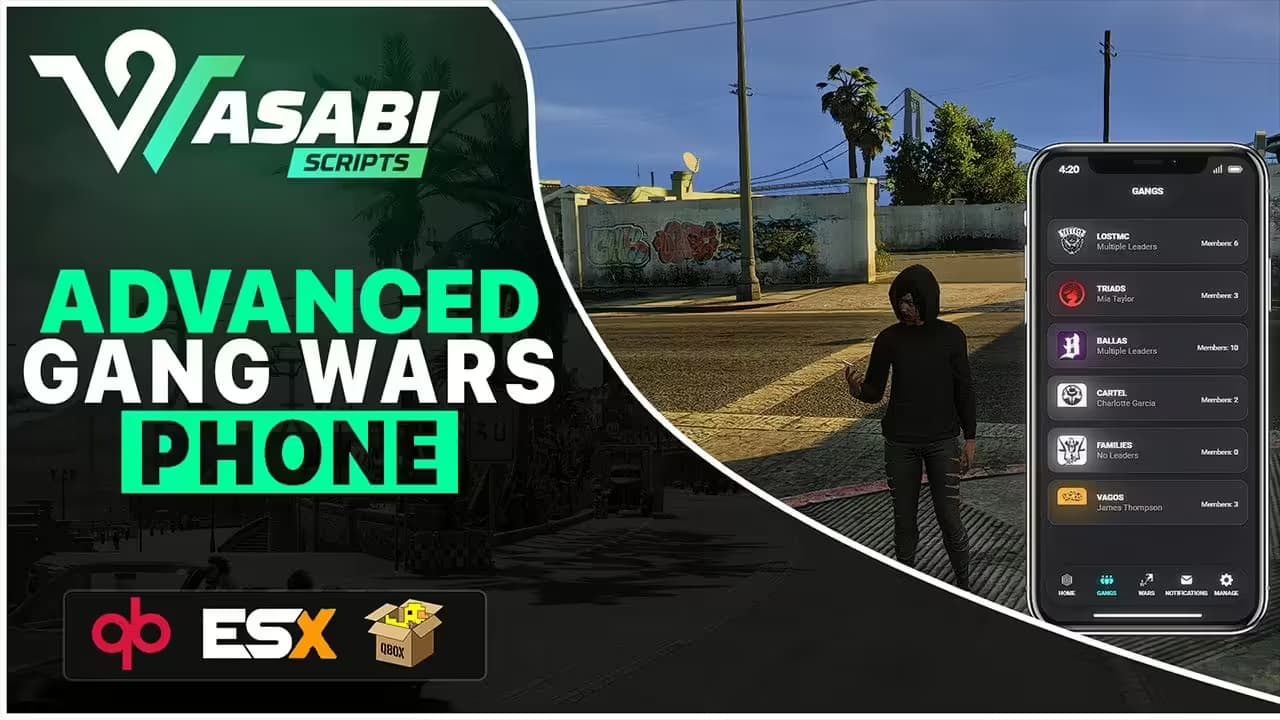
Premium phone scripts like lb-phone and qs-smartphone expose an API for third-party app development. You can build apps for real estate listings, gang management, or delivery tracking and register them through the phone's export system. Some phones also support a marketplace of community-made add-on apps.
Browse our collection of premium and free phone scripts.