Sale
View Product
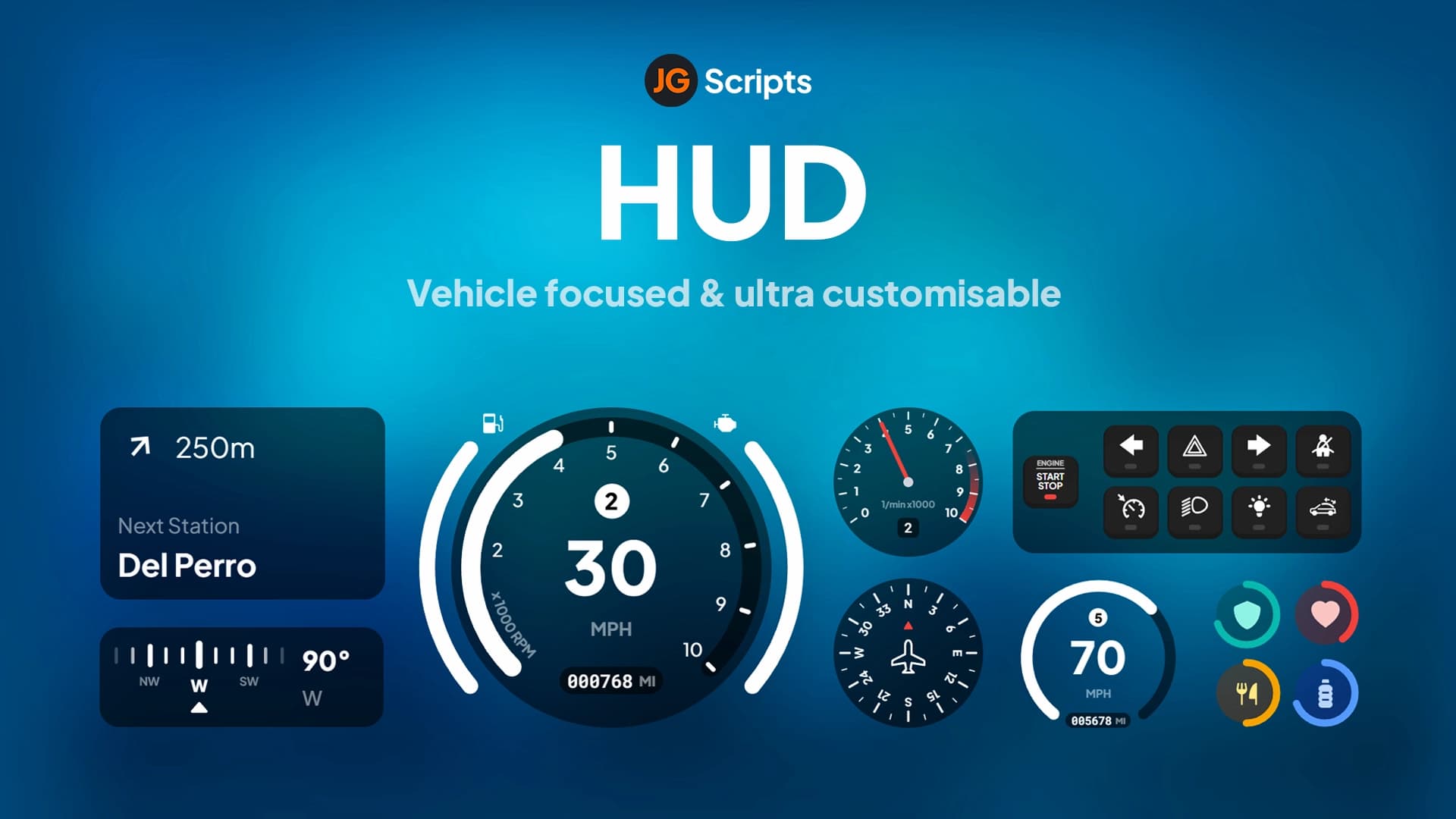
JG HUD
ESXQBCore
$30.00$42.00
Step-by-step setup for QBCore, ESX, and QBox servers.
Place the HUD folder (e.g., cd_hud or qb-hud) inside your server's resources/ directory. Do not rename the folder unless the resource manifest specifies otherwise.
Open server.cfg and add "ensure [hud-name]" after your framework ensure line (qb-core or es_extended). The HUD must load after the framework so it can read player data from the shared object.
Open the HUD's config.lua or config.js and set Config.Framework = "qbcore", "esx", or "qbox". Toggle which status bars your server uses (hunger, thirst, stress are optional). Some HUDs also let you set ox_lib as the notification system.
If you are replacing another HUD, delete its ensure line from server.cfg and remove the resource folder entirely. Running two HUDs simultaneously causes element duplication and display conflicts.
Restart the server and join. Check F8 for errors. Common issues: status bars showing 0 (wrong framework setting or missing exports), HUD not appearing (ensure order problem), or GTA's native HUD still showing (the HUD needs to call DisableHUD natives on client start).
HUD compatibility and feature availability differ by framework. Here is what to expect.
Elevate your server's look with modern HUDs, sleek status bars, phone systems, and notification interfaces your players will love.
Top-rated custom HUDs and interface mods for immersive gameplay.
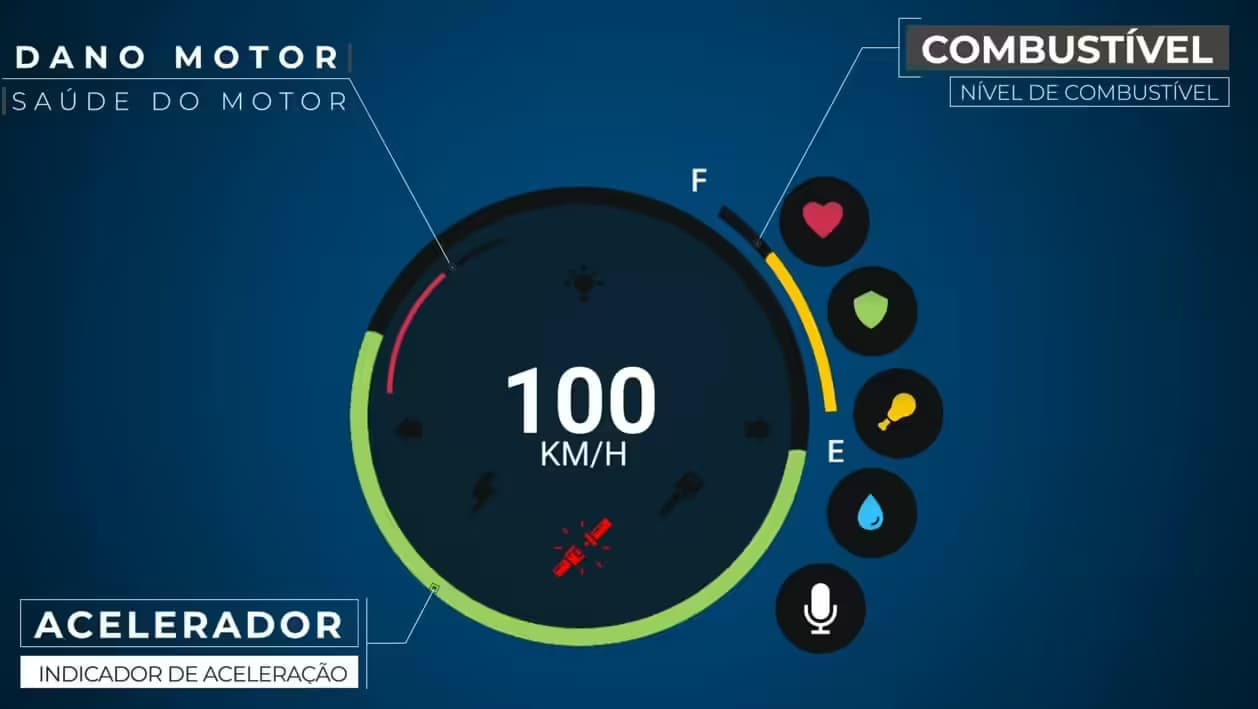
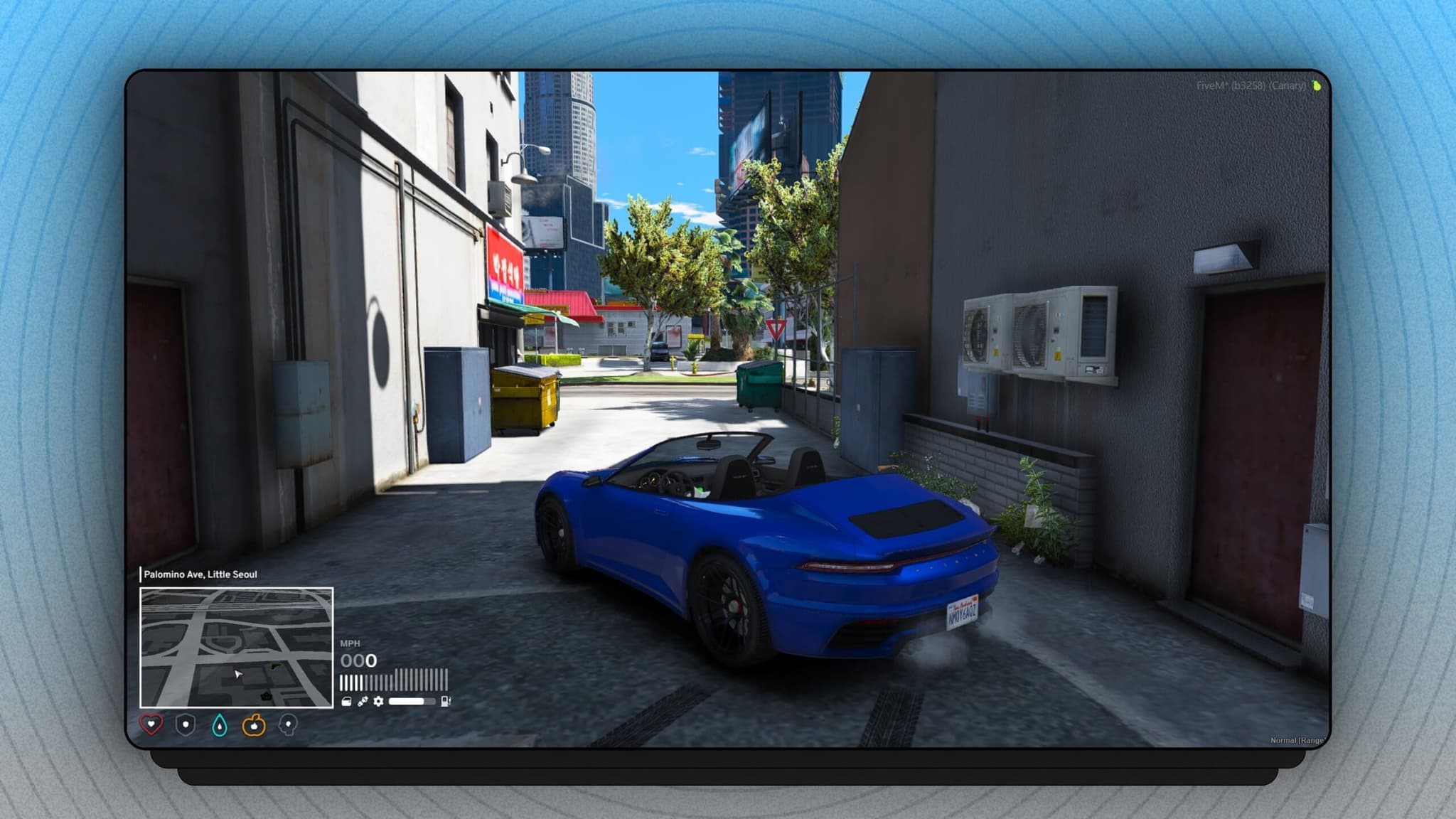
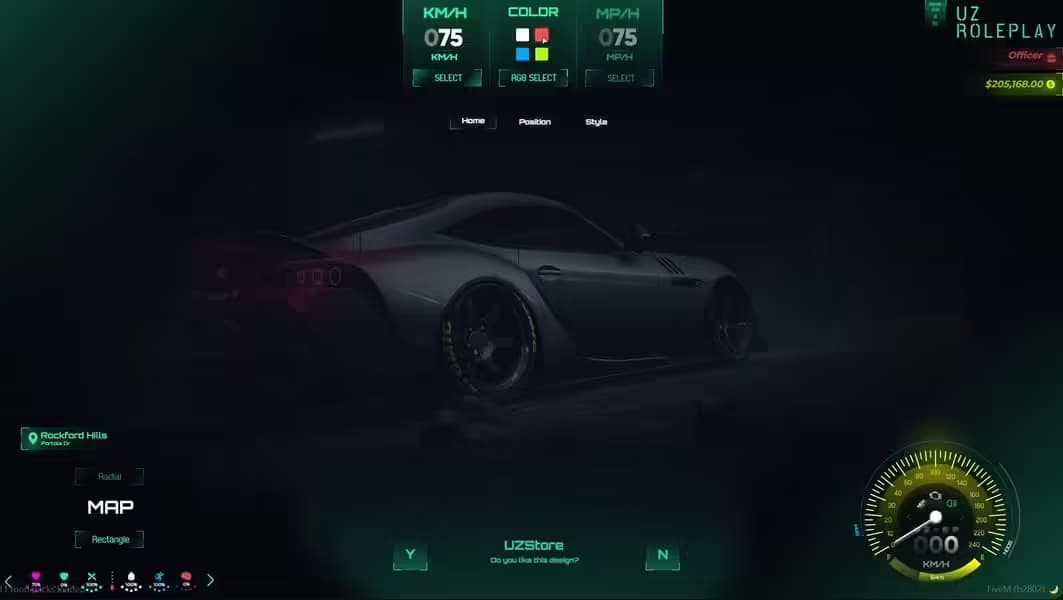
HUD (Heads-Up Display) scripts replace GTA V's default interface with custom designs tailored for roleplay. They display vital information like health, armor, hunger, thirst, stamina, stress, and vehicle speed in a clean, modern layout that matches your server's visual identity. Advanced HUDs integrate framework-specific data — job name, duty status, bank balance, and active buff/debuff icons — and include minimap customization, notification systems, and voice activity indicators so players always have full situational awareness. A well-designed HUD is often the first thing new players notice about a server. It signals quality and professionalism, and directly affects player retention. Servers that invest in a polished HUD consistently report that it becomes one of the most praised aspects of the player experience in community feedback.
The best FiveM HUD scripts deliver on four dimensions. Performance is first: a HUD runs continuously and should stay under 0.02ms idle and under 0.05ms during active gameplay — every millisecond the HUD costs comes directly out of frame budget. Completeness matters next: health, armor, hunger, thirst, stamina, oxygen, stress, dirty level, speedometer, fuel gauge, seatbelt indicator, minimap toggle, voice indicator, job display, and money should all be available without requiring separate add-on scripts for each element. Customizability at the server level means admins configure element visibility, thresholds, colors, and positions through a config file without touching JavaScript or Lua source. Player control means each player can open an in-game settings menu to personalize their own layout — showing only what they want, where they want it. Modern HUDs use NUI (HTML/CSS/JavaScript) for rendering, which enables smooth animations and glassmorphism design but requires careful optimization to avoid frame drops during heavy action sequences.
Setting up a custom HUD on your FiveM server takes about 10 minutes. Step 1: Download the HUD resource and extract the folder into your server's resources/ directory (e.g., resources/[hud]/cd_hud or resources/[hud]/qb-hud). Step 2: Open server.cfg and add "ensure [hud-name]" after your framework ensure line so QBCore or ESX loads before the HUD tries to read player data. Step 3: Open the HUD's config.lua or config.js and set Config.Framework to match your server ("qbcore", "esx", or "qbox"). Toggle which status bars you use — hunger, thirst, and stress are optional on some server types. Step 4: Remove or disable any existing HUD to prevent element duplication — delete its ensure line from server.cfg and remove the resource folder. Step 5: Restart the server and join. If values display incorrectly (hunger showing as 0, job name missing), check the F8 console for export errors and verify your framework's shared exports match what the HUD config expects. Most issues stem from load order or a missing ox_lib dependency.
Free HUD scripts provide functional displays and are a good starting point for new servers. They handle the basics — health, armor, and sometimes hunger/thirst — with minimal configuration. Their limitations show in advanced use: design is often static, customization requires editing source files, performance may not be optimized for high-player-count servers, and updates come slowly or not at all. Premium HUD scripts are engineered differently. They feature animated status bars with smooth transitions, dark/light theme support with in-game switching, per-player settings panels so each player personalizes their own layout, adaptive minimap sizing, cinematic mode support, mobile-responsive layouts for 1080p and 4K screens, and dedicated developer support with regular updates aligned to FiveM client releases. For servers with 30+ concurrent players where visual identity and player retention matter, the gap between free and premium is measurable. The cost of a premium HUD is typically recovered within the first month of improved player retention from a more polished experience.
Everything you need to know about FiveM HUD scripts.
FiveM HUD scripts replace GTA V's default heads-up display with a custom interface designed for roleplay servers. A HUD renders real-time information on the player's screen: health, armor, hunger, thirst, stamina, stress, oxygen level, and dirty level alongside a speedometer, fuel gauge, seatbelt indicator, and minimap. Advanced HUDs also display job name, duty status, cash balance, bank balance, and voice activity so players always know their character's state at a glance. All of this runs as an NUI overlay rendered in HTML/CSS/JavaScript, which means HUDs can match your server's visual identity — dark themes, glassmorphism, minimalist designs, or animated status bars. A well-configured HUD dramatically improves player immersion and is one of the first things new players notice about your server.
To install a FiveM HUD script: (1) Download the resource and place the folder in your server's resources/ directory. (2) Open server.cfg and add "ensure [hud-resource-name]" — position it after your framework (qb-core or es_extended) to avoid load-order errors. (3) Open the HUD's config.lua or config.js and set your framework (ESX/QBCore/QBox) and which status bars you use (hunger, thirst, stress). (4) Disable GTA V's built-in HUD components if needed — many HUDs do this automatically via native calls, but some require you to add a DisableHUD export call in your client scripts. (5) If you are replacing an existing custom HUD, remove the old resource entirely and delete its ensure line from server.cfg to prevent element duplication. (6) Restart the server and press F8 to check for errors. If status bars show wrong values, verify your framework exports match what the HUD config expects.
Yes — free FiveM HUD scripts are widely available and some are production-quality. Community-made HUDs on GitHub and the FiveM forums cover a range of styles from minimal health bars to full-featured displays with speedometers and minimaps. Free HUDs are a good fit for new servers or lightweight setups that do not need deep customization. Premium HUD scripts offer significantly more: professional UI design with animation libraries, per-player settings panels (so each player can customize their own layout), smooth transitions, NUI performance optimization, theme/color customization without code changes, mobile-responsive layouts for players with smaller monitors, and active developer support. For servers competing on player experience, the visual polish of a premium HUD is one of the highest-value-per-cost upgrades available.
A great FiveM HUD in 2026 should score well on four criteria. Performance: it should run under 0.02ms idle and under 0.05ms during active gameplay — check the developer's resmon screenshots before buying. Completeness: it should display health, armor, hunger, thirst, stamina, stress, oxygen, voice indicator, speedometer, fuel, seatbelt, minimap toggle, job info, and money without needing extra scripts for each element. Customizability: server owners need easy config access to toggle elements, change thresholds, and update visual styling without modifying source code. Player control: modern HUDs include an in-game command or menu that lets players show/hide elements and reposition them to their preference. Beyond features, active maintenance matters — HUDs break when FiveM updates change native behavior, so check the last update date and community feedback.
Most FiveM HUD scripts are framework-dependent because they read player stats (hunger, thirst, job, money) from framework exports or shared objects. QBCore HUDs use QBCore.Functions.GetPlayerData(), while ESX HUDs hook into ESX.GetPlayerData(). A QBCore HUD will not work on an ESX server without modification. However, many modern premium HUDs ship with framework adapters in config.lua — you set Config.Framework = "esx" or "qbcore" or "qbox" and the HUD switches its data sources automatically. QBox compatibility specifically requires confirmation since QBox exports differ from QBCore. Standalone HUDs that read values from local player natives (health, armor) work without any framework but miss job and economy integration. Always check if the HUD requires ox_lib for its notification system or menu, as that adds a dependency if ox_lib is not already on your server.
Customizing a FiveM HUD layout depends on whether the HUD uses a static config file or a dynamic in-game editor. Config-based HUDs expose a config.lua or config.js where each element has X/Y coordinates, visibility toggles, color settings, and scale values — you edit the file and restart the resource to see changes. Dynamic HUDs let players open a settings panel in-game (usually via /hud or a NUI command) where they drag and drop elements to their preferred position, toggle individual bars on/off, pick from color themes, and save their layout per character. Premium HUDs typically support both: server admins configure defaults in config.lua, and players personalize within those bounds using the in-game editor. If you want to show only specific elements — for example, just health and a speedometer for a racing server — look for a HUD where each element can be independently enabled or disabled without breaking the others.
Browse our collection of modern HUD scripts and custom interfaces for your FiveM server.