CodeM mPausemenu — Advanced Pause Menu
A fully custom ESC/pause menu for FiveM with battlepass system, player info, server tabs, and full ESX & QBCore support by CodeM.
Video Preview
Click to load video from YouTube. By watching, you agree to their privacy policy.
CodeM mPausemenu — Advanced Custom Pause Menu for FiveM
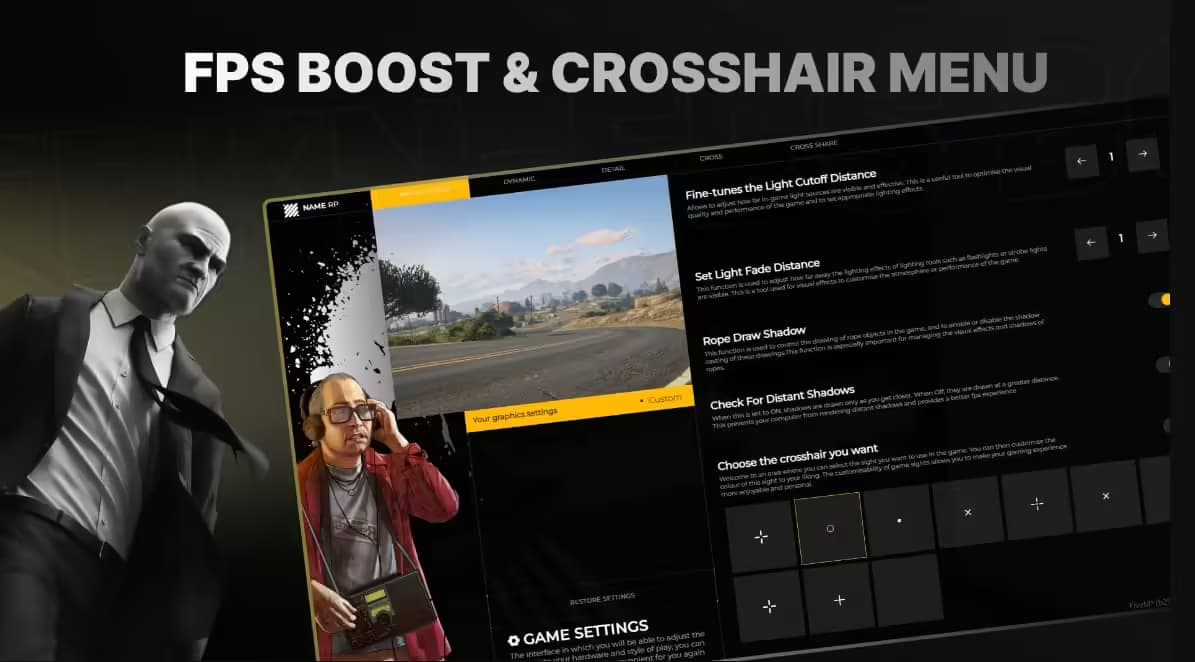
Replace GTA V's default pause menu with a polished, feature-rich custom interface built by CodeM — one of the most trusted names in FiveM development. mPausemenu overhauls the ESC menu entirely, offering a beautiful UI with multiple tabs, a built-in battlepass system, player stats, and full support for both ESX and QBCore frameworks.
Features
- Custom Pause Menu UI — Modern, clean design that completely replaces the default GTA pause menu
- Battlepass System — Built-in daily missions pool with configurable active duration and automatic reset; tracks player progress
- Player Info Tab — Displays character stats, job, rank, cash, bank balance and more
- Server Info Tab — Custom server branding, rules, staff list, and general information configurable per server
- Theme Customization — Players can switch between multiple menu themes from within the pause menu
- Anti-Spam Protection — Configurable cooldown that activates if a player opens the menu too rapidly
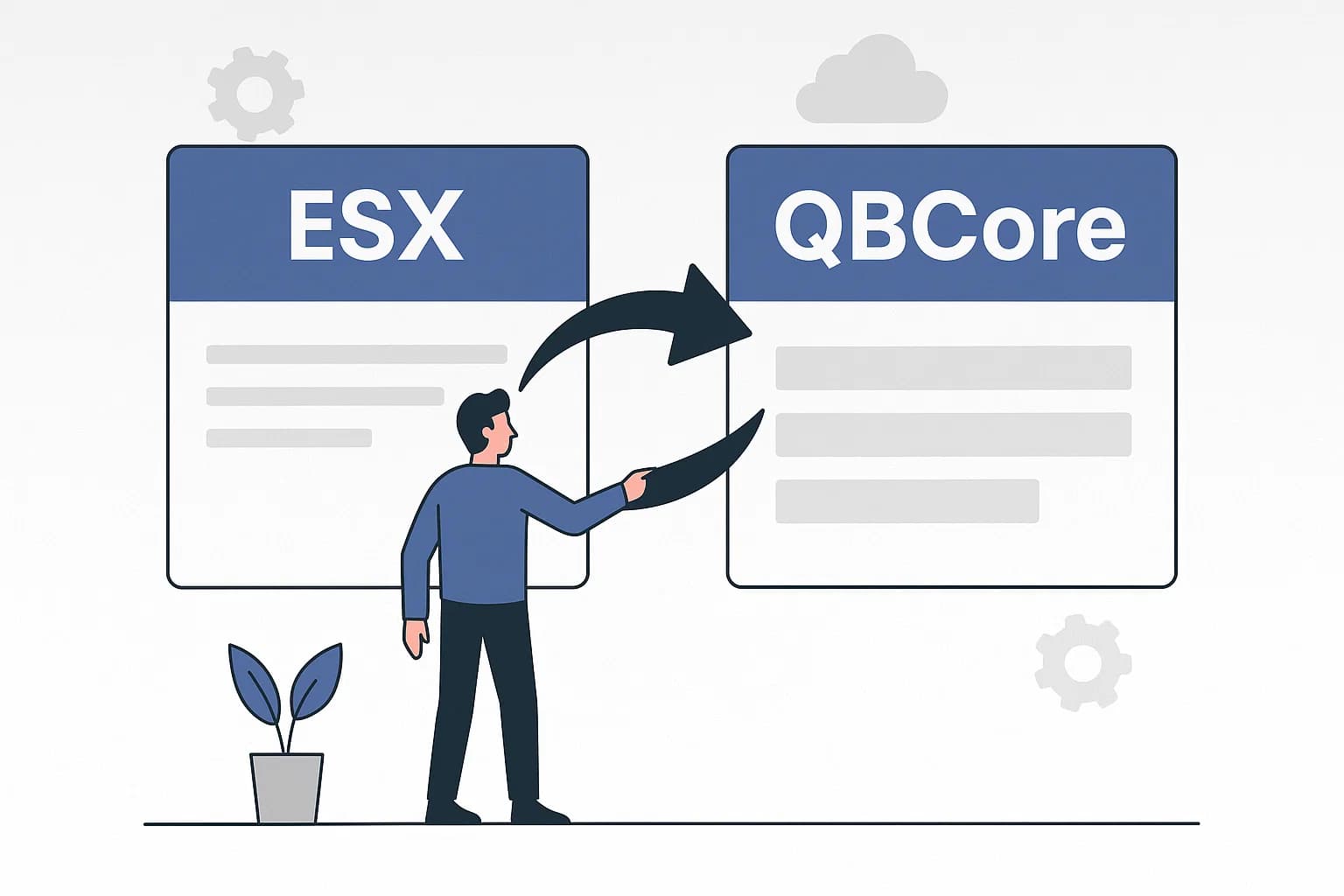
- Multi-Framework Support — Native support for ESX, new QBCore, old QBCore, and autodetect mode
- Standalone Config — Clean config.lua with well-documented options for easy customization
- Performance-Optimised — Lightweight NUI with minimal impact on server performance
What's Included
- cm-pausemenu/ resource folder (Lua + NUI source)
- config.lua — full configuration file (framework, battlepass days, mission pool size, themes, spam cooldown)
- client/ & server/ scripts
- html/ NUI frontend (CSS, JS, assets)
- fxmanifest.lua
Compatibility
| Framework | Supported | |-----------|-----------| | ESX (any version) | Yes | | QBCore (new) | Yes | | QBCore (old) | Yes | | Autodetect | Yes | | Standalone | No (requires economy framework for player data) |
Installation
1. Extract cm-pausemenu into your server resources/ folder 2. Add ensure cm-pausemenu to server.cfg — do not rename the folder 3. Configure config.lua (framework, server name, battlepass settings) 4. Restart server — done
Requires basic Lua knowledge for configuration. Adding custom battlepass missions requires intermediate Lua knowledge.