Advanced Clothing V2
Advanced Clothing V2 - professional ESX script with custom features and optimized performance for FiveM servers Compatible with ESX framework.
Pré-visualização em Vídeo
Click to load video from YouTube. By watching, you agree to their privacy policy.
[QB][ESX] Advanced Clothing V2 - Premium Clothing & Appearance System
Transform your server's character customization experience with this advanced clothing and appearance system that works seamlessly with both QBCore and ESX frameworks. This isn't just another basic wardrobe script—it's a complete appearance management system featuring outfit saving, advanced customization options, barber integration, accessory systems, and a modern UI that makes creating and managing character looks intuitive and enjoyable.
What's Included
This comprehensive clothing system provides a modern, user-friendly clothing interface with category organization, unlimited outfit saving and loading with custom names, complete appearance customization (face, hair, makeup, accessories), framework-agnostic design working with both ESX and QBCore, integration with clothing shops and wardrobe locations, barber shop functionality for hair and facial features, accessory management (glasses, hats, bags, watches, jewelry), real-time preview of all changes before applying, and optimized performance with minimal resource usage. Everything is designed to give players powerful customization tools without complexity.
Key Features
- Advanced Outfit System - Save unlimited outfits with custom names, quick-change between saved looks, organize outfits by category (work, casual, formal, etc.), share outfit codes with friends, delete unwanted saved outfits, default outfit on respawn option
- Complete Customization Options - All GTA V clothing items accessible, face and skin customization (heritage, features, aging), hair styles and colors with highlights, makeup application with intensity control, facial hair and beard styles, accessories (hats, glasses, earrings, necklaces), bags and backpacks, watches and bracelets
- Dual Framework Support - Native ESX integration with esx_skin compatibility, full QBCore support with qb-clothing replacement, works with fivem-appearance, illenium-appearance, or custom systems, database structure compatible with both frameworks
- Modern User Interface - Clean, intuitive clothing menu design, category-based navigation (tops, bottoms, shoes, accessories), color picker with RGB sliders, real-time character preview with rotation, search/filter options for items, mobile-responsive design
- Shop & Location Integration - Works with any clothing store MLO, configurable shop locations, price customization per item or category, employee discount systems, business ownership integration, mobile wardrobe (change anywhere) option for admin/VIP
- Barber Shop Functionality - Hair style browsing with preview, hair color and highlight customization, facial hair and beard options, eyebrow shaping and coloring, makeup application zones, aging and skin blemishes, tattoo compatibility
- Performance Optimized - Lightweight resource usage (0.01-0.03ms idle), only loads when menu is opened, efficient database queries, no lag when changing items, supports 100+ concurrent users
Perfect For
- Servers wanting modern, professional appearance systems
- Communities with fashion-focused roleplay culture
- Servers replacing outdated esx_skin or basic qb-clothing
- Projects requiring outfit saving for job uniforms
- Servers with custom clothing packs needing better UI
- Communities wanting simplified character customization
- Servers supporting both ESX and QBCore (framework transitions)
Outfit Management System
Saving Outfits
Players can create and save unlimited outfits with custom names like Work Uniform, Casual Friday, Formal Event, Gang Colors, etc. Each saved outfit stores all clothing items, accessories, and their colors/variations. Outfits can be organized by purpose (job-specific, faction colors, social events) making it easy to switch looks for different roleplay scenarios without re-customizing every time.
Quick Change System
Saved outfits appear in a simple list for one-click application. Players can change from police uniform to civilian clothes instantly when going off-duty, switch gang colors when entering territory, or dress up for nightclub events without spending 10 minutes in menus. This convenience dramatically improves player experience and roleplay immersion.
Job Uniform Integration
Admins can configure required uniforms for job positions (police, EMS, mechanic, etc.) that players must wear while on duty. The system can auto-apply job outfits when clocking in and restore civilian clothes when clocking out, ensuring professional appearance standards without manual enforcement.
Customization Categories
Clothing Items
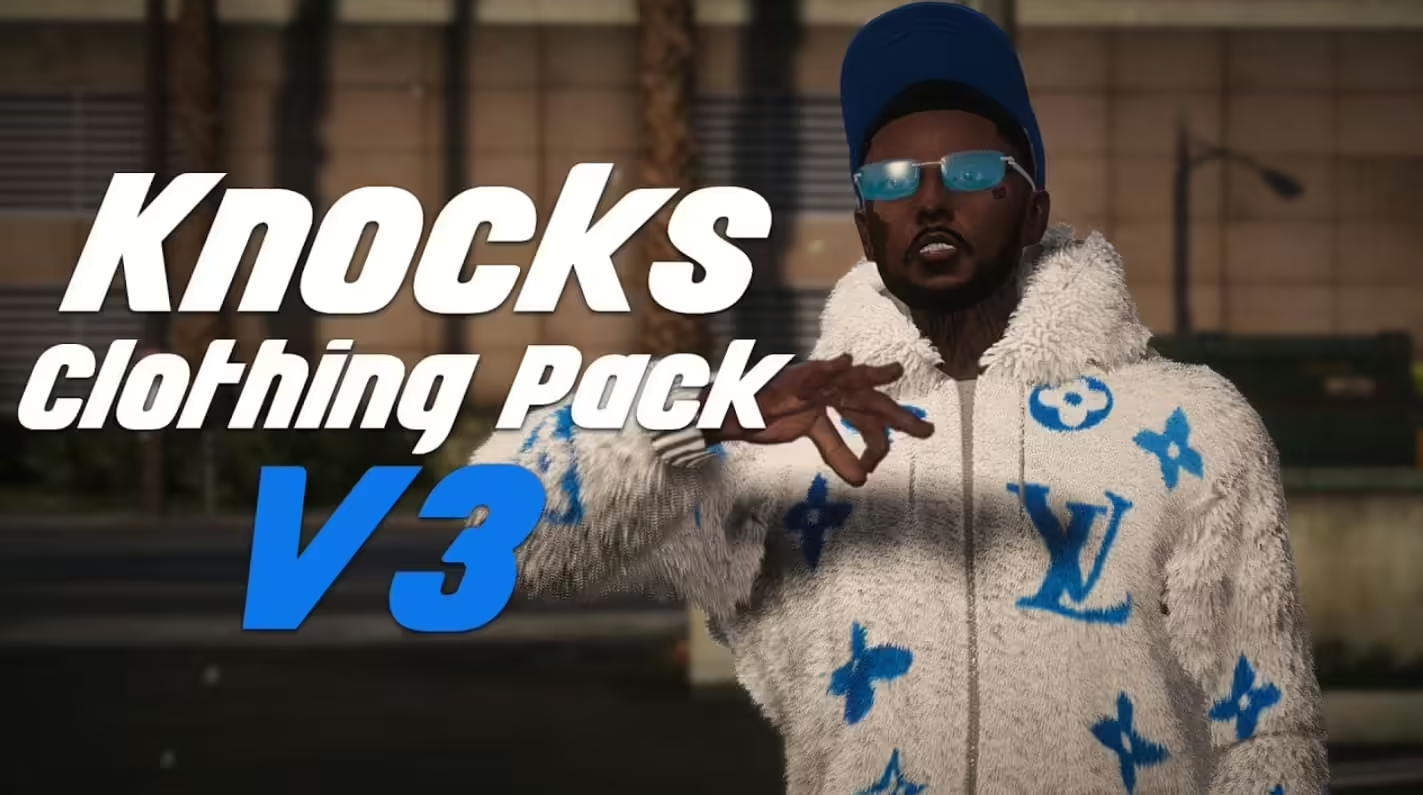
Full access to GTA V's clothing database including tops (t-shirts, shirts, jackets, vests), bottoms (pants, shorts, skirts), shoes (sneakers, boots, dress shoes, heels), undershirts and undergarments, body armor (visible or hidden), gloves and hand accessories, and special items (scarves, ties, suspenders).
Accessories
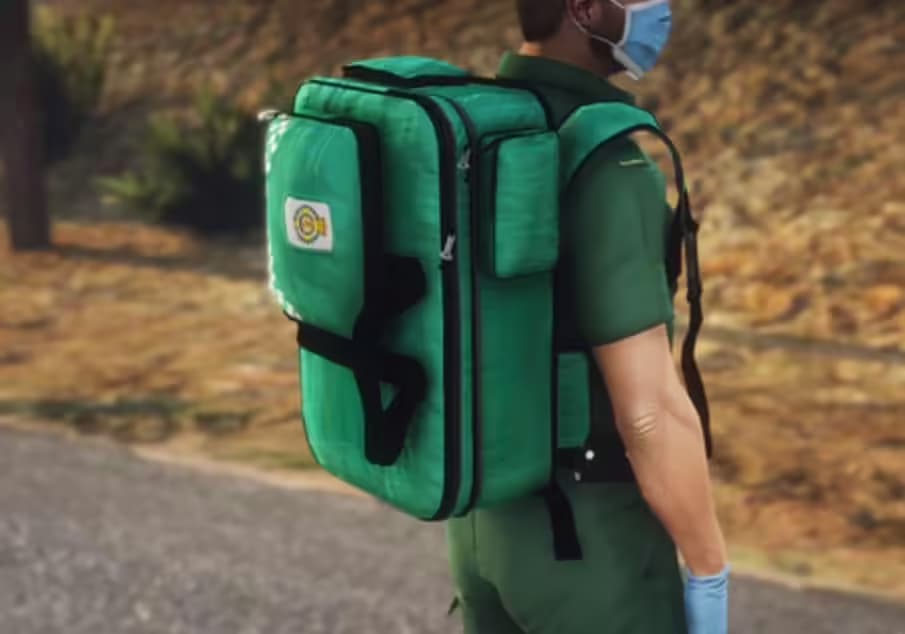
Comprehensive accessory system featuring glasses and sunglasses, hats and helmets, earrings and piercings, necklaces and chains, watches and bracelets, bags and backpacks, masks (full-face, half-face, bandanas), and badges/patches for job identification.
Appearance Features
Deep character customization including facial heritage (parents selection), facial features (nose, cheeks, jaw, eyes, lips), skin tones and overlays, aging and wrinkles, complexion and blemishes, sun damage and freckles, makeup (lipstick, blush, eyeshadow), hair styles and colors, facial hair styles, eyebrow shaping and coloring.
Installation
- Download the Advanced Clothing V2 resource
- Extract to your server resources folder
- Choose your framework config (ESX or QBCore) in settings
- Import database SQL file to add necessary tables
- Configure shop locations in config.lua
- Set item prices and customization costs
- Add resource to server.cfg
- Restart server and test at clothing store locations
- Remove/disable conflicting clothing scripts (old esx_skin, qb-clothing)
Framework Compatibility
- ✅ ESX Legacy - Full ESX support, replaces esx_skin seamlessly
- ✅ ESX 1.9+ - Works with older ESX versions with minor config adjustments
- ✅ QBCore - Native QBCore integration, replaces qb-clothing and qb-clothing-menu
- ✅ QBOX - Compatible with QBOX framework
- ✅ Appearance Systems - Works with fivem-appearance, illenium-appearance, raid_clothes
- ✅ Custom Frameworks - Adaptable to custom frameworks with configuration
Configuration Options
- Shop Locations: Define multiple clothing store coordinates across the map
- Pricing System: Set flat fees or per-item/category pricing
- Permissions: Restrict certain items to jobs or admin groups
- Wardrobe Access: Allow anywhere, homes only, or shop-only changing
- Job Uniforms: Configure required outfits for each job/grade
- Barber Integration: Enable/disable barber shops, set prices
- Default Outfits: Set spawn clothing for new characters
- Outfit Limits: Optional limit on saved outfits per player (or unlimited)
User Interface Features
Category Navigation
Instead of endless scrolling through all items, the UI organizes clothing into logical categories with icon-based navigation. Players click Tops to see only shirts and jackets, Shoes for footwear, Accessories for hats and glasses, etc. This organization makes finding specific items fast and intuitive.
Real-Time Preview
Every clothing item, color change, or accessory addition shows immediately on the character model with 360-degree rotation capability. Players can preview entire outfits before purchasing or saving, avoiding expensive mistakes and ensuring satisfaction with their look before confirming.
Color Customization
Advanced color picker with RGB sliders and preset palettes allows precise color matching. Players can create coordinated outfits with matching colors, replicate gang colors exactly, or design unique personal styles with custom color combinations impossible in basic systems.
Technical Specifications
- Performance Impact: 0.01-0.03ms when idle, 0.05-0.08ms when menu open
- Database Structure: Optimized tables for outfit storage (supports unlimited saves)
- UI Framework: Modern HTML/CSS/JS interface with smooth animations
- Clothing Database: Full GTA V native clothing items + custom addon support
- Compatibility: Works with custom clothing mods and addon packs
- Resource Size: Lightweight (~5-10MB depending on configuration)
- Dependencies: Framework (ESX/QB), appearance system (if using external)
What Makes It Stand Out
Generic clothing scripts feel clunky with confusing UIs, limited outfit saving, or framework-specific limitations. Advanced Clothing V2 provides a modern, professional experience that works across frameworks—no more choosing scripts based on ESX vs. QBCore compatibility. The outfit saving system is genuinely unlimited (not save 5 outfits restrictions), the UI is intuitive enough for new players to navigate without tutorials, and the performance optimization means no lag even with hundreds of custom clothing addons. It's the clothing system players wish came standard with FiveM.
Job Uniform Examples
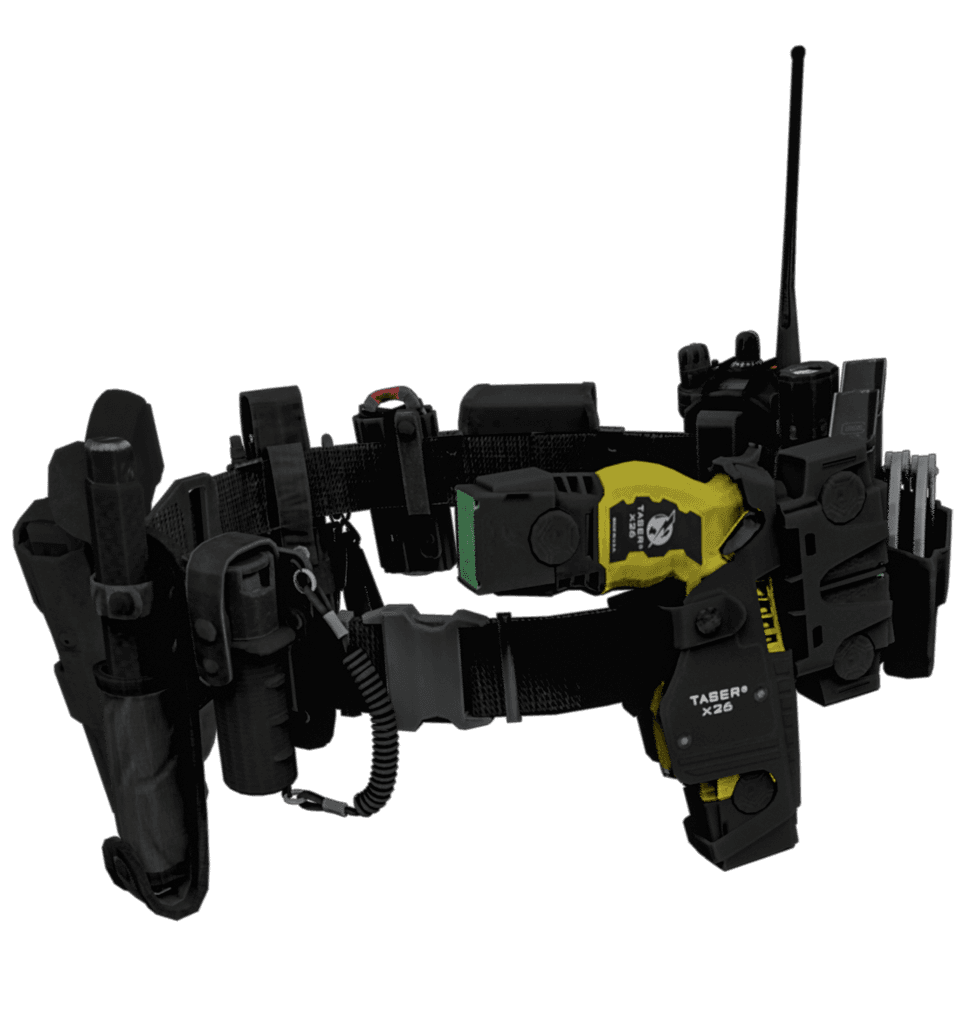
Configure automatic uniforms for police (dress uniform, patrol uniform, SWAT gear), EMS (paramedic scrubs, doctor coats, firefighter turnout), mechanics (coveralls with shop logo patches), gangs (specific color schemes enforced for members), businesses (employee dress codes for restaurants, banks, retail), security (guard uniforms for private security companies), and events (staff uniforms for concerts, sports, special occasions).
Fashion Roleplay Enhancement
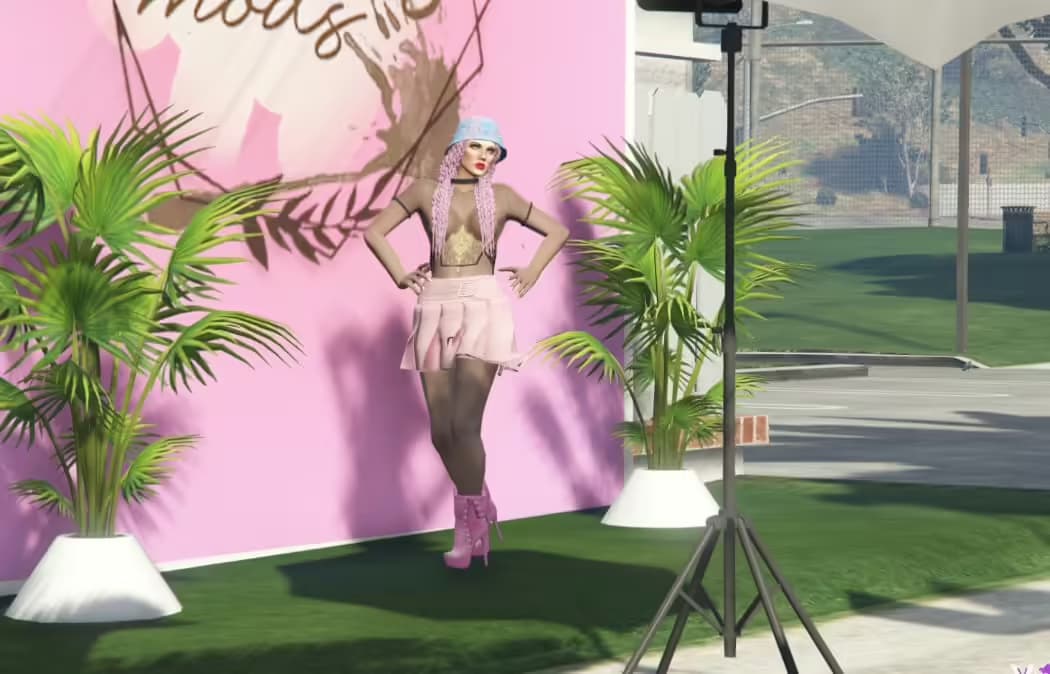
For fashion-focused servers, this system enables clothing boutiques with curated inventories, personal stylist roleplay helping players create outfits, fashion shows with outfit competitions judged by community, clothing designers sharing outfit codes, seasonal sales events with themed collections, VIP clothing items for exclusive members, and influencer roleplay with photoshoots in signature outfits.
Admin Features
Administrators have access to special functions including forcing outfit changes for rule violations (inappropriate clothing), viewing all saved outfits per player, deleting outfits if necessary, adding restricted items only accessible to certain jobs/groups, configuring job-specific outfit requirements, and setting default spawn outfits for new characters (ensuring everyone starts appropriately dressed).
Migration From Old Systems
Transitioning from esx_skin, qb-clothing, or other appearance systems is straightforward with included migration tools. The script can import existing character appearance data, preserve saved outfits (if previous system had them), and maintain player customizations without requiring everyone to recreate their looks. Documentation provides step-by-step migration instructions for common systems.
Preview Video
Watch a complete demonstration of the clothing interface, outfit saving, customization options, and features:
https://www.youtube.com/watch?v=E728bjYDkfESupport & Updates
Includes comprehensive installation guide for both ESX and QBCore frameworks, configuration documentation with examples, troubleshooting section for common issues, migration guides from popular clothing scripts, and video tutorials for setup and customization. Lifetime updates ensure compatibility with framework changes and GTA V updates. Active support community helps with configuration questions and custom integrations.