Racing Scripts
v1.0.0
Gear Shifting - Manual Transmission FiveM Script
Add realistic manual gear shifting to every vehicle on your FiveM server. Features clutch simulation, gear skip, RHD/LHD animations and ultra-low 0.02ms resource usage.
$14.99
9 people viewing right now
Acesso Instantâneo
Garantia de Devolução
Checkout Seguro
SSL Criptografado
|Visa, Mastercard, Amex, Apple Pay
Pré-visualização em Vídeo
Click to load video from YouTube. By watching, you agree to their privacy policy.
Gear Shifting — Realistic Manual Transmission for FiveM
Bring true driving immersion to your FiveM server with this manual transmission script. Players can take full control of their vehicle gears, engage the clutch, and feel every gear change. This resource was the #21 bestselling script on fivemx.com with over 383 sales — plug-and-play setup, near-zero performance impact, and deep realism.
Features
- Manual Gear Controls — Configurable up/down keybinds for full gear control and maximum immersion.
- Gear Skipping — Skip gears just like a real driver: go from 2nd straight to 4th when needed.
- Clutch Simulation — Authentic clutch engagement adds depth and realism to every shift.
- RHD & LHD Animations — Correct shifter hand animations for both right-hand and left-hand drive vehicles.
- Synchronized Gear Changes — Gear state is synced across all clients for seamless multiplayer realism.
- Ultra-Low Resource Usage — 0.0ms resmon at idle, only 0.02ms while actively driving a manual vehicle.
- QBCore & ox_lib Support — Native support for QBCore notifications and ox_lib keybind system.
- CW-Tuning Compatible — Integrates with CW-Tuning transmission swaps for a full garage upgrade experience.
What is Included
fxmanifest.luaclient/— main gear shifting logicconfig/config.lua— keybind and framework configuration
Requirements
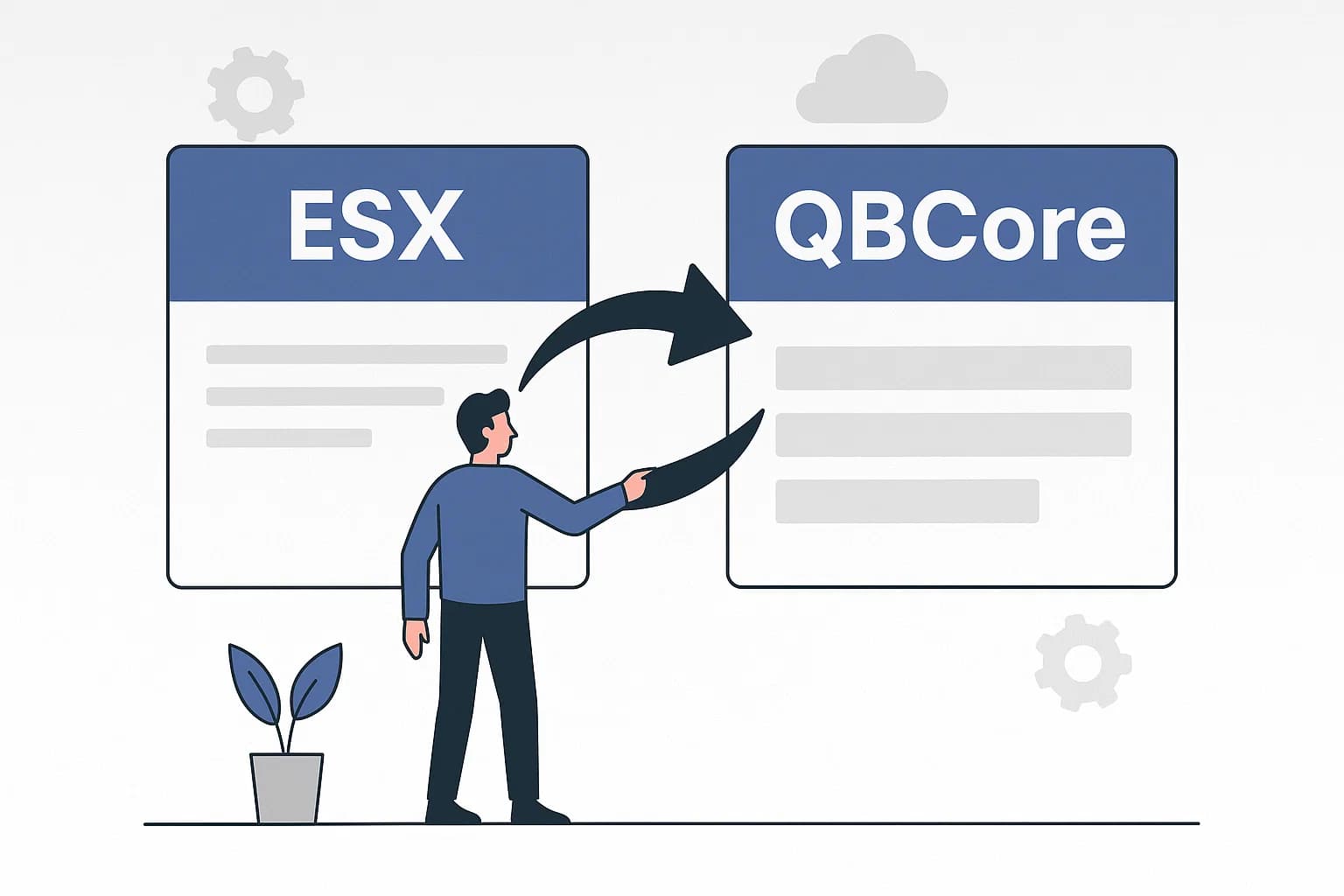
- QBCore or ESX framework (minor config edit for ESX)
- ox_lib (recommended for keybind management)
- Vehicles must have
strAdvancedFlagsset in theirhandling.metato support manual mode
Compatibility Notes
- Limited to the vehicle original gear count (up to 5 gears work best)
- Does not modify gear ratios — uses the vehicle default handling values
- Transmission swapping requires CW-Tuning or a manual edit of vehicle handling files
- Tested on game build 3095+
Installation
- Drop the resource folder into your server
resources/directory - Add
ensure cw-gearboxto yourserver.cfg - Configure your preferred keybinds and framework in
config/config.lua - Ensure target vehicles have
strAdvancedFlagsset in their handling.meta
Compartilhar