Core Crafting (QBUS)
This script is for QBus framework (NOT ESX) Compatible with QBCore Summary Super advanced crafting system with clean UI and animations. You can check out the video Features Crafting levels Support for jobs and grades Crafting Queue Clean UI and
Pré-visualização em Vídeo
Click to load video from Streamable. By watching, you agree to their privacy policy.
Core Crafting (QBUS) - Professional Crafting System for QBCore Servers
Your QBCore server needs a crafting system that players actually want to use. Core Crafting delivers exactly that - a clean, intuitive crafting interface that integrates seamlessly with your QB inventory. Players can combine items to create new products, adding depth to your economy without overwhelming new players. It's the kind of system that encourages experimentation while keeping the learning curve manageable.
What Makes It Different
Core Crafting was built specifically for QBCore servers, which means it uses native QB exports and integrates perfectly with qb-inventory. Unlike generic crafting scripts that feel bolted-on, this one feels like it belongs. The blueprint system lets you control which players know which recipes, creating progression opportunities. You can reward quantities greater than 1, retain crafting materials when needed, and configure multi-item combinations - all through a simple config file.
Key Features
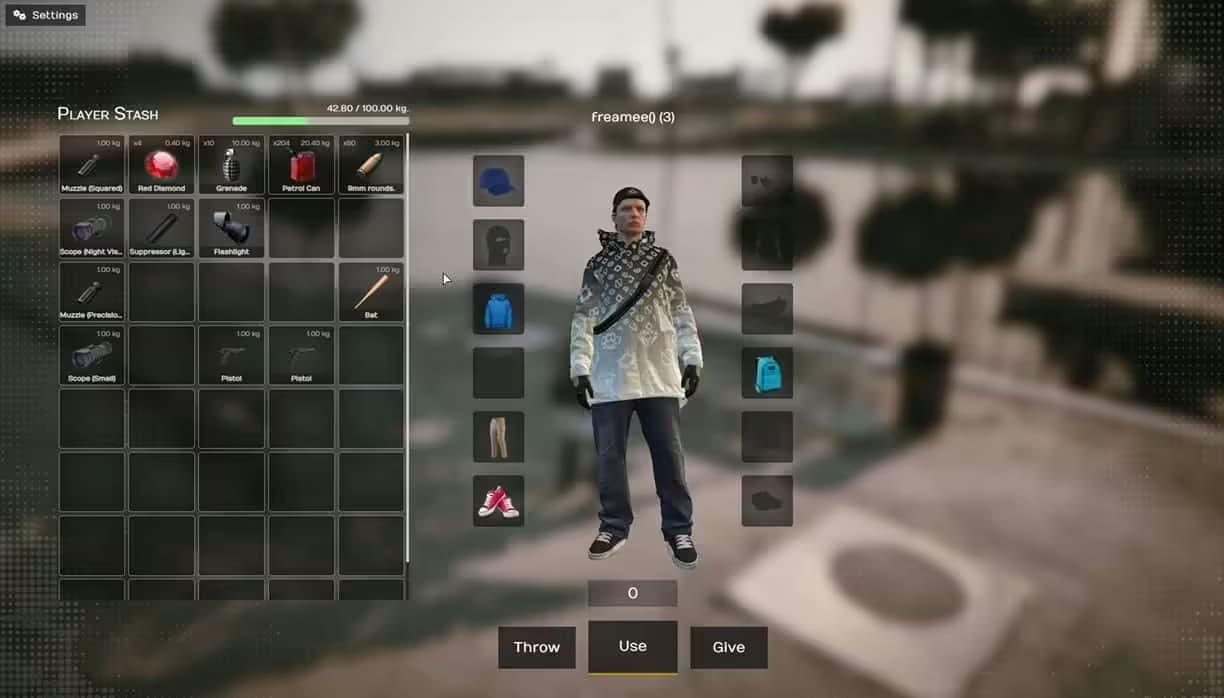
- QB-Inventory Integration - Native support for qb-inventory with automatic item image loading and combine functionality
- Blueprint System - Control recipe access through learnable blueprints that players discover or earn
- Flexible Crafting Rules - Choose whether ingredients get consumed, set custom craft times, and define multiple output items
- Portable Workstations - Players can place crafting tables from inventory, creating mobile workshops
- Batch Crafting - Reward multiple items per craft, perfect for bulk manufacturing
- Custom Recipes - Define ingredient combinations with exact quantities and output amounts
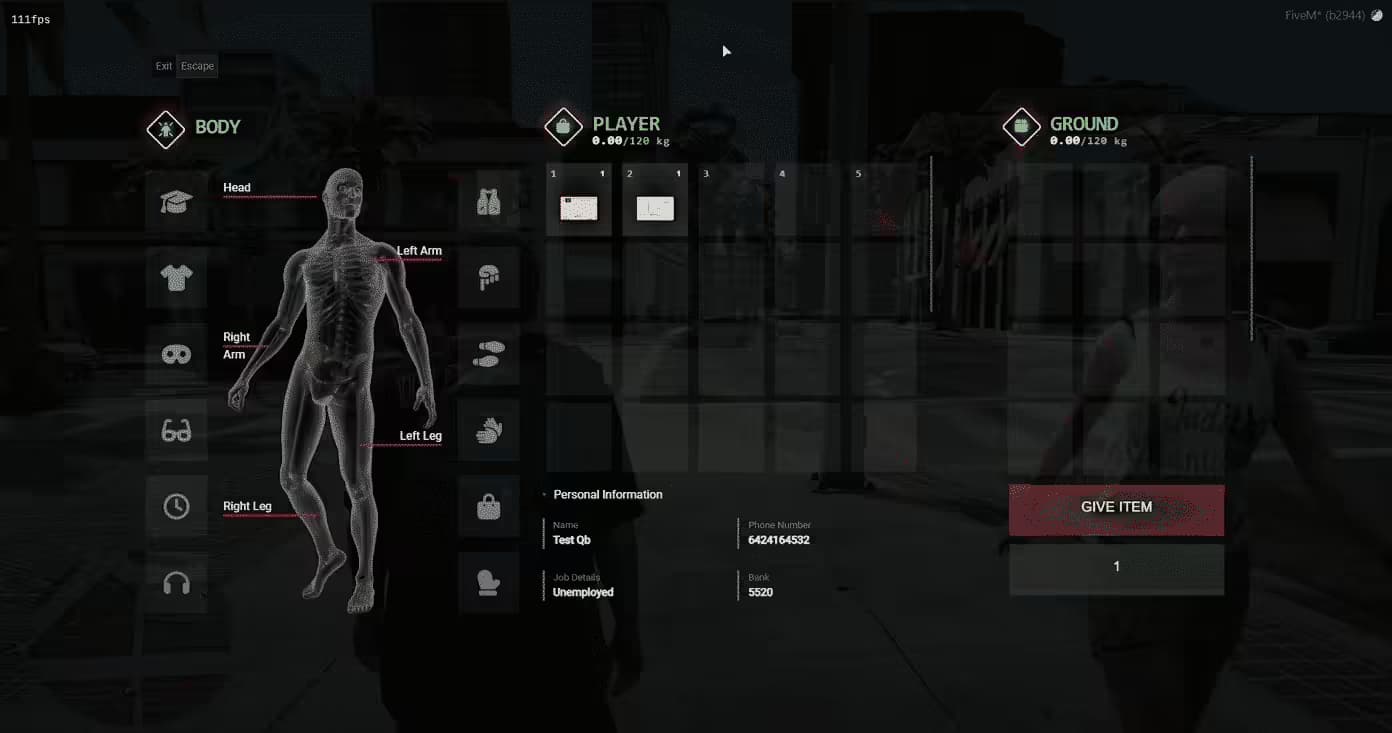
- Visual Feedback - Clean UI shows required materials, available recipes, and crafting progress
Perfect For
- QBCore servers wanting professional-grade crafting without custom inventory coding
- Communities that need recipe progression tied to player advancement
- Servers with complex economies requiring material processing chains
- Admins looking for a crafting system that's easy to configure but powerful in features
Installation
- Download and extract Core Crafting to your QBCore resources folder
- Add the required item images to your qb-inventory images folder (included)
- Configure your crafting recipes in the config file
- Add item definitions to qb-core/shared/items.lua for craftable products
- Restart your server and test crafting combinations
Framework Compatibility
- ✅ QBCore - Built specifically for QB-Core framework, tested on latest versions
- ✅ qb-inventory - Native integration with standard QB inventory system
- ✅ QB Target - Supports target interactions for workstation placement
How It Works
Players access crafting through their inventory interface. When they combine compatible items, the system checks available recipes and blueprints. If they know the recipe, they can craft the item with a custom progress bar showing the creation time. Ingredients get consumed (or retained, based on your config), and the finished product appears in their inventory. For advanced servers, the blueprint system creates progression - players start knowing basic recipes, then discover or purchase blueprints for advanced items.
Configuration Flexibility
The config file lets you define unlimited recipes with multiple ingredients. You can set crafting times from instant to several minutes, control whether tools get consumed, and specify exact output quantities. Want a recipe that needs 3 items to produce 5 results? No problem. Need crafting tables that players can deploy anywhere? It's built in. The system handles everything from simple 2-item combinations to complex multi-step manufacturing.
Technical Details
- Performance - Lightweight design with minimal impact on server resources
- Dependencies - QBCore framework, qb-inventory, optional QB Target
- Database - Uses QB player data system for blueprint storage
- Compatibility - Works with standard QB job systems and item metadata
Video preview
Related Products You Might Like
- QBCore Framework Server - Full QBCore server package for your base
- QBus Full Server v4.1 - Complete QBCore server with all essentials
- Chezza Inventory - Modern inventory system with crafting support
- Cooking Script - Complementary crafting system for food items