CodeM mPostop — Advanced Cargo Work
Advanced Post Op delivery job script for FiveM with custom UI, multiple routes, ESX & QBCore support, and 3500–5000 lines of polished code.
Pré-visualização em Vídeo
Click to load video from YouTube. By watching, you agree to their privacy policy.
CodeM mPostop — Advanced Cargo Work
Take your FiveM server's economy to the next level with CodeM mPostop, a premium Post Op cargo delivery job built by one of the most reputable script studios in the FiveM community. With a stunning custom UI, immersive delivery mechanics, and full support for both ESX and QBCore, this script offers everything you need for a complete and engaging cargo-work experience.
CodeM is known for high code quality, meticulous UI design, and active long-term support — and mPostop is no exception, clocking in at 3,500–5,000 lines of clean, optimised Lua.
Features
- Advanced delivery system — pick up cargo crates and deliver them across the map using the iconic Post Op vans
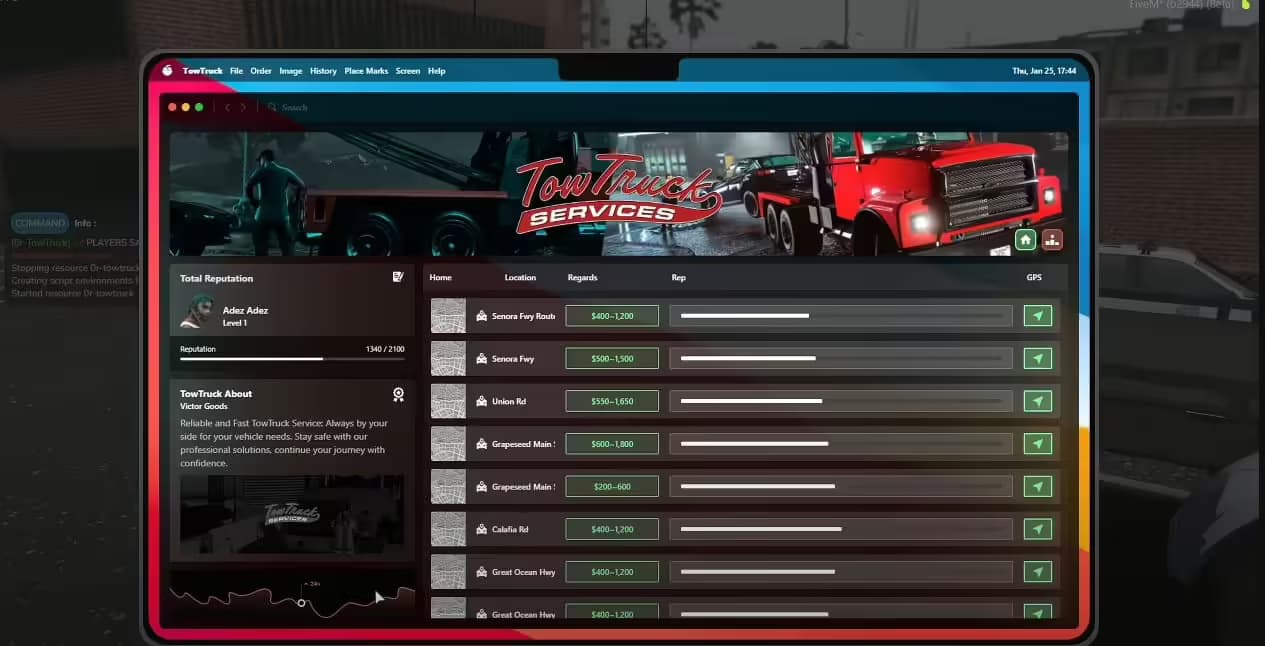
- Custom-designed UI — sleek, modern interface showing active deliveries, earnings, and job progress
- Multiple delivery routes — varied drop-off locations keep gameplay fresh
- Wardrobe / uniform system — players can change into Post Op work uniforms
- NPC interaction — interact with Post Op peds to start and manage jobs
- Own vehicle support — option to deliver with your own vehicle
- Vehicle key integrations — compatible with popular key scripts (qs-vehiclekeys and others)
- Target integration — works with ox_target / qb-target for clean interaction points
- ESX & QBCore support — dual-framework compatibility out of the box
- Optimised performance — lightweight and stable for production servers
- Active support — developer support included
What's Included
- Full mPostop resource (Lua client + server, NUI/HTML UI)
- Configuration file for easy customisation
- SQL file for database integration
- Documentation / installation guide
Compatibility
| Framework | Supported | |-----------|----------| | ESX | Yes | | QBCore | Yes |
Requirements: ESX or QBCore framework
Installation
1. Drop the m-postop folder into your server resources 2. Import the provided SQL file 3. Configure config.lua to match your framework and preferences 4. Add ensure m-postop to your server.cfg 5. Restart and enjoy
By CodeM — creators of mFishing, mCraft, mBank, mTaxiJob, BLVCK HUD v2, and more.