CodeM mMechanic Job — Advanced Mechanic Job System
CodeM's premium Advanced Mechanic Job System for FiveM — full mechanic shop management with vehicle repairs, diagnostics, invoicing, and boss management. Supports ESX and QBCore.
Pré-visualização em Vídeo
Click to load video from YouTube. By watching, you agree to their privacy policy.
CodeM mMechanic Job — Advanced Mechanic Job System
Take your FiveM server's mechanic roleplay to the next level with CodeM mMechanic, a feature-rich and fully configurable mechanic job script developed by CodeM — one of the most trusted and Rockstar-verified FiveM developers on CFX.re. With approximately 3,500–4,000 lines of code, this script is built for depth, performance, and immersion.
Features
- Multi-Shop Support — Admins can create and manage multiple mechanic shops in-game at runtime, no server restart required
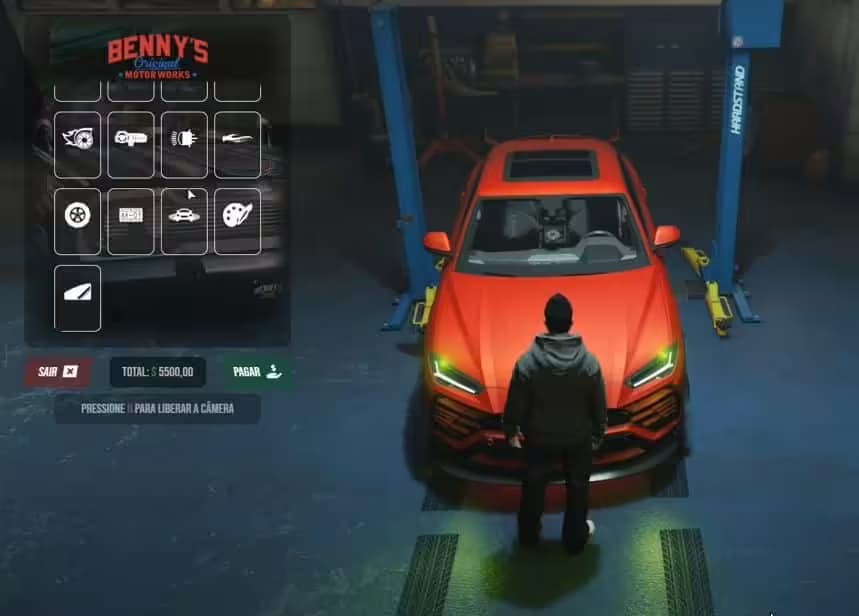
- Vehicle Repair & Diagnostics — Detailed per-component vehicle repair system including engine, body, tyres, windows, and more
- Realistic Degradation System — Vehicle wear tied to mileage and collision history for authentic roleplay
- Invoice System — Send itemised invoices to customers before or after service; copy of invoice can be shared with players
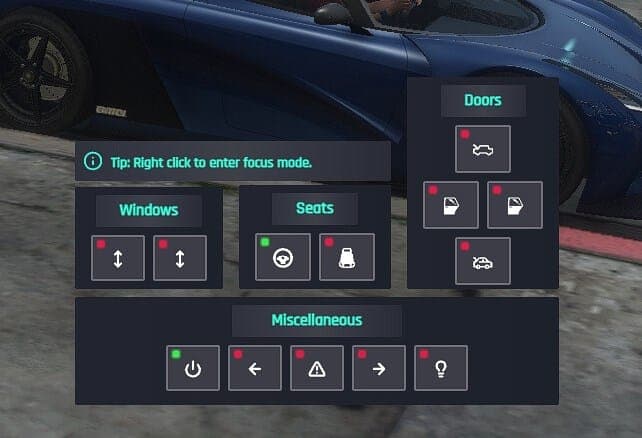
- Action Menu — Interactive mechanic action menu for hands-on vehicle work and customer interactions
- NPC Mechanic Calls — Players can request NPC assistance for immersive, non-player job scenarios
- Boss Menu — Full society/boss management panel including employee roster, salary, and finances
- Job Stash — Mechanic-specific stash/inventory for tools and parts
- Society Money — A percentage of earnings flows to the society account, remainder to the worker
- Multiple Job Grades — Configure mechanic grades and permissions per shop
- ESX & QBCore Support — Full compatibility with both major FiveM frameworks
- Highly Configurable — All prices, labels, job names, shops, and zones configurable via config files
- Optimised Performance — Resmon-friendly with clean, efficient code
What's Included
- Full server-side and client-side Lua source (encrypted, ~3,500–4,000 LOC)
- SQL file for database setup
- Config file with all customisable options
- CodeM documentation access via Gitbook
Compatibility
| Property | Details | |---|---| | Frameworks | ESX, QBCore | | Minimum Game Build | 2372 | | Requirements | esx_addonaccount (ESX) or qb-management (QBCore) | | Code Accessible | No (encrypted) | | Subscription-based | No — one-time purchase | | Support | Yes — official CodeM support |
Installation
1. Download and extract the resource to your server's resources folder 2. Import the included SQL file into your database 3. Add ensure codem-mechanic to your server.cfg 4. Configure job names, shops, and prices in config.lua 5. Restart your server