Top 10 Best Free FiveM MLO Interiors (March 2026)
Discover the top 10 most downloaded free fivem mlo interiors in March 2026. All mods are free to download and ready to use on your server.
Looking for the best free fivem mlo interiors? We've compiled the top 10 most downloaded mods from our library, updated for March 2026.
All mods listed below are completely free and compatible with popular frameworks like QBCore, ESX, and QBox.
What Is an MLO and Why Does It Matter?
An MLO (Map Level Object) is a custom interior or map modification that replaces or adds to GTA V's default environment inside FiveM. Unlike simple prop placements, MLOs are streamed as proper game assets with collision, lighting, and LOD models — meaning they look and feel like the game's original architecture rather than floating furniture.
For roleplay servers, MLOs are the difference between players conducting a drug deal in an empty parking lot and a fully detailed warehouse with rooms, crates, and breakable props. They signal to new players that the server has production quality, and they give existing players unique locations to make memorable content.
The MLOs in this list were ranked by download count from our library. Several are framework-neutral (install them like any map resource), while others include job/script integrations that require ESX, QBCore, or QBox.
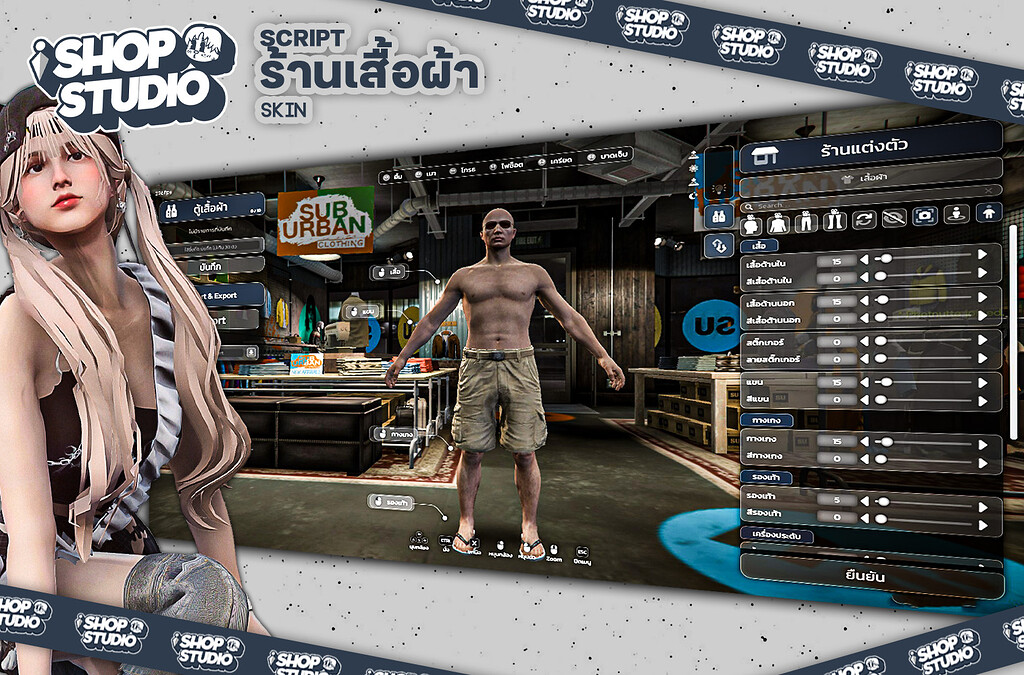
1. [ESX] ISHOP STUDIO | SKIN (Cloth Shop, Barber Shop, Wardrobe)
Enhance your FiveM server with stylish cloth shops, barber shops, and wardrobes. Provides a visually appealing and intuitive interface for customizing characters. The interior features a clean boutique aesthetic with separate zones for clothing, hair, and accessories — ideal for fashion-focused RP communities. Fully integrated with ESX skinchanger, so character appearance is saved to the database automatically on each visit.
- Downloads: 234
- Author: ISHOP.STUDIO
- Framework: ESX
- Download Now
2. [MAP] StrawBerry Hood Gang Hood FiveM GTA 5 RP + Interior
Adds a detailed gang hideout in Strawberry with a full interior to your FiveM server. Offers dedicated space for RP activities including meetings, drug stash storage, and territorial disputes. The interior uses high-quality prop placements with proper collision, making it a believable gang HQ rather than an empty shell. Works as a standalone map resource — no framework dependency.
- Downloads: 194
- Author: qsstore
- Framework: Standalone (framework-neutral)
- Download Now
3. [ESX/QB/QBOX] Advanced Garage System V2
A highly configurable garage management solution for ESX, QB, and QBOX frameworks. Offers vehicle storage, retrieval, and management with a customizable UI. The paired MLO interior is a multi-story underground garage with numbered bays, elevator access, and realistic ambient lighting. The script side supports multiple garage locations, vehicle condition persistence, and impound integration out of the box.
- Downloads: 186
- Author: KFDev
- Framework: ESX / QBCore / QBox
- Download Now
4. Free FiveM Mansions & Villas
A collection of high-end residential MLOs — mansions and villas across the map that can serve as player-owned properties, gang safehouses, or criminal enterprise headquarters. Each property features furnished interiors with living spaces, kitchens, and outdoor areas. Compatible with most property/housing scripts and adds immediate visual prestige to your server's real estate system.
- Downloads: 26
- Author: Community
- Framework: Standalone (housing script required for ownership)
- Download Now
5. Free Dealership Script – Free FiveM Mods
A complete vehicle dealership package including an MLO showroom interior with raised display platforms, neon lighting, and a sales desk area. The showroom fits naturally into existing GTA V locations. Pairs with the included dealership script to create a fully functional car-buying experience with categories, test drives, and finance options — all configurable in a single config.lua.
- Downloads: 20
- Author: Community
- Framework: ESX / QBCore
- Download Now
6. anox-mining | Multi-Ore Mining System with Loop Mining & NPC Shop [FREE]
anox-mining is a full mining system with multi-ore deposits, loop mining, NPC shop integration, pickaxe breaking mechanics, rare gem finds, and more. The included mining site MLO features a carved rock environment with distinct ore nodes placed around the site, making the activity feel grounded in the world rather than happening on empty terrain. The NPC shop is built into the MLO entrance for immediate sell-and-restock flow.
- Downloads: 18
- Author: AnoxStudio
- Framework: Standalone
- Download Now
7. Atom – Free Tebex Store Template
Give your Tebex store a serious upgrade without spending a cent. Atom is a modern, conversion-focused template built to make your shop look professional, load fast, and sell more — right out of the box. While not a traditional MLO, it pairs well with any MLO-heavy server by providing an equally polished external storefront for your community's donation/purchase page. Customizable logo, colors, and product layout with zero coding required.
- Downloads: 17
- Author: Community
- Download Now
8. Garage System (ESX/QB)
A Car, Air & Boat Garage mod with a user-friendly UI and seamless framework integration. The garage MLO covers ground vehicles, aircraft, and boats in a single unified interior — three distinct sections with separate spawning pads for each vehicle type. The UI features a searchable vehicle list with condition indicators, so players can see whether their car took damage before retrieving it. Stable on OneSync Infinity.
- Downloads: 15
- Author: Community
- Framework: ESX / QBCore
- Download Now
9. Fire Department MLO
The newly overhauled Station 24 in North Richman is a modern, fully-detailed fire station MLO. Featuring 3 double-stacked bays, individual dorm rooms, a captain's office, a fully equipped kitchen, and a training yard, this MLO provides everything a fire and EMS faction needs for serious roleplay. The station uses GTA V's native props throughout, keeping the visual quality consistent with the base game while dramatically improving the space available compared to the vanilla fire stations.
- Downloads: 14
- Author: Community
- Framework: Standalone
- Download Now
10. Mechanical Workshop MLO
A feature-rich workshop interior designed for mechanic job roleplay. The space includes a main bay with hydraulic lifts, a tool storage area, a customer waiting room with a service desk, and a back parts warehouse. Lighting is set for an indoor workshop feel — warm overhead fluorescents and darker corners that work well for suspense RP. Compatible with ESX and QBCore mechanic job scripts, and the prop layout accounts for vehicle entry without clipping.
- Downloads: 11
- Author: Community
- Framework: ESX / QBCore
- Download Now
How to Choose an MLO for Your Server
Not every MLO is the right fit for every server. Before downloading, consider these factors:
1. Polygon Count and Performance
High-poly MLOs with dense prop placement can reduce FPS for players on lower-end machines. Check the resource thread on the CFX forum for performance notes, or test on a local server first. A general rule: if the author does not mention optimization in their description, assume it is unoptimized.
2. Coordinate Conflicts
MLOs replace or overlay parts of GTA V's map. Two MLOs that occupy the same coordinates will clip into each other or cause Z-fighting (flickering polygons). Before adding a new MLO, compare its listed coordinates against your existing map mods. Tools like CodeWalker let you inspect MLO extents visually.
3. Framework Integration Requirements
Some MLOs in this list are purely visual (standalone map resources). Others include scripts that require ESX, QBCore, or QBox to function. If you are running a standalone server, download the MLO component only and configure job interactions separately with your own scripts.
4. Interior Lighting
MLOs use baked lighting by default, which means they look correct at the time of day they were designed for. Interiors designed for nighttime RP can appear washed out during daytime hours without additional ambient occlusion adjustments. Check the featured screenshots to see how the space looks across different times of day.
How to Install MLOs
Most free FiveM MLO interiors follow the same installation process:
- Download the resource from the link above.
- Extract the folder into your server's
resourcesdirectory. The folder name should not contain spaces. - Add to server.cfg:
ensure resource-folder-name - Check for SQL files. If the MLO includes a script component with a database (job stashes, property ownership), import the
.sqlfile before starting the server:mysql -u root -p your_database < sql_file.sql - Restart your server and connect to verify the interior loads at the correct location.
- Test collision. Walk through every door and wall to confirm collision meshes loaded correctly. A missing
__resource.luaorfxmanifest.luaentry is the most common cause of invisible-but-collidable walls.
Troubleshooting Common MLO Issues
| Problem | Likely Cause | Fix |
|---|---|---|
| Interior not visible | Missing ensure in server.cfg | Add the resource and restart |
| Can walk through walls | Collision file not streaming | Check fxmanifest.lua for col entries |
| Floating props | Wrong interior flag | Set disableDynamicEntityCulling flag |
| Z-fighting with another MLO | Coordinate overlap | Remove one MLO or adjust placement in CodeWalker |
| Interior loads but looks black | Lighting entities not included | Contact author or add IPL manually |
Looking for More?
Browse our full collection of free fivem mlo interiors or check out premium fivem mlo interiors for advanced features and dedicated support. For scripts that pair with MLO interiors — garage systems, mechanic jobs, clubs, and more — visit VertexMods FiveM scripts.
Frequently Asked Questions
Can I use these MLOs on a QBCore server without modifications?
The framework-neutral MLOs (marked "Standalone") work on any server with zero modification. MLOs that include job or shop scripts will need their config.lua edited to match your QBCore table names if they were originally built for ESX. Most well-documented MLO packs include framework-specific configuration sections.
Do MLOs affect my server's performance for all players?
Yes, but the impact is usually minor if the MLO is properly optimized. MLOs stream to a player's client when they enter the streaming range (typically 100–300 meters). A well-built MLO adds around 0.1–0.5 ms to client frame time. Heavily detailed interiors with hundreds of props can push this higher. Always test new MLOs under real player load before deploying to production.
How do I find an MLO's coordinates to check for conflicts?
Open the resource's fxmanifest.lua or __resource.lua and look for the map extents or interior name. Then load the interior name in CodeWalker (free GTA V modding tool) to see its exact bounding box on the map. Alternatively, simply teleport to the stated coordinates in your FiveM server with no-clip and inspect visually.
Can I edit a free MLO's interior layout?
Most free community MLOs are released under open licenses that allow modification for personal server use. To edit the actual geometry, you need 3ds Max or Blender with the appropriate GTA V import plugin. Editing prop placement only (without touching geometry) can be done in Map Editor or CodeWalker directly within FiveM. Always check the original creator's terms before redistributing a modified version.