
Sale
View Product
Megaphone Mod (Vehicle & Handheld)
ESXQBCore
$19.00$29.00
Last updated: April 2026
Download premium and free FiveM mods — vehicles, MLO interiors, maps, EUP clothing, and more. All security-reviewed, backdoor-checked, and ready to install.
Hand-picked FiveM mods with the best reviews, most downloads, and highest quality assets.





Find the perfect mods for your FiveM server by category.
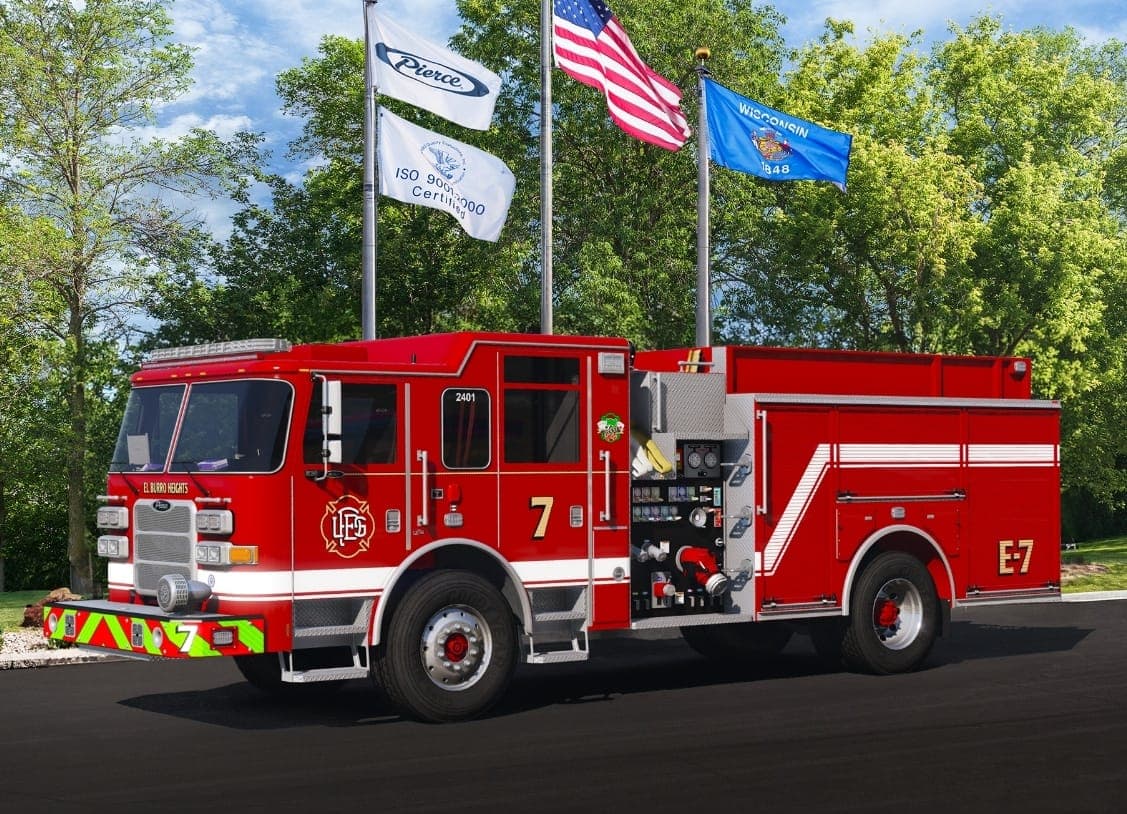
Custom cars, emergency vehicles, tuning kits, handling files, and vehicle packs for realistic roleplay.
Custom map interiors for police stations, hospitals, houses, businesses, and public buildings.
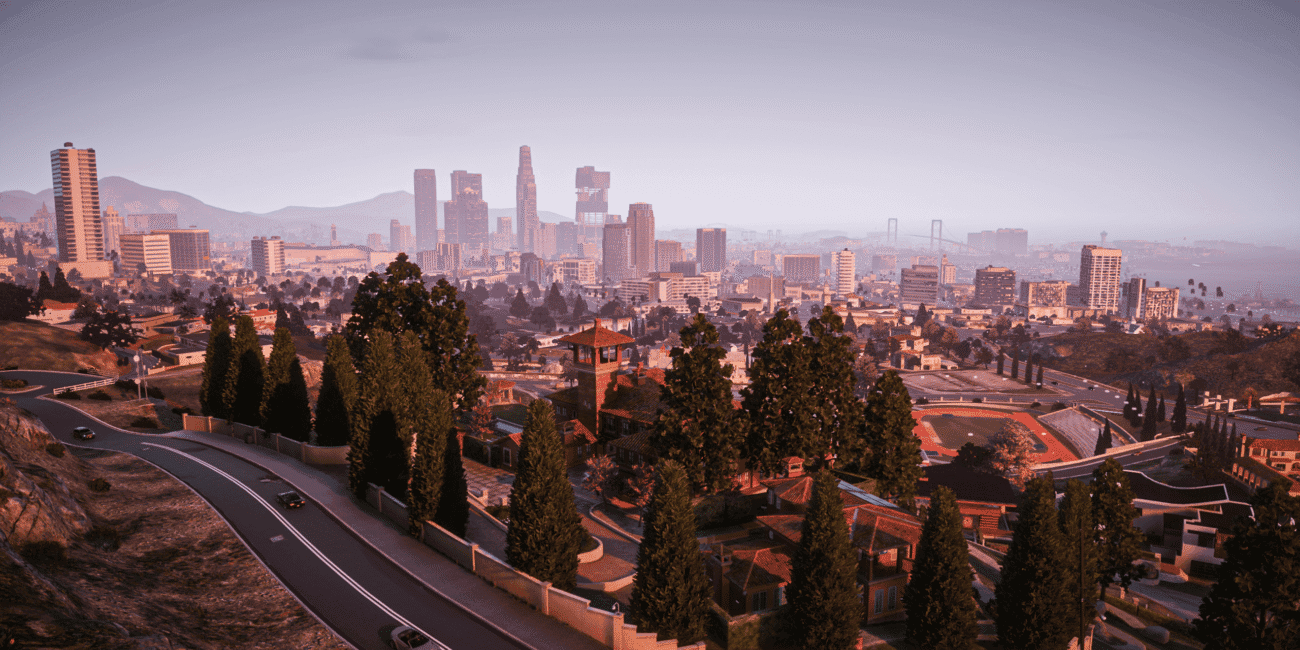
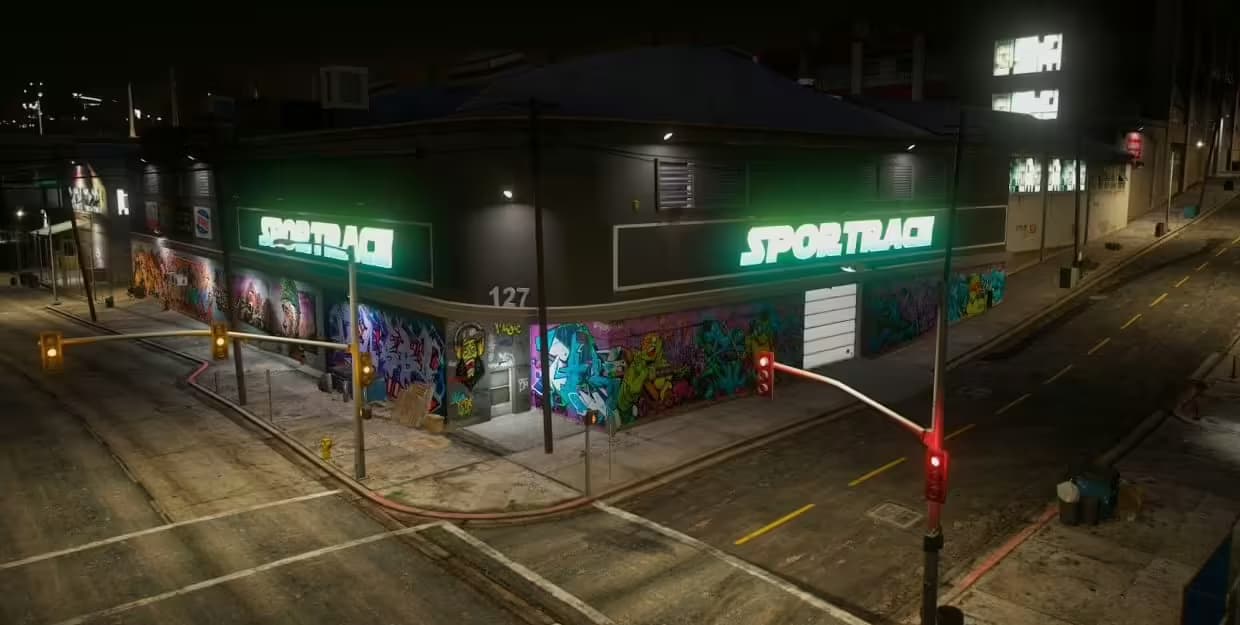
Custom map additions, race tracks, neighborhoods, islands, and world enhancements.
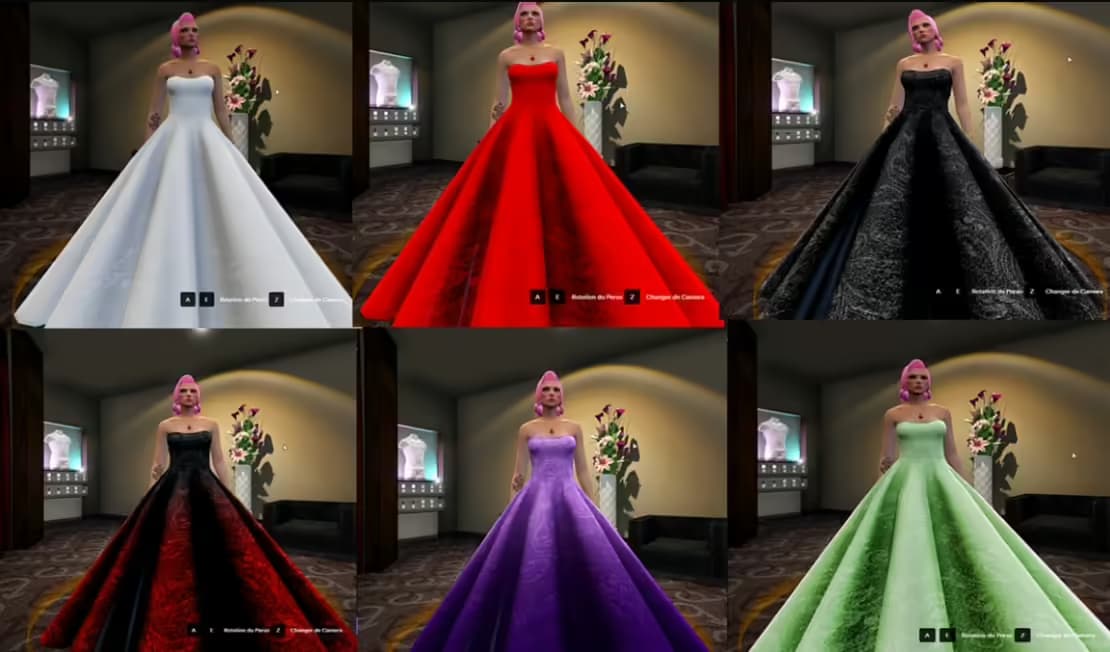
Custom uniforms, civilian outfits, emergency service clothing, and character customization packs.
Custom loading screen designs with music, server info, rules display, and progress bars.
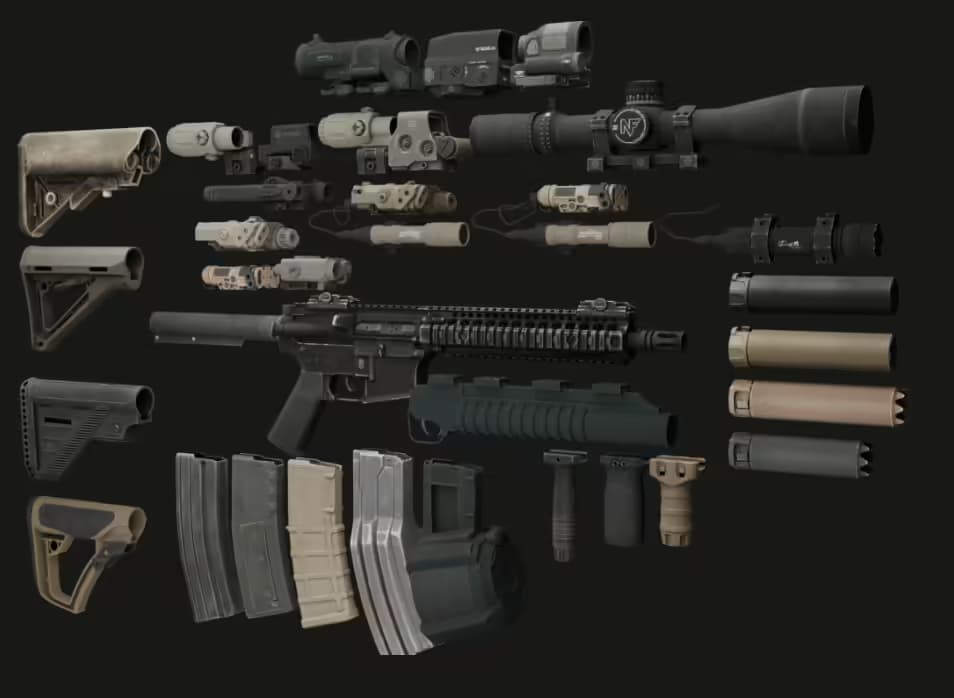
Custom weapon models, rebalanced stats, weapon attachments, and armory systems.
Our mods work seamlessly with your preferred FiveM framework.
The most popular modern framework. Mods integrate seamlessly with QBCore's inventory, garage, and housing systems.
The classic framework with the largest mod library. Full compatibility with ESX vehicle, property, and job systems.
Next-gen framework built on QBCore. Best performance with full compatibility for QBCore-designed mods.
Framework-independent mods that work with any server setup. Maximum flexibility and zero dependencies.
Get started with our collection of free, community-tested FiveM mods.

Experience the thrill of performing motocross and bike tricks with the CrossMotor Tricks Mod for FiveM. This mod is designed to enhance your gaming experience by allowing you to execute a variety of stunts using simple key combinations. Whether you're speeding through the city or exploring off-road trails, this mod ensures non-stop fun and excitement....
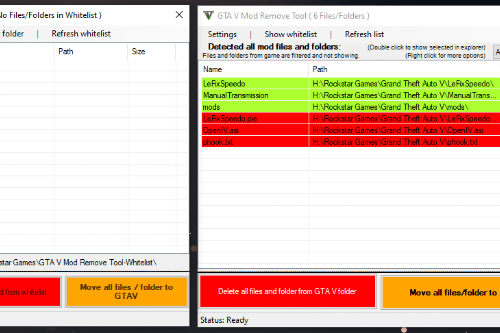
The GTA V Mod Remove Tool helps you detect and remove all installed mods from your GTA V directory, making it easy to clean up your game folder.

AIRSTRIKE & MISSILE MOD - disclaimer: i dont actually know how these missiles work hey guys, its been a while since I posted on here, heres a fun airstrike mod I made. However, since my writing is hor
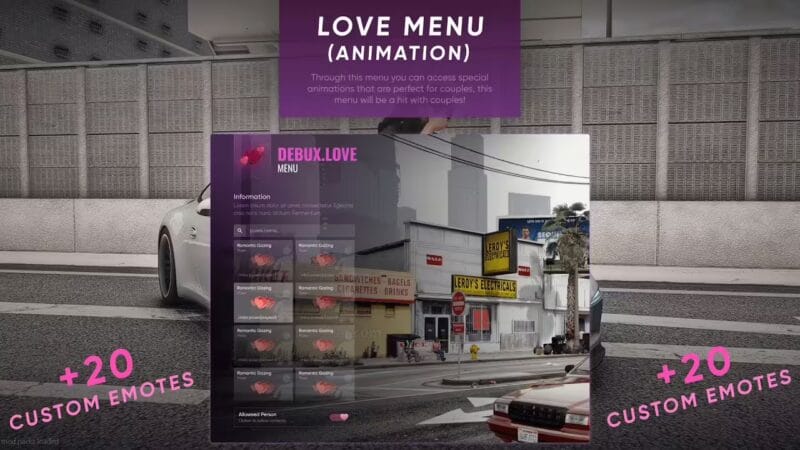
Unleash Romance: FiveM Love Roleplay Scripts for Couples FiveM Love Roleplay Scripts are resources developed for the FiveM for enriching romantic interactions and relationships on roleplay servers. These mods equip players with the means to craft immersive and dynamic love narratives, incorporating features like dating systems, relationship management, and emotional exchanges. By implementing these scripts,...
Create GTA 5 mods on your Android device! Packed with tools and documentation, this app allows you to design unique gameplay experiences on the go. Save, load, and export your creations with ease.
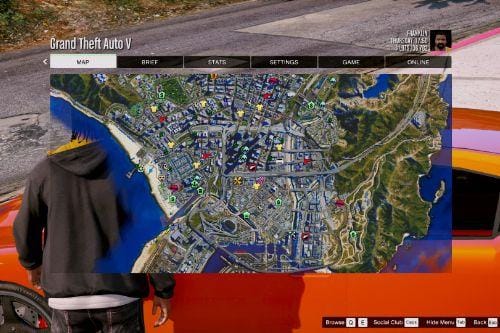
4K Satellite View Map bundled with radar mod & zoom script. — PLEASE DONT UPLOAD TO OTHER SITES WITHOUT PERMISSION, AND UPLOADE ON YOUTUBE WITHOUT PROPER CREDIT BEEN GIVEN.
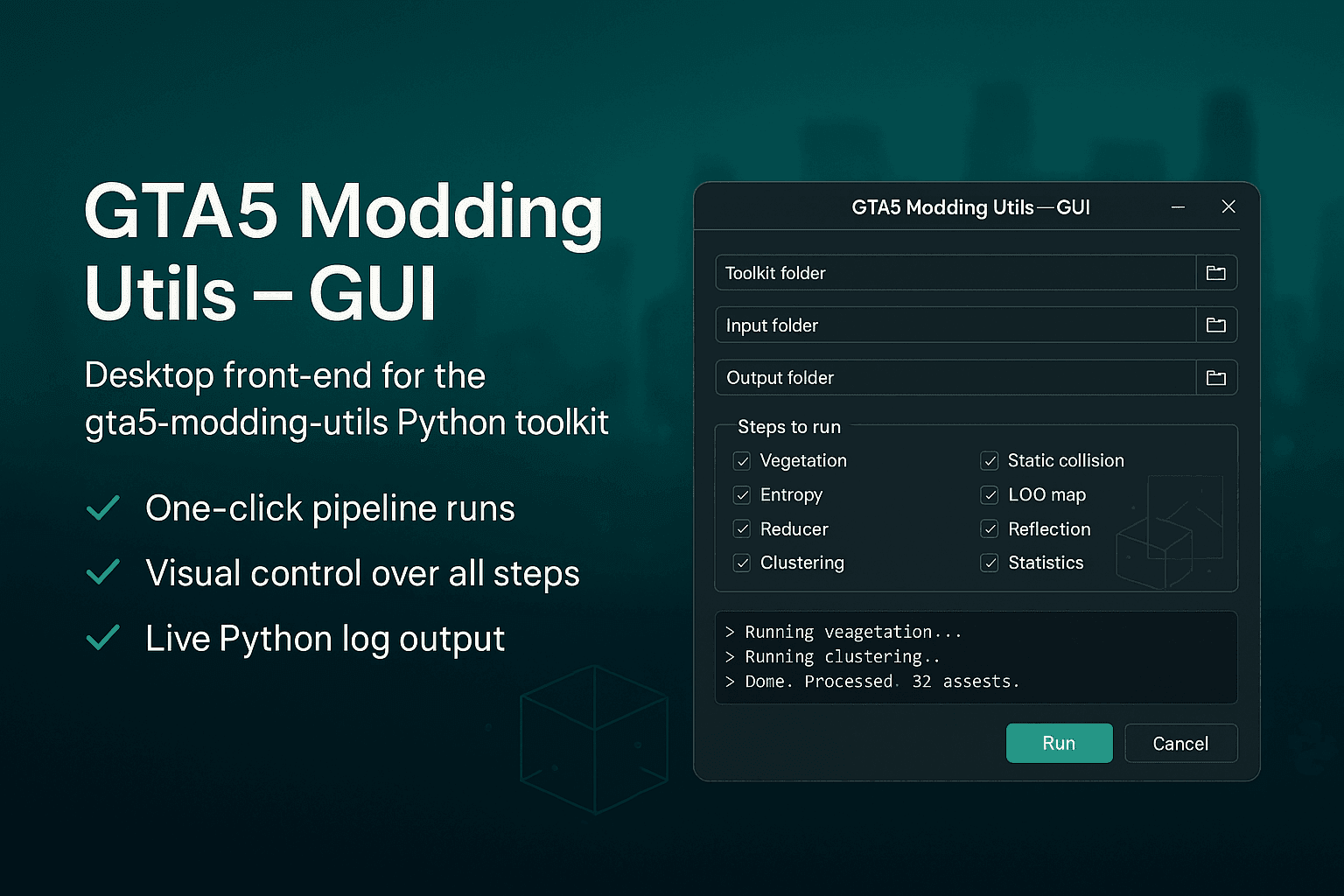
User-friendly GUI for gta5-modding-utils. Simplify map creation: browse folders, pick workers (vegetation, LOD), tweak settings, and view logs.

Los Angeles Police / Sheriff - Realism Mod — FEATURES Ford & Police Interceptor emblems Dodge & Charger emblems Chevrolet & Suburban emblems LSPD references changed to LAPD Correct Los Angeles county seal Correct Los Angeles Sheriff seal "to pro...
![Marriage Hall Mod [Menyoo] — Free FiveM Download](/_next/image?url=https%3A%2F%2Fimg.gta5-mods.com%2Fq95%2Fimages%2Fmarriage-hall-mod-menyoo-add-on-sp%2Ff8f648-1.png&w=2048&q=80)
Create a detailed wedding venue in GTA 5 with this Menyoo mod! Features VIP seating, guest areas, decorations, parking, a disco, spawned peds, and security.
FiveM mods are the visual backbone of any roleplay server. While scripts handle gameplay logic — jobs, economy, police systems — mods provide the tangible assets that players see, drive, wear, and interact with. A server running stock GTA V vehicles and default interiors feels generic no matter how good its scripts are. The right mods create an immersive, unique world that keeps players coming back.
In the FiveM ecosystem, 'mods' refer to custom assets that modify or replace visual elements in the game. This includes 3D models (vehicles, weapons, props), textures, map geometry (MLO interiors), clothing meshes (EUP), and UI elements (loading screens, HUDs). Unlike scripts that execute Lua code on the server, mods primarily consist of streamed asset files (.yft, .ytd, .ydr, .ymap) that the FiveM client downloads and renders locally. This distinction matters for server performance: mods consume streaming memory on each player's client, while scripts consume server CPU cycles. A well-optimized server balances both.
The FiveM modding ecosystem has evolved into six distinct categories, each serving a different purpose in creating a complete server experience:
Not all mods are created equal. When evaluating FiveM mods, look for these quality indicators: Proper LODs (Level of Detail) — high-quality mods include multiple LOD levels so the model simplifies at distance, reducing rendering cost. A vehicle mod without LODs can consume 3-5x more streaming memory than one with proper LODs. Correct collision models — the collision mesh should match the visual model. Mismatched collisions cause players to clip through vehicles or get stuck on invisible geometry. Working extras — vehicle mods should have functional extras (lightbars, spotlights, antennas) controlled via /extras or vMenu. Optimized textures — texture files (.ytd) should use DXT compression at appropriate resolutions (1024x1024 for small items, 2048x2048 for vehicles, 4096x4096 only for hero assets).
The single biggest performance concern with FiveM mods is streaming memory. Every vehicle, weapon, and clothing item loaded by a player consumes streaming budget — FiveM allocates a finite pool of memory for streamed assets. When this pool is exceeded, players experience texture pop-in, disappearing vehicles, and crashes. Monitor your server's streaming budget using txAdmin's resource monitor. A healthy server keeps total streaming usage below 80% of the client's budget. Practical guidelines: limit active vehicle models to 150-200, use LOD-optimized mods, and avoid 4K textures on items players rarely examine up close. MLO interiors have less impact since they use GTA V's native interior loading system, which streams assets only when a player enters the interior.
The FiveM modding scene in 2026 has matured significantly. Three trends dominate: First, quality over quantity — server owners are replacing 500 mediocre vehicles with 150 properly optimized ones, resulting in better performance and player experience. Second, integrated mod packs — instead of sourcing vehicles, uniforms, and MLOs from different creators, server owners prefer cohesive packs where police vehicles, station MLOs, and LEO uniforms share a consistent visual style. Third, performance-first design — the community has learned that a 50MB vehicle mod with 4K textures is not 'better' than a 15MB mod with optimized 2K textures. Players and server owners now actively seek LOD-optimized, streaming-budget-friendly mods over raw polygon counts.
Mod safety is a critical concern in the FiveM community. Malicious actors distribute mods containing hidden backdoors — code that grants remote access to your server, leaks player IP addresses, or installs cryptocurrency miners. Never download mods from unverified sources, random Discord servers, or websites without reputation. Trusted marketplaces like VertexMods scan every mod upload for malicious code, verify file integrity, and test compatibility before listing. Additionally, always review a mod's file contents before installing: legitimate mods contain only asset files (.yft, .ytd, .ydr, .ymap) and configuration files — they should never include .exe files, obfuscated Lua code, or external API calls.
Get any mod running on your server in 5 simple steps.
Download your chosen mod from VertexMods. Premium mods are available instantly after purchase. Free mods can be downloaded directly.
Unzip the downloaded file and place the mod folder into your FiveM server's resources directory (or the appropriate stream folder for vehicles/weapons).
Open your server.cfg file and add 'ensure [mod-name]' to load the mod when your server starts.
Some mods like MLOs or vehicle shops need database tables. Import the included .sql file into your database using HeidiSQL or phpMyAdmin.
Edit the mod's config file to customize settings for your server, then restart your FiveM server to activate the mod.
We're not just a marketplace — we're your trusted source for quality FiveM mods.
Every mod is scanned for backdoors, malicious code, and security vulnerabilities before listing.
Mods are tested on target frameworks and FiveM builds to ensure they work out of the box.
Get your files immediately after purchase. No waiting, no approval delays.
Premium mods receive updates for new FiveM builds, game patches, and framework versions.
Every premium purchase includes creator support for installation and configuration help.
Not satisfied? Contact us within 7 days for a full refund on premium purchases.
Everything you need to know about FiveM mods.
FiveM mods are custom resources that enhance or modify your FiveM server. Unlike scripts (which add gameplay logic via Lua code), mods typically include visual assets like custom vehicles, map interiors (MLOs), clothing, weapon models, loading screens, and other 3D content that changes how the game looks and feels. Mods use FiveM's streaming system to replace or add game assets — when a player enters your server, the client automatically downloads and renders these custom assets. The most common mod types include vehicle replacements (.yft models with handling.meta), MLO interiors (.ymap + .ytyp files), EUP clothing packs, and weapon model swaps. Browse all categories on our dedicated pages: vehicle mods at /fivem-car-mods, MLO interiors at /fivem-mlo-interiors, and maps at /fivem-maps.
The six main types of FiveM mods are: Vehicle mods (custom cars, trucks, emergency vehicles with handling files and LODs), MLO interiors (custom building interiors like police stations, hospitals, houses, and nightclubs using GTA V's native interior system), Maps (new locations, terrain changes, and world additions using .ymap files), EUP clothing (custom uniforms, civilian outfits, and character customization packs), Loading screens (server-branded loading pages with rules, music, and progress bars), and Weapon mods (custom weapon models with balanced stats and animations). Each type uses different file formats and has different performance characteristics — vehicles and weapons consume streaming memory per player, while MLOs only load when a player enters the interior. Understanding these differences helps you build a balanced, performance-friendly mod collection.
Most FiveM mods follow a straightforward installation process: 1) Download the mod files from a trusted source like VertexMods, 2) Extract the archive and place the mod folder into your server's resources directory — vehicle and weapon mods typically go in a [stream] subfolder, while MLOs have their own resource structure, 3) Add 'ensure [mod-name]' to your server.cfg file to load the mod on server start, 4) Import any required SQL files into your MySQL/MariaDB database using HeidiSQL or phpMyAdmin — this is common for MLOs with door locks or vehicle shops, 5) Restart your server and verify the mod loads correctly using txAdmin's resource monitor. For detailed step-by-step instructions with screenshots, check our installation guide section above.
Both free and premium FiveM mods are available, and most servers use a mix of both. Free mods cover basic needs — default vehicle replacements, simple MLO interiors, basic EUP packs — and are ideal for getting started or testing concepts before committing to premium alternatives. Premium mods offer significantly higher quality: detailed 3D models with proper LODs, custom handling physics, optimized textures, regular updates for new FiveM builds, and creator support for installation issues. VertexMods offers over 800 free community-tested mods alongside our premium catalog. A practical approach for new servers: start with free mods to establish your baseline, then upgrade to premium packs for your most-used categories (typically emergency vehicles and your main MLO locations first).
FiveM scripts are Lua/JavaScript code that adds gameplay functionality — jobs, economy systems, police MDTs, phone apps, drug manufacturing, housing, and more. They run as server-side and client-side logic. FiveM mods are primarily asset-based — they add visual content like 3D vehicle models, map interiors, clothing meshes, and weapon replacements. They consist mainly of streamed files (.yft, .ytd, .ydr, .ymap). In practice, many server resources combine both: a vehicle dealership includes the vehicle models (mod assets) plus the shop script (Lua code for purchasing, test drives, and financing). Both are essential for a complete server — scripts provide the gameplay depth while mods provide the visual immersion. Explore our script collection at /fivem-scripts for the gameplay side.
Safe FiveM mods should only be downloaded from verified marketplaces that scan every upload for malicious code before publishing. The FiveM community faces a persistent problem with backdoored mods — seemingly legitimate vehicle packs or MLOs bundled with hidden Lua scripts that grant attackers remote admin access to your server, leak your database including player IPs and Discord tokens, or install cryptocurrency miners that consume your server CPU. Common distribution vectors include random Discord servers offering free premium mods, unverified download sites with no review process, and GitHub forks with injected malicious code. Red flags include mods that contain .lua or .js files when they should only contain asset files like .yft, .ytd, and .ymap — legitimate visual mods rarely need executable code. Always inspect file contents before installing any mod on your server. VertexMods scans every mod submission for security threats and tests compatibility before listing, making it a trusted source for safe FiveM mod downloads.
The best FiveM vehicle mods combine high-fidelity 3D models with proper optimization for server performance. Look for vehicles with custom handling.meta files that provide realistic driving physics tuned for FiveM rather than generic GTA V handling. Quality vehicle mods include multiple LOD (level of detail) meshes so the model simplifies at distance, reducing streaming memory consumption by up to 80 percent compared to single-LOD models. Working extras such as lightbars, spotlights, bull bars, and antennas controlled via /extras or vMenu add functional depth. Proper collision models that match the visual shape prevent players from clipping through or getting stuck on invisible geometry. Emergency vehicle packs are the most popular category for roleplay servers, with police departments alone requiring 10 to 20 unique vehicles for a realistic fleet. VertexMods hosts hundreds of verified vehicle mods with performance benchmarks on each product page, helping server owners build optimized fleets.
MLO stands for Map Location Object, and it refers to a custom interior or building added to the GTA V game world through FiveM's streaming system. MLOs use .ymap and .ytyp files to create entirely new interior spaces — from single-room apartments to massive multi-floor structures like hospitals, police headquarters, nightclubs, and courthouse buildings. What makes MLOs special is their use of GTA V's native interior loading system, which streams the interior assets only when a player enters the building rather than loading everything at server join. This makes MLOs significantly more performance-friendly than open-world map additions. Complex MLOs like a full hospital can contain over 50 rooms with thousands of individually placed props, custom lighting, audio occlusion zones, and door lock integration for framework-based access control. VertexMods hosts a curated collection of MLO interiors across all building types, each tested for compatibility and performance.
FiveM mod prices vary by category, complexity, and the level of detail included. Vehicle mods range from free community models to 10 to 25 dollars for premium packs with custom handling, multiple LODs, and working extras — emergency vehicle fleet packs with 10 or more vehicles may cost more. MLO interiors typically run between 10 and 40 dollars depending on size and complexity, with simple single-room locations at the lower end and large multi-floor buildings like hospitals or police stations at the higher end. EUP clothing packs range from 5 to 20 dollars based on the number of outfits and texture variations included. Loading screens, weapon models, and map modifications generally fall between 5 and 15 dollars. Free alternatives exist in every category for server owners on a budget. Bundle deals combine multiple mods at significant discounts compared to individual purchases. VertexMods hosts over 770 free mods alongside premium options with transparent pricing on every listing.
Yes, running multiple mods simultaneously is standard practice — most production FiveM roleplay servers operate with 100 to 300 mods active at once, covering vehicles, MLO interiors, clothing, weapons, and maps. The primary constraint is streaming memory, a finite budget that FiveM allocates for downloaded assets on each player's client. Every vehicle model, weapon skin, and clothing item loaded by a player consumes streaming memory, and exceeding the budget causes texture pop-in, disappearing vehicles, and client crashes. Monitor your server's streaming usage through txAdmin's resource monitor, keeping total consumption below 80 percent of the client budget. Practical guidelines include limiting active vehicle models to 150 to 200, using LOD-optimized mods exclusively, and avoiding 4K textures on items players rarely examine closely. MLO interiors have less streaming impact since they only load when a player enters the building. VertexMods lists performance data on product pages to help server owners build balanced mod collections.
Join thousands of server owners who trust VertexMods for premium and free FiveM mods.