HUD Systems
-30% DTO
0R HUD V3
0R HUD V3 - modern customizable HUD interface for ESX servers Compatible with ESX framework. Fully customizable and optimized.
31,00 €44,00 €
Garantía de Devolución
Política de reembolso de 14 días
Actualizaciones de por Vida
Actualizaciones gratuitas para siempre
Código Abierto
Inspecciona y modifica el código
SSL Encrypted
|Visa, Mastercard, Amex, Apple Pay
|Crypto
Vista previa del video
Haz clic para cargar el video de YouTube. Al verlo, aceptas su política de privacidad.
Descripción
0R HUD V3 - Premium Minimalist Interface System for FiveM
Transform your FiveM server's user interface with 0R HUD V3, a meticulously crafted heads-up display system that combines stunning visual design with practical functionality. This premium HUD delivers all essential player information through a clean, modern interface that enhances immersion rather than cluttering the screen. Built for performance and customization, it provides players with instant access to health, armor, hunger, thirst, stamina, and vehicle stats while maintaining cinematic screen real estate.
What's Included
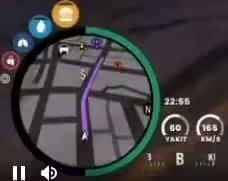
0R HUD V3 provides a complete interface overhaul with modular components that work together seamlessly. You'll receive a customizable status display showing health and armor with smooth animations, a hunger and thirst system with visual indicators and configurable depletion rates, a stamina bar that tracks running and swimming endurance, and a sophisticated vehicle HUD showing speed, fuel, engine health, and gear position.
The package includes multiple color themes and customization presets, allowing server owners to match the HUD aesthetic to their branding. Every UI element features smooth fade-in/fade-out transitions, responsive scaling for different screen resolutions, and intelligent positioning that adapts to gameplay context. The HUD automatically hides during cinematics and cutscenes to preserve immersion.
Key Features
- Minimalist Design Philosophy - Clean interface that shows critical information without screen clutter
- Smooth Animations - Fluid transitions and status changes that feel natural and polished
- Dynamic Visibility - HUD elements appear only when relevant, hiding during inactive periods
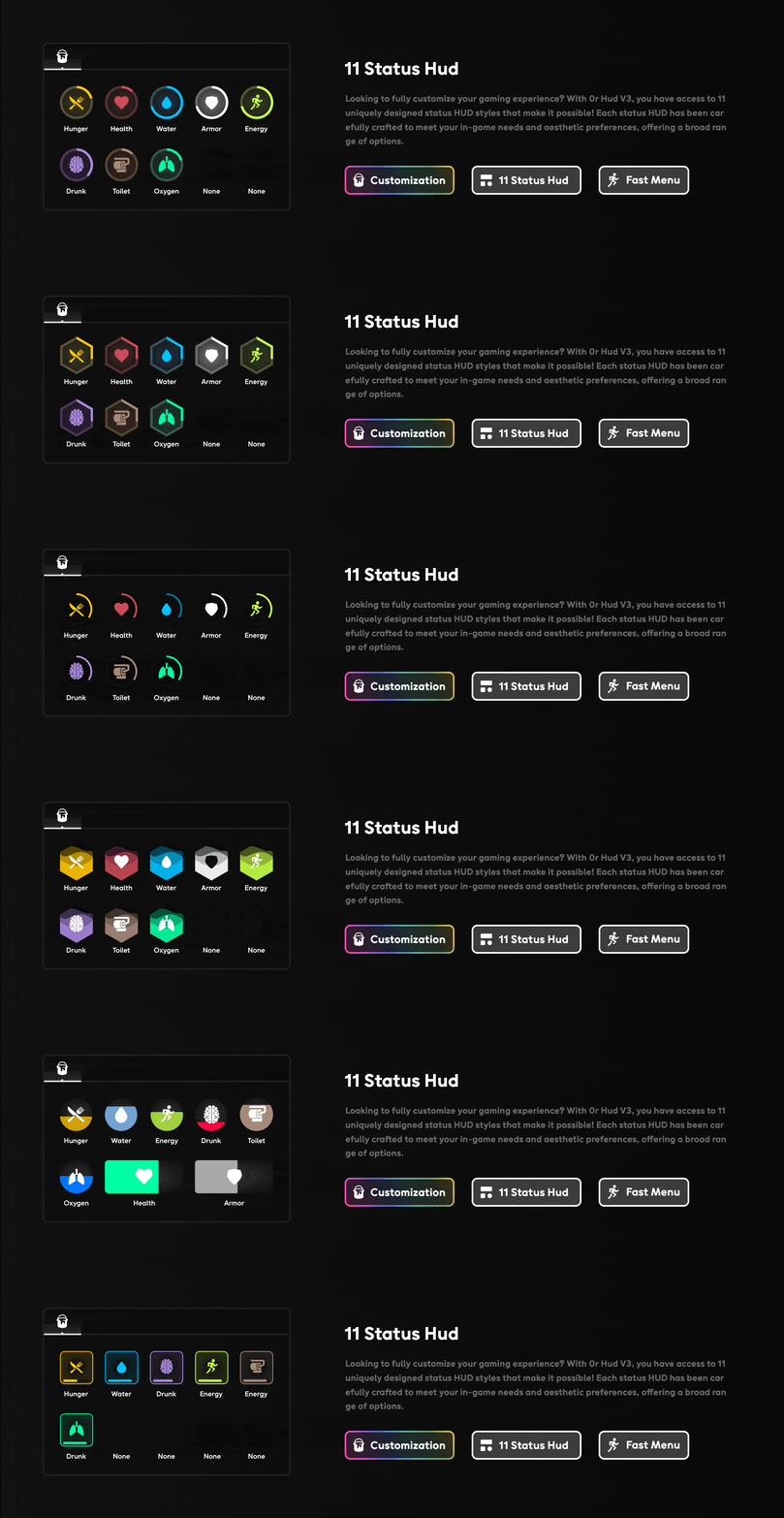
- Health & Armor Display - Circular progress indicators with percentage values and color coding
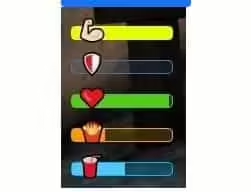
- Hunger & Thirst System - Visual status bars with configurable depletion rates and warning thresholds
- Stamina Tracking - Real-time stamina display that appears during physical activity
- Vehicle Speedometer - Modern digital speedometer with MPH/KPH toggle and speed limiting indicator
- Fuel Gauge - Integrated fuel level display compatible with popular fuel scripts
- Gear Indicator - Automatic transmission display showing current gear and RPM
- Engine Health - Visual damage indicator that warns players of mechanical failures
- Street Name Display - Location information showing current street and area
- Voice Indicator - Speaking status with range visualization for voice chat systems
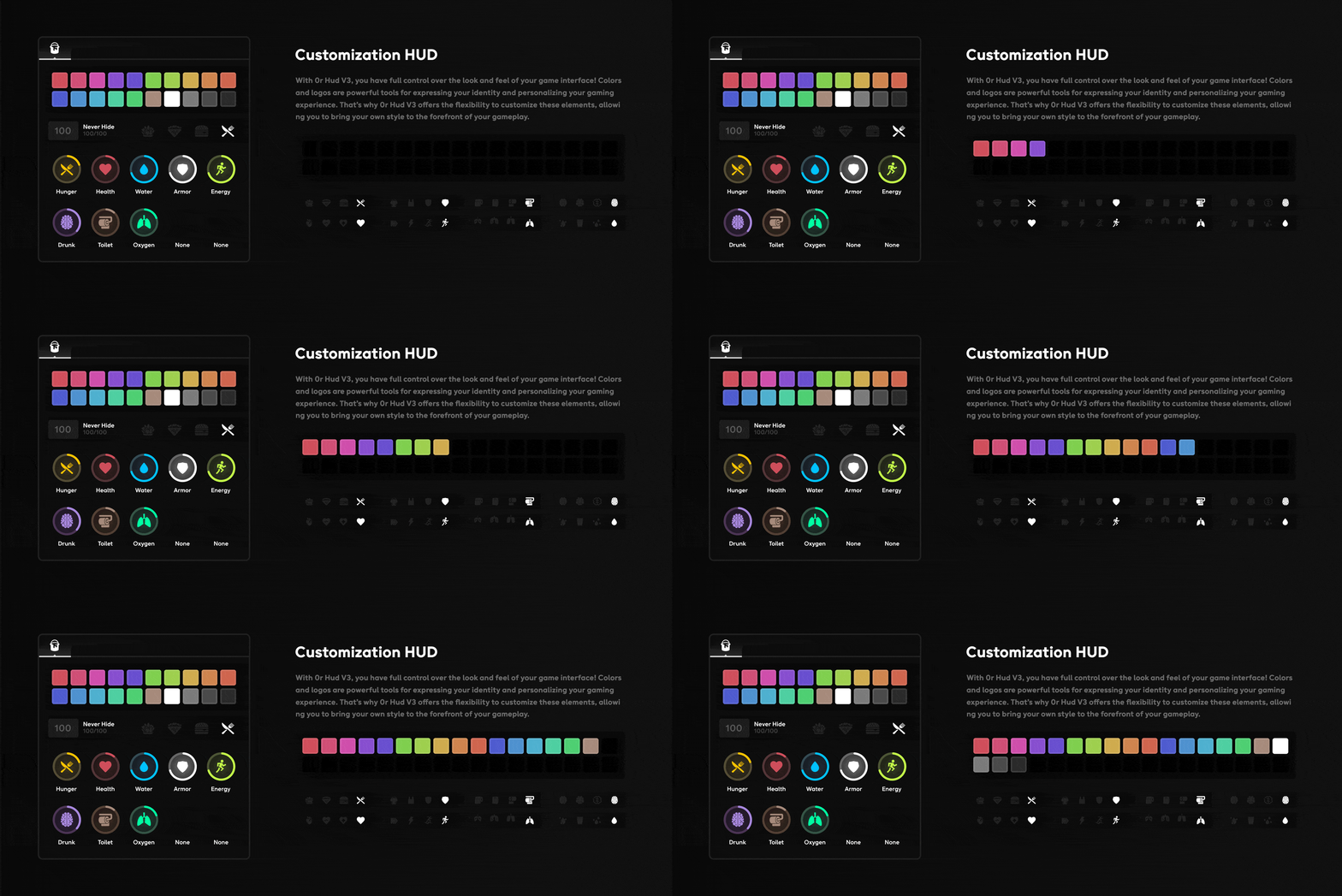
- Customizable Colors - Full RGB customization for all HUD elements and themes
- Resolution Scaling - Responsive design that adapts to any screen size from 1080p to 4K
- Optimized Performance - Less than 0.02ms resource usage with efficient rendering
Perfect For
- Roleplay servers prioritizing immersive, clean interfaces
- Racing servers needing detailed vehicle performance displays
- Survival servers with hunger/thirst mechanics
- Servers seeking modern, professional UI aesthetics
- Communities wanting customizable branding on HUD elements
- Performance-focused servers requiring optimized scripts
Customization Options
The comprehensive configuration system gives you complete control over every aspect of the HUD appearance and behavior:
- Position Customization - Move any HUD element to your preferred screen location
- Size Scaling - Adjust element sizes independently for perfect visual balance
- Color Schemes - Choose from preset themes or create custom RGB color combinations
- Visibility Settings - Configure when elements appear, hide, or fade based on context
- Animation Speed - Control transition durations for smoother or snappier feel
- Unit Preferences - Toggle between MPH/KPH, imperial/metric measurements
- Warning Thresholds - Set custom alert levels for low health, hunger, fuel, etc.
- Voice Integration - Compatible with pma-voice, TokoVoip, Mumble-voip, and SaltyChat
Installation Guide
- Extract Files - Unzip the 0R HUD V3 package to your resources folder
- Configure Framework - Edit config.lua to match your framework (ESX/QB/Standalone)
- Set Voice System - Configure voice chat integration for speaking indicator
- Customize Appearance - Adjust colors, positions, and sizes to match your preferences
- Configure Fuel Script - Link compatible fuel system if using fuel gauge feature
- Add to server.cfg - Ensure resource starts after framework and voice system
- Restart Server - Reload server and verify HUD displays correctly
- Test All Elements - Verify health, hunger, vehicle stats all update properly
Framework Compatibility
- ✅ ESX - Native integration with ESX status system and vehicle scripts
- ✅ QBCore - Full compatibility with QB-Core hunger, health, and vehicle systems
- ✅ QBOX - Works seamlessly with QBOX framework architecture
- ✅ Standalone - Can operate independently with basic FiveM functionality
- ✅ Custom Frameworks - Easily adaptable to proprietary framework systems
Voice System Integration
- ✅ pma-voice - Full integration with speaking indicators and range display
- ✅ TokoVoip - Compatible with radio channels and voice range mechanics
- ✅ Mumble-voip - Works with 3D positional audio systems
- ✅ SaltyChat - Supports TeamSpeak integration and radio features
Technical Details
- Performance Impact: 0.01-0.02ms average resource usage
- UI Framework: Custom HTML5/CSS3 with hardware-accelerated rendering
- Update Frequency: 60 FPS smooth updates for all status indicators
- Screen Resolutions: Supports 1080p, 1440p, 4K, and ultrawide displays
- Dependencies: Framework of choice, optional fuel script, voice system
- File Size: Lightweight package under 5MB total
What Makes It Stand Out
0R HUD V3 achieves the perfect balance between information density and visual clarity. Many HUD systems either overwhelm players with constant on-screen data or provide too little information for practical gameplay. This HUD intelligently reveals information contextually - vehicle stats appear when driving, stamina shows during physical activity, and status bars fade when stable. The result is an interface that feels invisible until you need it.
The attention to animation quality separates this HUD from competitors. Every status change, every transition, every fade effect is carefully timed and smoothed for a premium feel. Combined with the extensive customization options and rock-solid performance optimization, you get a professional-grade interface system that enhances rather than detracts from the gameplay experience.
Visual Showcase
The HUD's design language emphasizes clarity through simplicity. Circular health and armor indicators provide instant visual feedback through color gradients that shift from green to yellow to red as values decrease. The vehicle speedometer uses a digital display with smooth number transitions that never feel jarring. Hunger and thirst bars incorporate iconography that communicates their function at a glance, even to new players unfamiliar with your server.
https://www.youtube.com/watch?v=VGBwsHQt7tI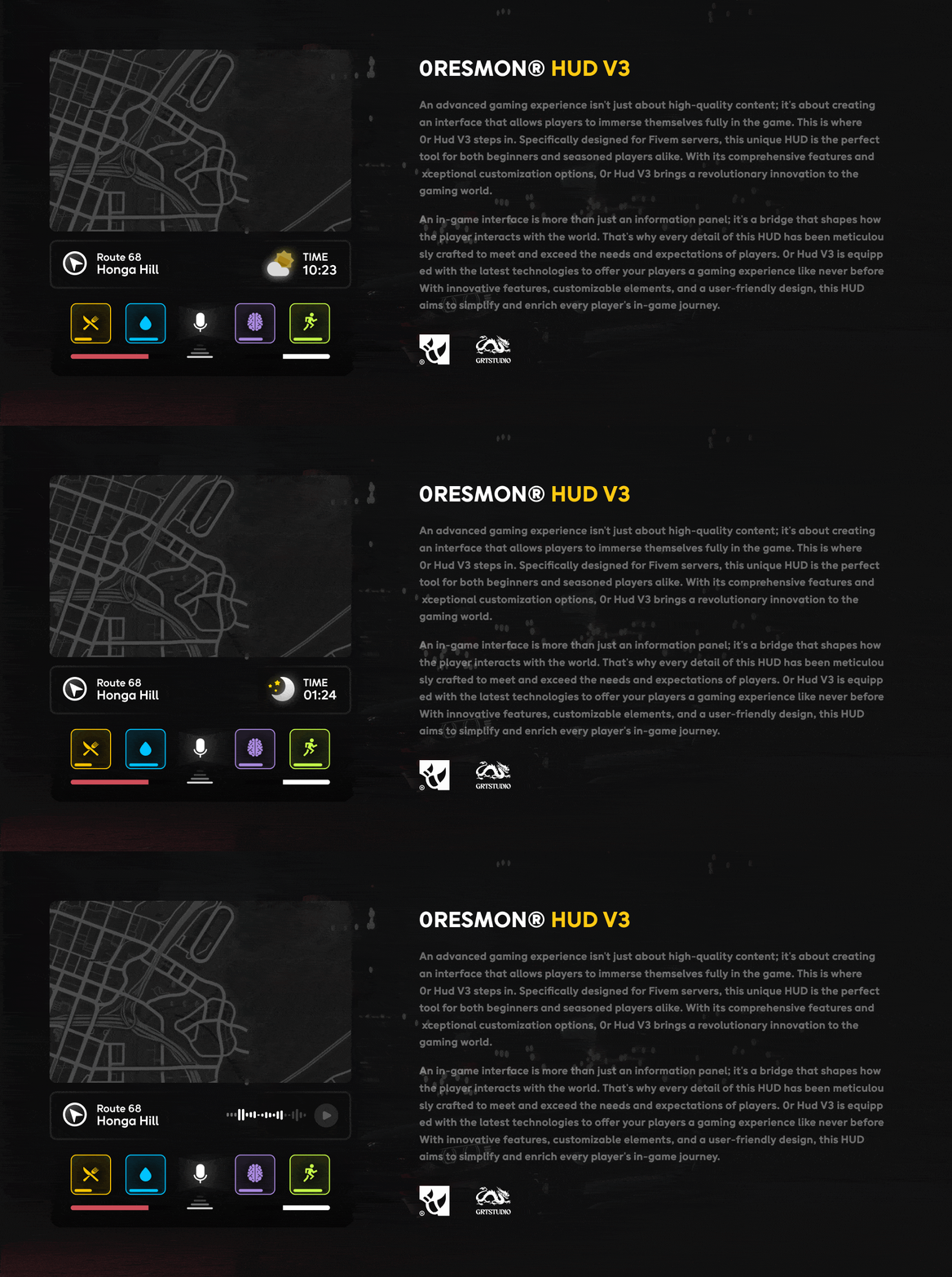

Related QBCore Scripts
Productos Relacionados

Preguntas y Respuestas
0 preguntas
Aún no hay preguntas
¡Sé el primero en hacer una pregunta sobre este producto!