Master FiveM Jobs Creator: Complete Tutorial (4 Steps)
Hello, everyone! Welcome to this comprehensive tutorial on how to use the Jobs Creator for FiveM. If you're new to FiveM or looking to enhance your server with custom jobs, you've come to the right place. In this guide, we'll walk you through everything you need to know about the Jobs Creator script, from installation to creating and managing jobs.
What is the Jobs Creator Script?
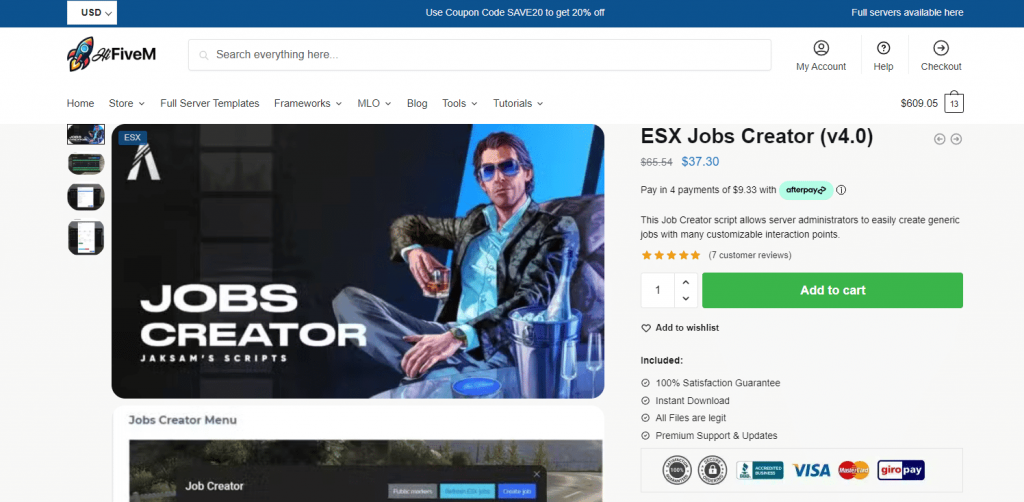
The Jobs Creator script is a ultimate tool for FiveM servers that simplifies the process of creating, editing, and managing jobs on your server. This script allows server admins to design various jobs, such as police officers, EMS, taxi drivers, and more, without the need for extensive coding knowledge. It's an essential tool for anyone looking to enhance their server's role-playing experience. Start getting your jobs done!
Installation Guide
Step 1: Download the Jobs Creator Script
First, you need to download the Job Creator script. You can find it on popular FiveM script repositories or forums. Make sure to download the latest version to ensure compatibility and access to the latest features.
Step 2: Extract the Files
Once you've downloaded the script, extract the files to a location on your computer. You should see a folder containing several files and subfolders.
Step 3: Add to Your Server Resources
- Open your server's resources folder.
- Copy the extracted Jobs Creator script folder into the resources directory.
- Open your server.cfg file with a text editor.
- Add the following line to ensure the script is loaded when the server starts:
start jobcreator
Step 4: Start Your Server
Restart your FiveM server to apply the changes. The Jobs Creator script should now be active and ready to use.
Creating and Managing Jobs
Mantente al Día
Recibe los últimos tutoriales de FiveM, lanzamientos de mods y actualizaciones exclusivas en tu correo.
Sin spam. Cancela cuando quieras.