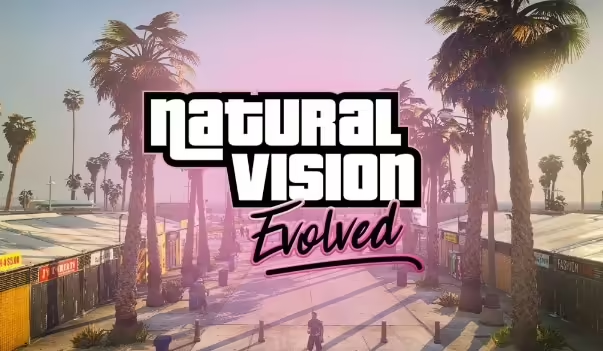
How To Install NVE (Naturalvision Evolved)
August 21, 2024
Última actualización: February 24, 2026
1 min de lectura
NaturalVision Evolved (NVe) is a complete overhaul of the visual aspects of GTA V, providing a more realistic and immersive experience. This tutorial covers how to install NVe for both singleplayer and FiveM.
Singleplayer Installation
Extract Files:
- Download and Extract: Download the NaturalVision Evolved archive and extract its contents to your desktop.
Set Up OpenIV:
- Download OpenIV:
- Download OpenIV from the official website and set it up on your computer.
- Run OpenIV:
- Open OpenIV.exe, navigate to
Tools > ASI Manager. - Install the ASI Loader Plugin and OpenIV.asi Plugin.
- When prompted, make sure to click YES to create a 'mods' folder.
- Open OpenIV.exe, navigate to
Install the Mod:
- Open OpenIV:
- Launch OpenIV and navigate to
Tools > Package Installer.
- Launch OpenIV and navigate to
- Install Part One:
- Select
1. NaturalVision Installer - PART ONE.oivand install it to the 'mods' folder.
- Select
- Install Part Two and Three:
- Repeat the process for
2. NaturalVision Installer - PART TWO.oivand3. NaturalVision Installer - PART THREE.oiv.
- Repeat the process for
Install Optional ReShade Shaders (Recommended):
- Copy Shaders:
- Copy the contents of the ReShade Shaders folder.
- Paste Shaders:
- Paste these contents into your main GTAV folder, based on your platform:
- Steam:
C:\Program Files (x86)\Steam\SteamApps\common\Grand Theft Auto V - Social Club:
C:\Program Files\Rockstar Gam
- Steam:
- Paste these contents into your main GTAV folder, based on your platform:
Mantente al Día
Recibe los últimos tutoriales de FiveM, lanzamientos de mods y actualizaciones exclusivas en tu correo.
Sin spam. Cancela cuando quieras.
Compartir Artículo