SwiftLink Traffic Enforcement System

Free
SwiftLink Traffic Enforcement System
Description
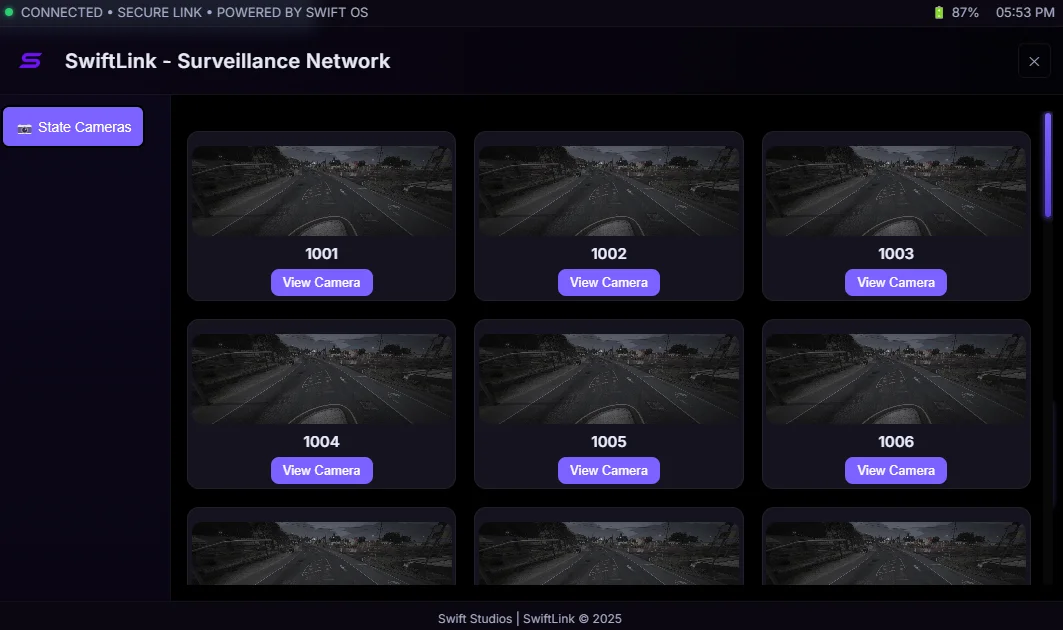
SwiftLink is a next-generation traffic enforcement and surveillance system built for FiveM roleplay servers running QBCore. Developed by Swift Studios, it unifies automated speed detection, live CCTV access, and Discord logging into a high-performance network designed for law enforcement and city authorities. SwiftLink adds realistic automated camera enforcement zones, dynamic fine processing, and secure live-view terminals to bring citywide traffic management to life.
Includes in-game screenshots and a demo video for quick evaluation and setup guidance.
Technical Requirements
– QBCore framework for player, vehicle, and economy systems
– ox_lib for zones, UI elements, and helper utilities
– Server resource registration (add resource to your resources folder and register in server.cfg)
– Configurable to match any road or map layout
Configuration Example
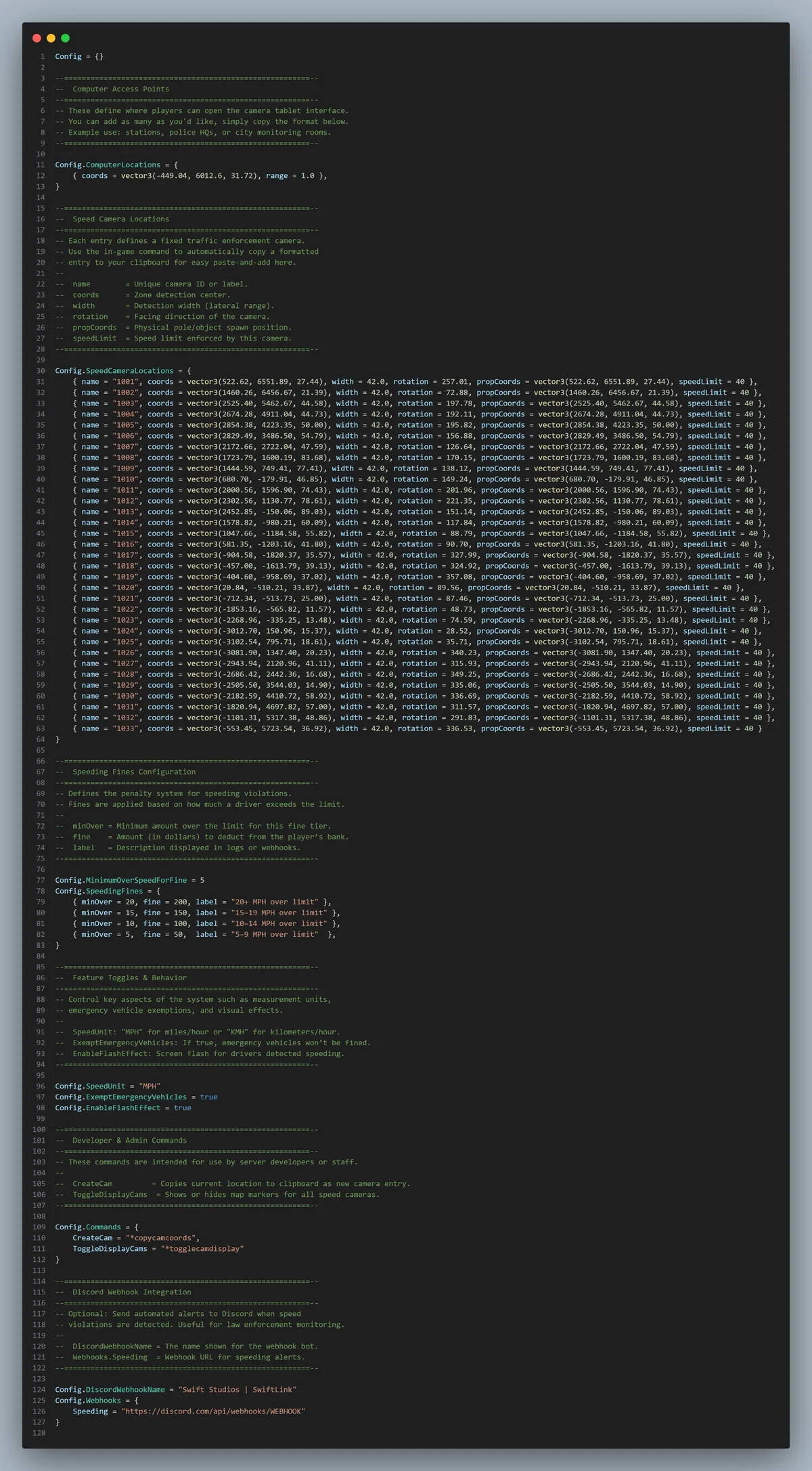
SwiftLink ships with a flexible configuration file that allows you to define camera zones, speed limits, fine tiers, and authorized terminal locations. Key configuration options include:
– Config.SpeedingFines for tiered fine calculation
– Config.EnableFlashEffect to toggle the camera flash simulation
– Emergency vehicle exemptions and siren detection toggles
– Discord webhook settings for automated logging
Discord Logging Preview
Every detection and key officer activity can be logged to Discord via webhook embeds. Logs include rich, timestamped data for auditing and transparency:
– License plate and vehicle model
– Detected speed and overage
– Street name and camera ID
– Fine amount and payment status
– Officer identifier when surveillance terminals are used
Developer Commands Reference
A set of admin and developer commands is provided for rapid deployment and testing. Commands cover zone management, camera toggling, terminal authorization, and fine processing simulation to help administrators scale or modify networks in minutes.
Documentation
Comprehensive installation and configuration documentation is included, covering:
– Step-by-step installation for FiveM
– Configuration reference for all settings
– Admin commands and surveillance access setup
– Discord integration configuration and troubleshooting tips
– Best practices for deploying large camera networks
Resource Information
SwiftLink is optimized for performance and designed to integrate smoothly with existing server economies and roleplay workflows. The resource logs actions for accountability and supports customization to fit server roleplay standards.
Credits & Licensing
Developed by Swift Studios. Licensing and support information are included with the resource package.
Features
– Automated camera enforcement zones that continuously monitor configured roads for speed violations
– Detects only driver vehicles for accuracy and fairness
– Supports both MPH and KMH units
– Compatible with any road, map, or custom MLO setup
– Dynamic fine calculation based on speed overage with configurable tiers via Config.SpeedingFines
– Direct integration with QB-Core for automatic bank deductions and transaction handling
– Failsafe alerts to Discord when fine processing encounters errors
– Optional exemptions for emergency vehicles (Police, EMS, Fire) and siren detection to prevent false fines
– Live-view surveillance computers accessible only at authorized locations
– Tablet-style NUI interface with rotation and tilt control for realistic CCTV operation
– Secure access controls to limit surveillance and terminal use to configured positions
– Automatic webhook logging for every detection event and officer action
– Rich Discord embeds including plate, vehicle model, speed, overage, street name, camera ID, fine amount, payment status, and timestamps
– Flash feedback effect on camera trigger to simulate photo capture, toggleable via Config.EnableFlashEffect
– Intuitive in-game commands for quick deployment, modification, and large camera network management
– Easy configuration and developer-friendly hooks for customization and extension