PerriCarLock System
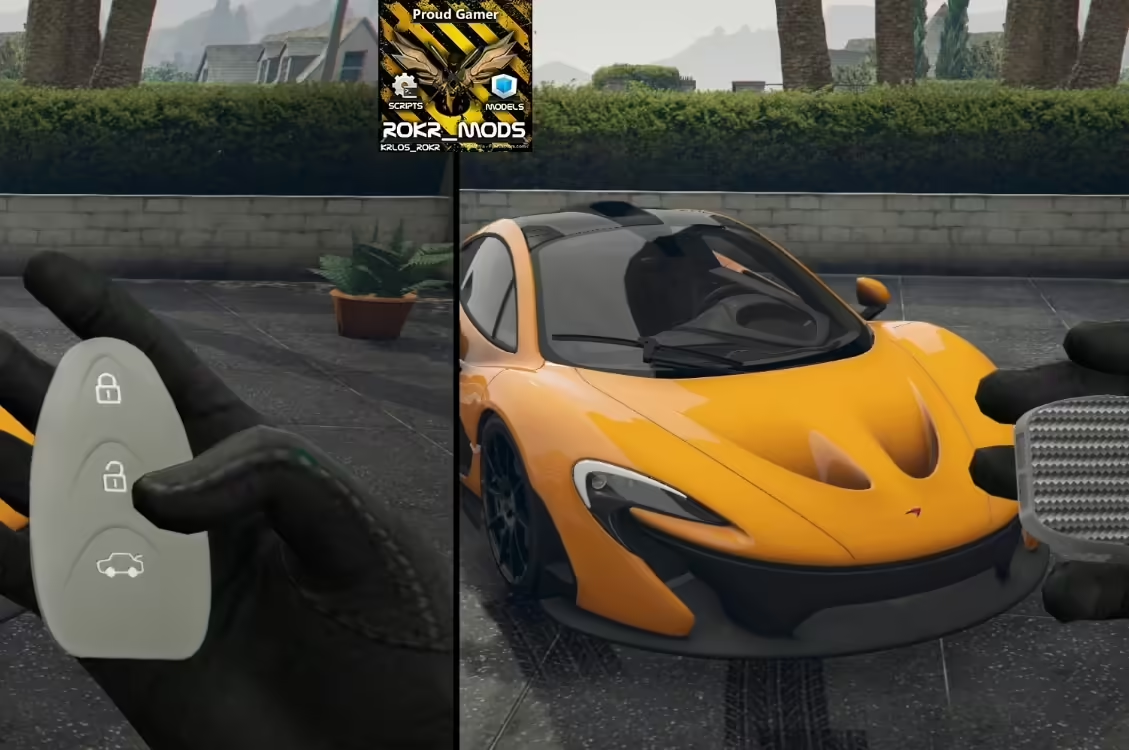
Free
PerriCarLock System
Description
Experience a new level of gameplay with the advanced FiveM vehicle key system designed for ESX. This script enhances your server’s vehicle management by providing an optimized and user-friendly solution. Let’s dive into the features and how you can easily install this mod.
Features
- Optimized: The vehicle key system is designed with performance in mind, ensuring your server runs smoothly.
- cache Storage: Instead of querying the SQL database every time, this system stores information in the cache, which improves response times and overall efficiency.
- Easy Installation: Setting up this mod is straightforward, even for those who may not be very tech-savvy.
Installation Instructions
Getting started is simple! Follow these steps to install the FiveM vehicle key system:
-
Download the Required Files:
Click on the link below to download the necessary files for the vehicle key system. Make sure to extract the downloaded ZIP file to access all components. -
Install ox_lib:
This vehicle key system depends on the ox_lib library. You can obtain it by downloading the latest version from the link below. Extract the file and place it in your resources directory. -
Add the Script to Your Server:
After downloading, place thePerri-CarLockfolder into your server’s resources folder. -
Modify the Server Configuration:
Open your server’s configuration file (usuallyserver.cfg) and add the following line to ensure the script loads when the server starts:start Perri-CarLock - Restart Your Server:
Finally, restart your FiveM server to complete the installation. You should now have access to the new vehicle key system, enabling enhanced vehicle management for players.
Showcase
For an in-depth look at how the vehicle key system works, check out this video:
Experience the difference with the new FiveM vehicle key system for ESX—it’s a game-changer for your server. Enjoy the streamlined vehicle management and optimized performance that it brings!