Malibu Mansion Add-On SP (GTA V)
Free
Malibu Mansion Add-On SP (GTA V)
Description
Discover the Malibu Mansion Add-On for GTA V!
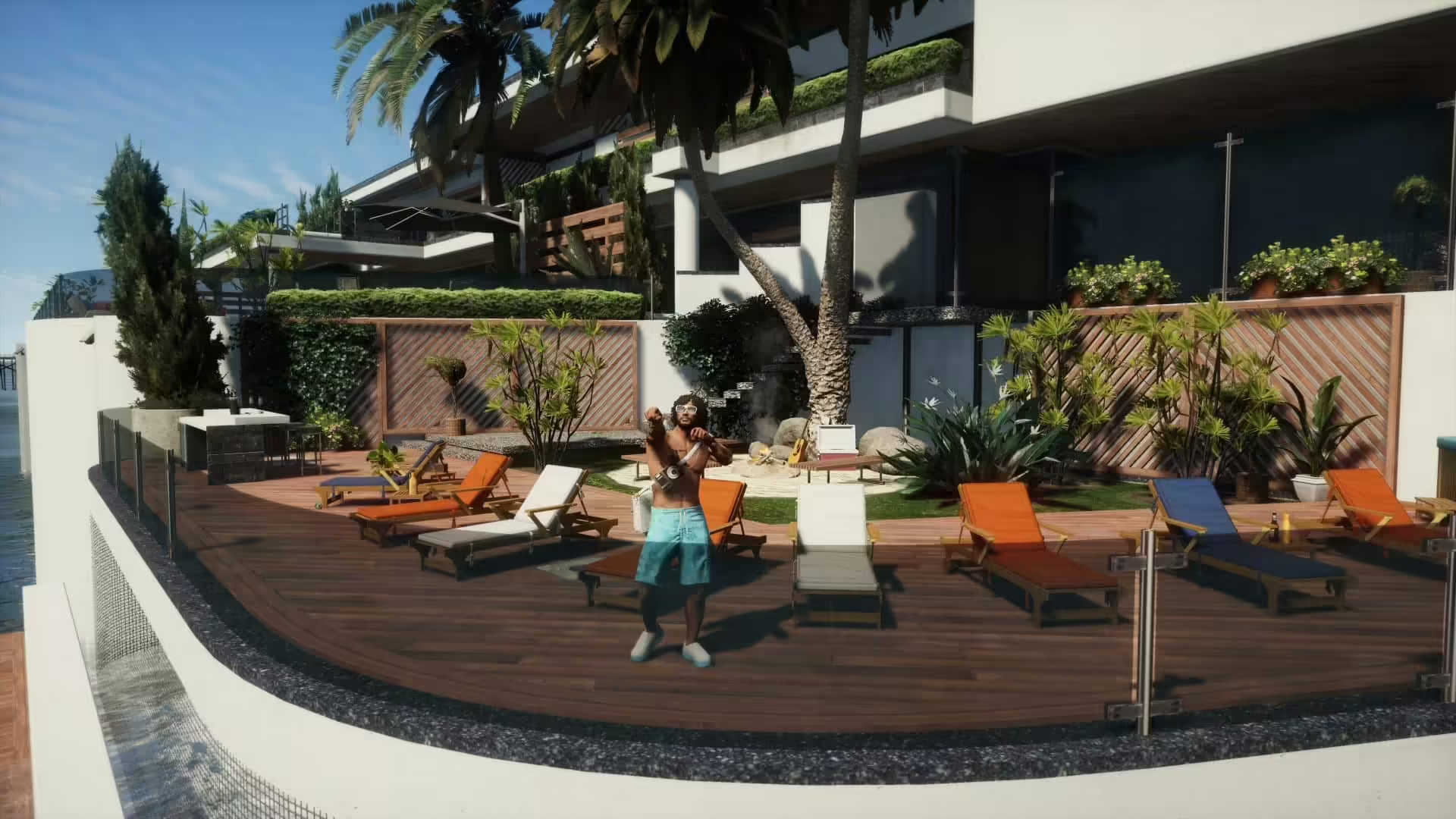
Transform your gameplay with the stunning Malibu Mansion add-on, a meticulously crafted property that boasts various luxurious features. This mod brings a new dimension to your GTA V experience, giving you access to a spacious mansion designed with incredible detail.
Features of the Malibu Mansion:
- A garage capable of holding 6 cars
- A spacious living room
- An impressive master bedroom with an en-suite bathroom and wellness area
- Three additional bedrooms and five bathrooms
- A mini McDonald’s for those late-night snacks
- A professional recording studio complete with a booth
- Fully equipped kitchen and dining room
- Welcoming entrance area
- Outdoor amenities including a basketball court and swimming pool
- Indoor swimming pool along with a wellness area and jacuzzi
- A stylish bar area and fitness room
- Multiple lounge spots both inside and outside for relaxation
How to Install the Malibu Mansion Add-On:
- Start by running OpenIV.
- Drag and drop the “malibu_mansion” folder into the following path:
mods\update\x64\dlcpacks. - Navigate to
mods\update\update.rpf\common\data, open thedlclist.xmlfile, and add the following line:dlcpacks:/malibu_mansion/. - For a better experience, download and install “Swimmable Water Everywhere” from here.
- You can also enhance your gameplay further by downloading and installing the “Malibu Mansion Scenario” from here.
That’s all there is to it!
Ready to dive into luxury?
Enjoy your time in the luxurious Malibu Mansion!
FiveM Version
Available here: https://vertexmods.com/mod/malibu-mansion/