iKX3 HGrama Reshade Preset for NVE
Free
iKX3 HGrama Reshade Preset for NVE
Description
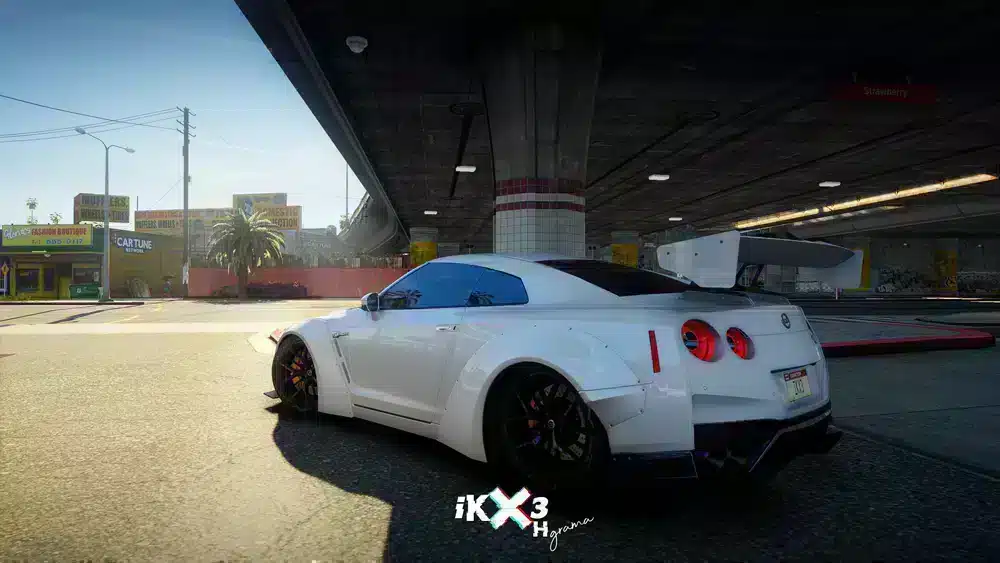
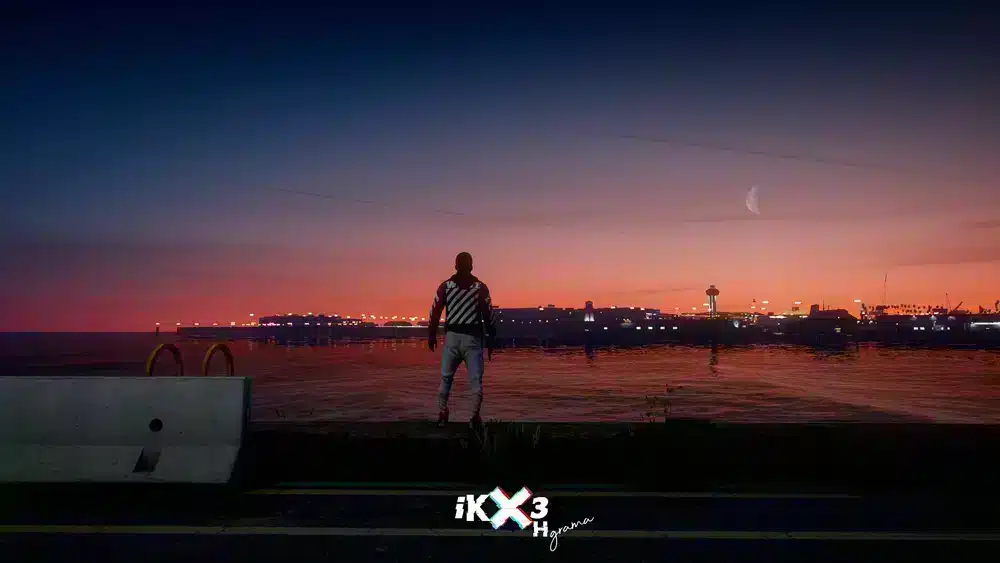
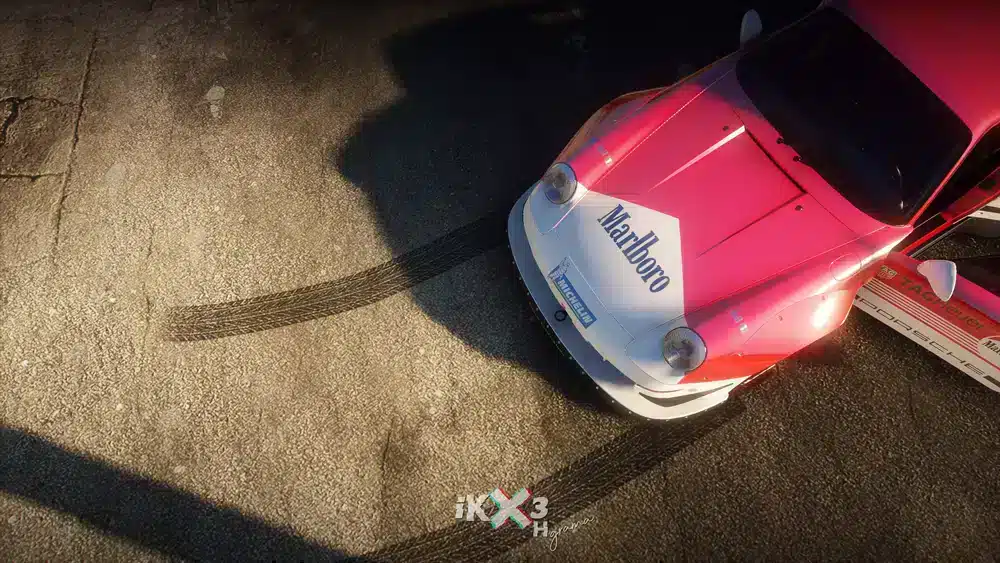
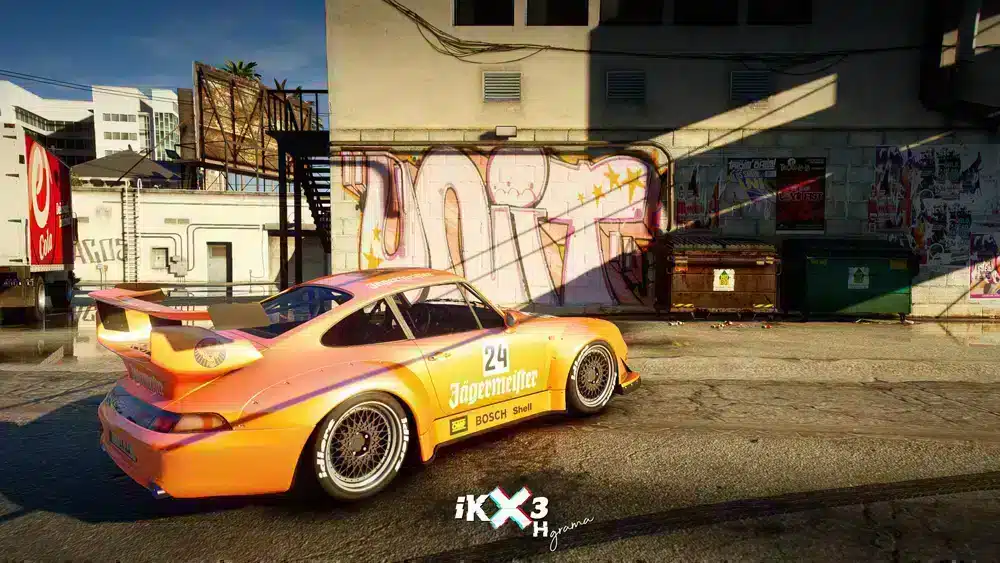
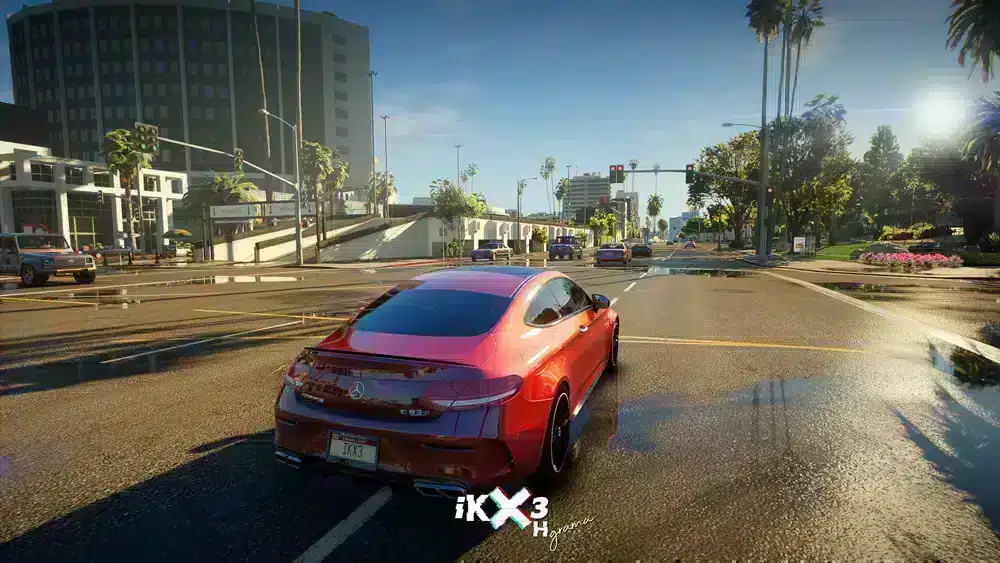
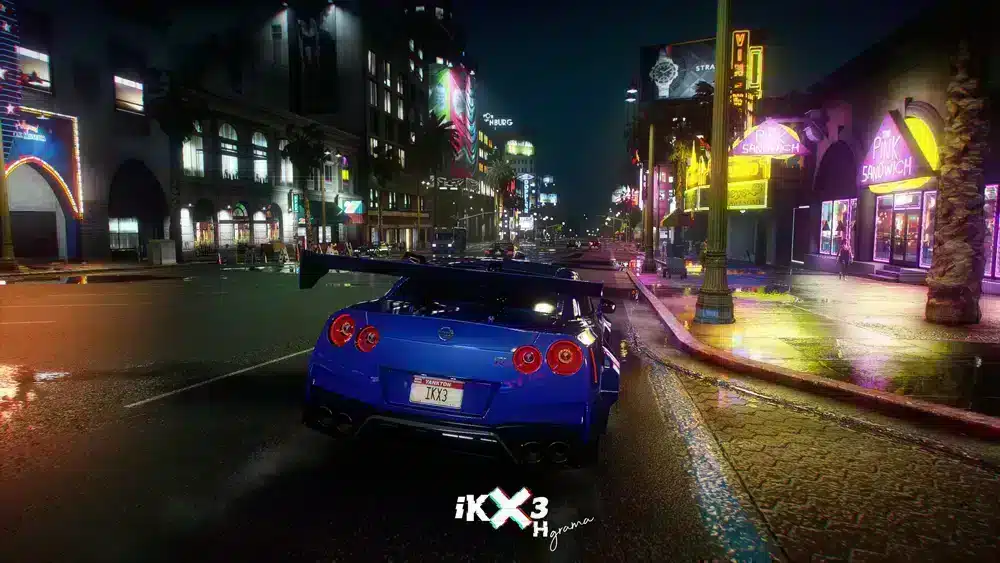
Transform your GTA V gameplay with our stunning reshade preset designed specifically for those seeking a visually captivating experience in the world of FiveM. This customizable preset will enhance the vibrant visuals and add depth to your scenes, making every in-game moment feel more alive, especially in mansion settings.
Installation Guide
To get started with this reshade preset, follow these simple steps:
-
download the Reshade: First, click the download link below to get the preset file.
-
Install Reshade: If you haven’t already, download and install Reshade from the official site. During installation, select the Grand Theft Auto V executable file.
-
Add the Preset: After installation, place the preset file you downloaded into your game’s main directory where the game’s executable is located.
-
Activate the Preset: Launch the game. When Reshade prompts you to select a preset, choose the one you just added.
- Enjoy: Now you’re ready to dive into the beautiful visuals of GTA V! Explore the rich environments, especially those oversized mansions, with the new graphics enhancing every detail.
What’s Included?
This preset fine-tunes the colors, shadows, and lighting within the game, making every scene more immersive. Enjoy a brighter and sharper visual experience, perfect for exploring detailed locations like mansions and enjoying online gameplay on FiveM.
Whether you’re a seasoned player or new to the world of modding in GTA, this reshade preset will surely become a favorite. Transform your gameplay and see the difference it brings!
Don’t wait—install the preset today and elevate your visual adventure in GTA V!