Chemical Shop Add-On V2
Free
Chemical Shop Add-On V2
Description
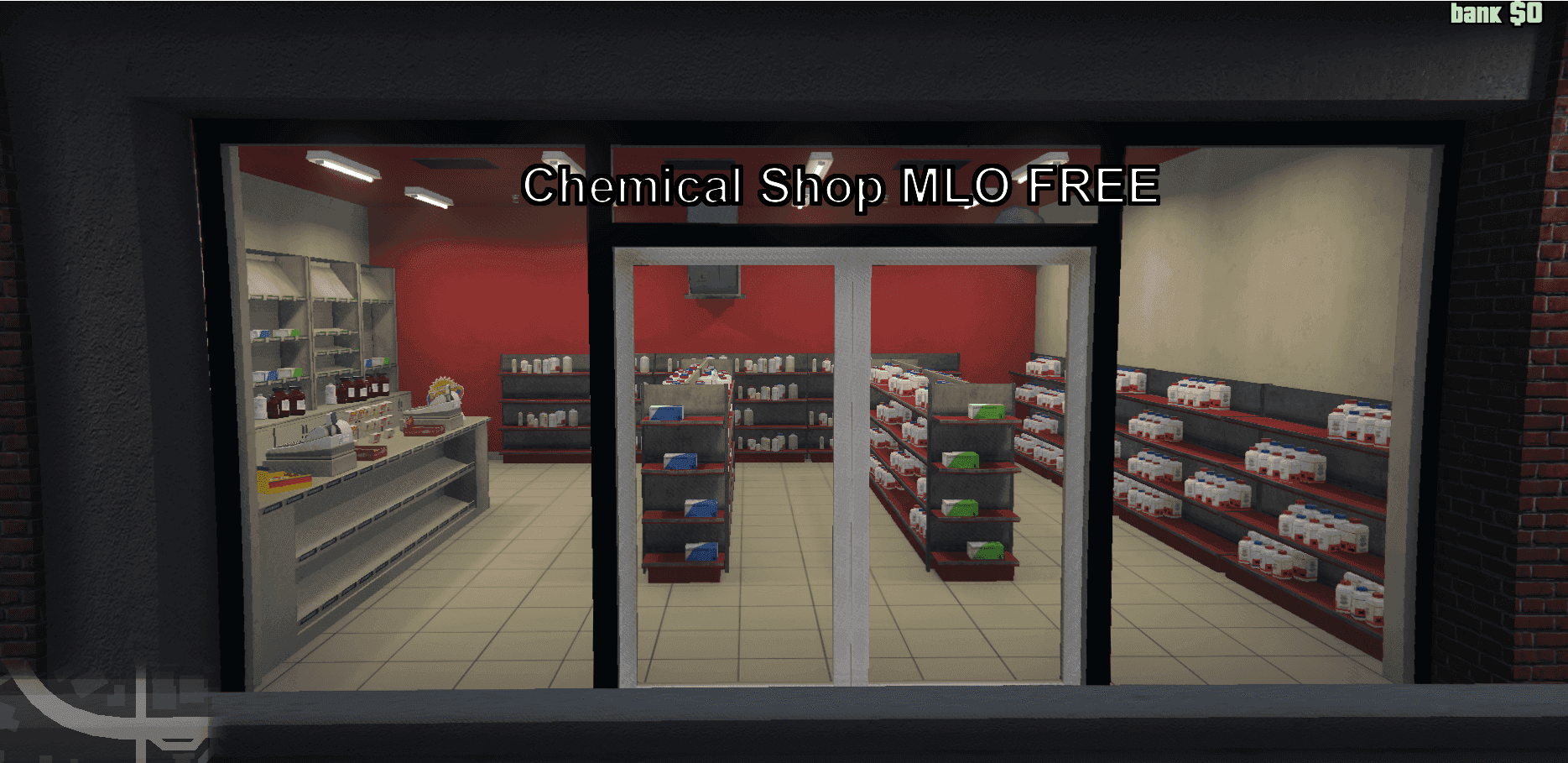
Chemical Shop MLO add-on is a unique and immersive location crafted for your rp. This mod offers a detailed chemical store environment, providing players with a fresh spot to explore and interact within the game.
How to Install the Mod
Follow these simple steps to install the Chemical Shop add-on, whether you're using Single Player (SP) or FiveM:
For Single Player (SP)
- Download the Chemical mod pack.
- Place the chemical folder in the following directory: \\mods\\update\\x64\\dlcpacks.
- Open the
dlclist.xmlfile located in \\mods\\update\\update.rpf\\common\\data. - Add the following line at the end:
dlcpacks:/chemical/and save the changes.
- Unzip the downloaded folder.
- Copy the chemical folder into your scripts folder.
- Open your
server.cfgfile. - Add this line:
start chemical. - Start your FiveM server.