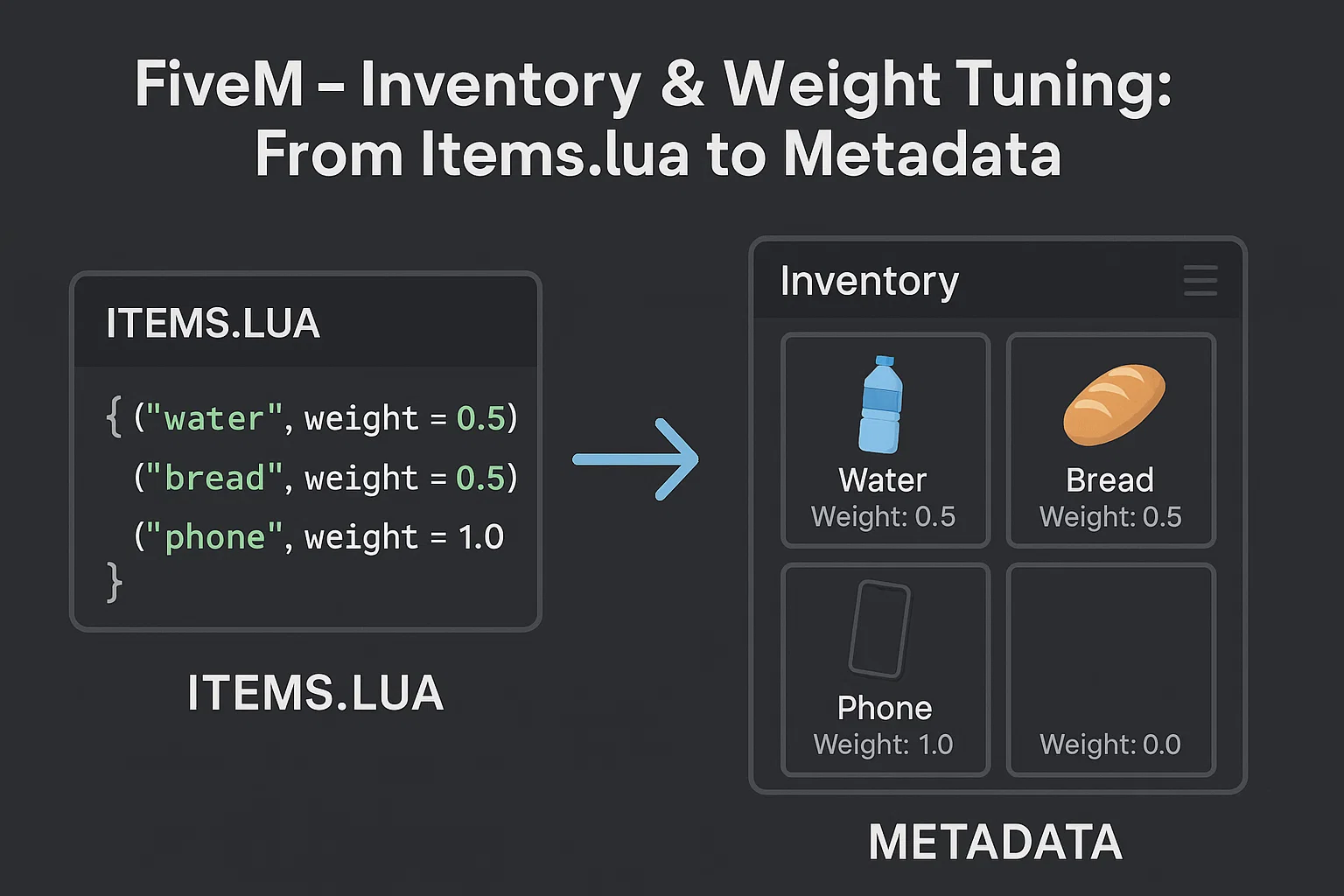
How to Fix the ESX Weight Inventory
ESX Weight Inventory System: Must‑Have Fix Now
If you’re running a FiveM server and have started seeing strange behavior in your inventory—items that can’t be picked up, drop‑animations that glitch out—most of the time the culprit is the recent update to ESX’s weight‑based inventory system. In this post we’ll break down why the problem happens, what the error looks like, and give you a fool‑proof step‑by‑step process to get your inventory back to life.
What’s Going Wrong With the ESX Weight Inventory?
The core of the issue is the shift from item limits to weight limits. Prior to the latest update, every item in ESX had a hard cap: you could only hold a defined amount in your bag. The new system replaced those caps with a single, cumulative weight for the entire inventory. This change seems harmless, but it introduces a handful of edge‑cases that the code wasn’t originally written to handle.
The Root Cause: A Nil Reference
Because each item no longer carries its own count limit, the function that checks whether a player can carry an item—`canCarryItem`—expects a weight value that sometimes doesn’t get set. When that happens, the script throws the following error:
attempt to call a nil value (field ‘canCarryItem’)
That single line can prevent a player from picking up an item or dropping it correctly. The bug surfaces more often when players have a near‑full inventory or when items are combined from multiple sources (e.g., a loot chest and a vendor sale).
Why It’s Not a Minor Bug
The impact isn’t just cosmetic: players get stuck with items they cannot use, and server admins see a spike in support tickets. Even worse, if the error propagates, it can cause a cascade of inventory glitches, leading to lost items and a fractured player base. The community has been buzzing about this since the patch was rolled out, and many servers are still waiting for a clean resolution.
—
How to Fix the ESX Weight Inventory Issue
Below we outline the simplest, most reliable method to get your inventory system running again. The steps are straightforward, but it’s essential to follow the correct order.
1. Grab the Latest ESX Version
Start by visiting the official ESX repository or the support page linked from the FiveM forums. Search for the ESX v1.8.1 (or whatever the latest stable release is) and download the entire package.
Why? The newer build includes a patch that re‑initialises the weight logic to avoid the nil reference error.
2. Update the esx‑inventoryhud
If you’re using the esx‑inventoryhud addon to display inventory information on screen, make sure you’re on the newest version. The HUD is tightly coupled with ESX’s inventory code, and an outdated HUD will still call the old `canCarryItem` function.
– Download `esx-inventoryhud v2.3.0` or later.
– Replace the old `esx-inventoryhud` folder in your `resources/` directory.
– Restart your server after the replacement so the script reloads.
3. Refresh Your Server
Once both the core ESX and the inventory HUD are up-to-date, reboot the entire server. This ensures that all scripts initialize with the latest definitions:
Example console commands
ensure es_extended
ensure esx_inventoryhud
restart
If you’re using a Docker image or a dedicated hosting service, make sure the image is rebuilt with the updated resources.
4. Verify the Fix
– Log in as a player.
– Attempt to pick up any item that normally caused the issue.
– Drop the item to see if the inventory UI updates correctly.
– Check the server console for any lingering errors.
Wrap Up
By following the steps above, you’ll eliminate the `canCarryItem` error and restore the smooth operation of your ESX weight inventory. Whether you stick with the core ESX scripts or opt for a third‑party replacement, the key is to keep your resources current and compatible.
A well‑maintained inventory system not only prevents frustration for players—it also frees up your admin time, allowing you to focus on other game‑world improvements. If you encounter further hiccups, reach out to the community via Discord or the FiveM forums; most server owners have already shared quick fixes and custom patches.
Remember: A healthy server is a happy server. Keep your ESX weight inventory updated, enjoy a smoother gameplay experience, and watch your community thrive. Happy hosting!
Stay in the Loop
Get the latest FiveM tutorials, mod releases, and exclusive updates delivered to your inbox.
No spam. Unsubscribe anytime.