Erweiterte Kleidung V2
Ein fortschrittliches Kleidungsskript für ESX-Server mit umfangreichen Anpassungsmöglichkeiten.
Video-Vorschau
Click to load video from YouTube. By watching, you agree to their privacy policy.
[QB][ESX] Advanced Clothing V2 - Premium Bekleidungs- & Aussehenssystem
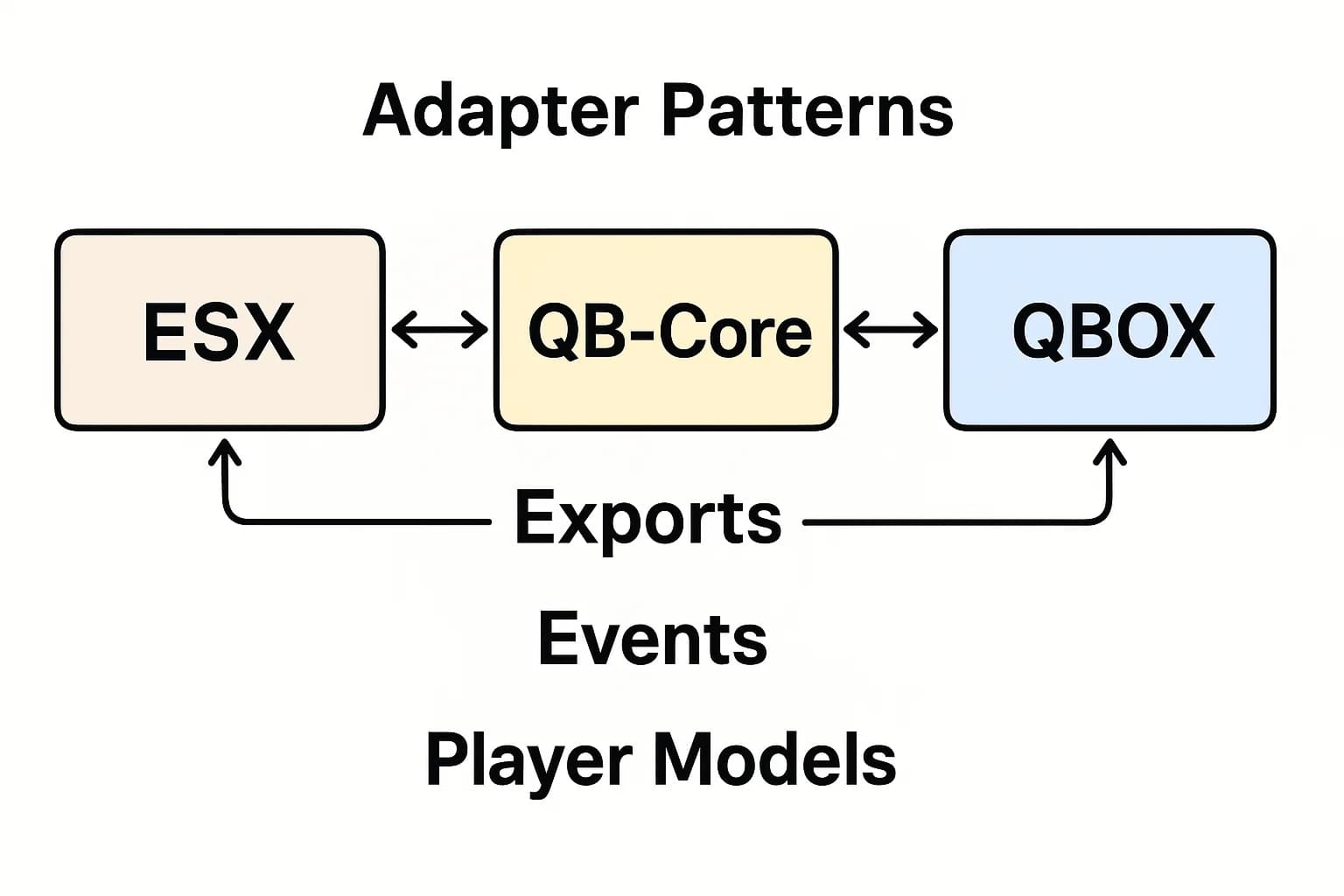
Verwandle die Charakteranpassung deines Servers mit diesem fortschrittlichen Bekleidungs- und Aussehenssystem, das nahtlos mit QBCore und ESX Frameworks funktioniert. Dies ist nicht nur ein weiteres einfaches Kleiderschrank-Script – es ist ein komplettes Aussehen-Management-System mit Outfit-Speicherung, erweiterten Anpassungsoptionen, Friseur-Integration, Accessoire-Systemen und einer modernen UI, die das Erstellen und Verwalten von Charakter-Looks intuitiv und angenehm macht.
Was ist enthalten?
Dieses umfassende Bekleidungssystem bietet eine moderne, benutzerfreundliche Bekleidungsoberfläche mit Kategorieorganisation, unbegrenztem Speichern und Laden von Outfits mit benutzerdefinierten Namen, vollständiger Aussehenanpassung (Gesicht, Haare, Make-up, Accessoires), Framework-agnostischem Design, das sowohl mit ESX als auch mit QBCore funktioniert, Integration mit Bekleidungsgeschäften und Kleiderschrankstandorten, Friseurfunktionalität für Haar- und Gesichtsmerkmale, Accessoire-Management (Brillen, Hüte, Taschen, Uhren, Schmuck), Echtzeitvorschau aller Änderungen vor der Anwendung und optimierte Leistung mit minimaler Ressourcennutzung. Alles ist darauf ausgelegt, Spielern leistungsstarke Anpassungswerkzeuge ohne Komplexität zu bieten.
Hauptmerkmale
- Advanced Outfit System - Speichere unbegrenzt Outfits mit benutzerdefinierten Namen, schneller Wechsel zwischen gespeicherten Looks, organisiere Outfits nach Kategorie (Arbeit, Freizeit, formell usw.), teile Outfit-Codes mit Freunden, lösche unerwünschte gespeicherte Outfits, Option für Standard-Outfit beim Respawn
- Complete Customization Options - Alle GTA V Kleidungsstücke zugänglich, Gesichts- und Hautanpassung (Abstammung, Merkmale, Alterung), Frisuren und Farben mit Highlights, Make-up-Anwendung mit Intensitätskontrolle, Gesichtsbehaarung und Bartstile, Accessoires (Hüte, Brillen, Ohrringe, Halsketten), Taschen und Rucksäcke, Uhren und Armbänder
- Dual Framework Support - Native ESX Integration mit esx_skin Kompatibilität, volle QBCore Unterstützung mit qb-clothing Ersatz, funktioniert mit fivem-appearance, illenium-appearance oder benutzerdefinierten Systemen, Datenbankstruktur kompatibel mit beiden Frameworks
- Modern User Interface - Sauberes, intuitives Bekleidungsmenüdesign, kategoriebasierte Navigation (Oberteile, Unterteile, Schuhe, Accessoires), Farbwähler mit RGB-Schiebereglern, Echtzeit-Charaktervorschau mit Drehung, Such-/Filteroptionen für Artikel, Mobile-Responsive-Design
- Shop & Location Integration - Funktioniert mit jedem Bekleidungsgeschäft MLO, konfigurierbare Shop-Standorte, Preisanpassung pro Artikel oder Kategorie, Mitarbeiterrabatt-Systeme, Geschäftsintegration, mobile Kleiderschrank-Option (überall ändern) für Admin/VIP
- Barber Shop Functionality - Frisuren-Browsing mit Vorschau, Haarfarben- und Highlight-Anpassung, Gesichtsbehaarung und Bartoptionen, Augenbrauenformen und -färben, Make-up-Anwendungszonen, Alterung und Hautunreinheiten, Tattoo-Kompatibilität
- Performance Optimized - Geringe Ressourcennutzung (0.01-0.03ms im Leerlauf), wird nur geladen, wenn das Menü geöffnet ist, effiziente Datenbankabfragen, kein Lag beim Wechseln von Artikeln, unterstützt 100+ gleichzeitige Spieler
Perfekt für
- Server, die moderne, professionelle Aussehensysteme wünschen
- Communities mit einer auf Mode ausgerichteten Roleplay-Kultur
- Server, die veraltete esx_skin oder einfache qb-clothing ersetzen
- Projekte, die Outfit-Speicherung für Job-Uniformen benötigen
- Server mit benutzerdefinierten Bekleidungspaketen, die eine bessere UI benötigen
- Communities, die eine vereinfachte Charakteranpassung wünschen
- Server, die sowohl ESX als auch QBCore unterstützen (Framework-Übergänge)
Outfit Management System
Saving Outfits
Spieler können unbegrenzt Outfits mit benutzerdefinierten Namen wie Arbeitsuniform, Casual Friday, formelles Event, Gangfarben usw. erstellen und speichern. Jedes gespeicherte Outfit speichert alle Kleidungsstücke, Accessoires und deren Farben/Variationen. Outfits können nach Zweck organisiert werden (Job-spezifisch, Fraktionsfarben, gesellschaftliche Ereignisse), was es einfach macht, Looks für verschiedene Roleplay-Szenarien zu wechseln, ohne jedes Mal neu anzupassen.
Quick Change System
Gespeicherte Outfits erscheinen in einer einfachen Liste zur Anwendung mit einem Klick. Spieler können sofort von der Polizeiuniform in Zivilkleidung wechseln, wenn sie außer Dienst gehen, Gangfarben wechseln, wenn sie ein Territorium betreten, oder sich für Nachtclub-Events verkleiden, ohne 10 Minuten in Menüs zu verbringen. Diese Bequemlichkeit verbessert das Spielerlebnis und das Roleplay-Erlebnis erheblich.
Job Uniform Integration
Admins können erforderliche Uniformen für Jobpositionen (Polizei, EMS, Mechaniker usw.) konfigurieren, die Spieler während des Dienstes tragen müssen. Das System kann automatisch Job-Outfits beim Einstempeln anwenden und Zivilkleidung beim Ausstempeln wiederherstellen, wodurch professionelle Erscheinungsstandards ohne manuelle Durchsetzung gewährleistet werden.
Customization Categories
Clothing Items
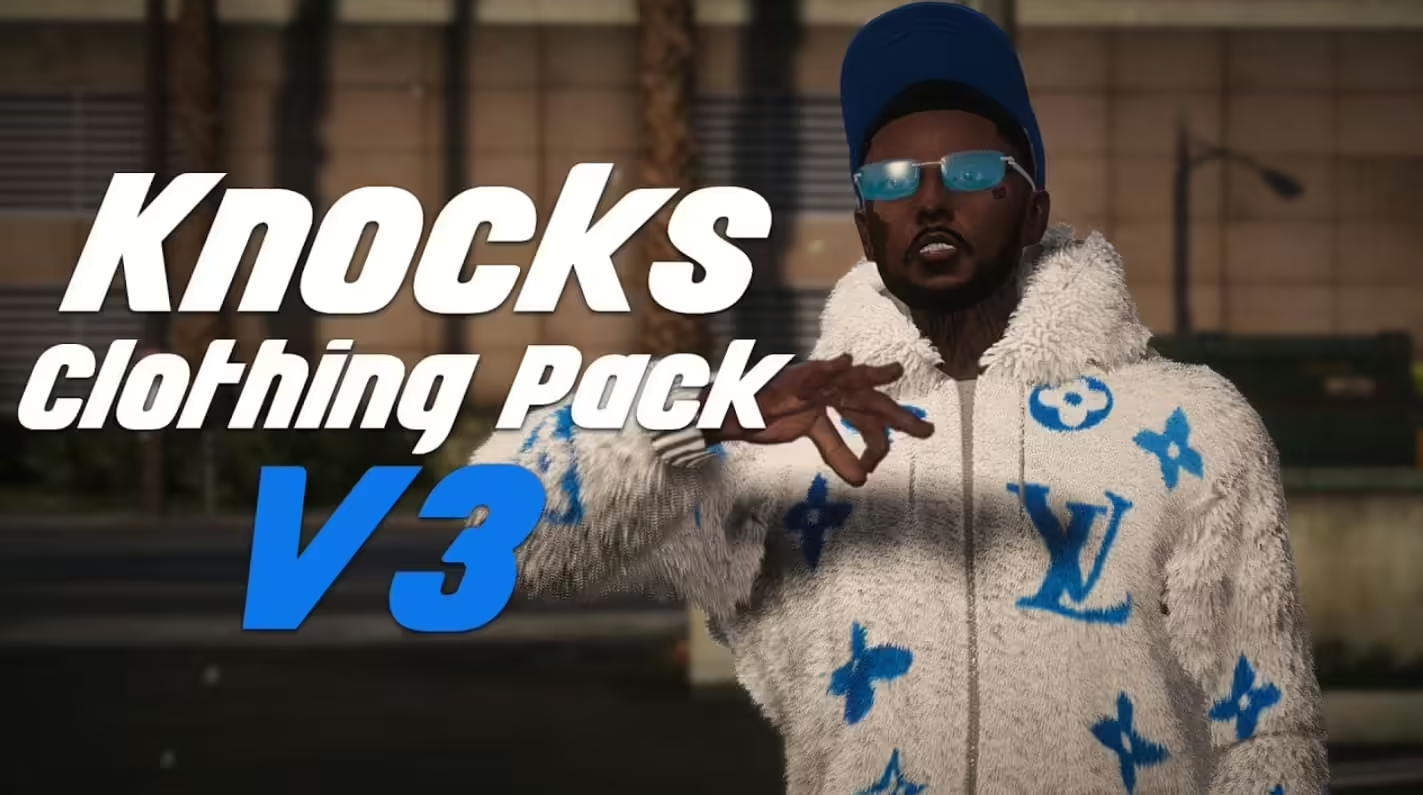
Voller Zugriff auf die GTA V Kleidungsdatenbank, einschließlich Oberteile (T-Shirts, Hemden, Jacken, Westen), Unterteile (Hosen, Shorts, Röcke), Schuhe (Sneakers, Stiefel, Anzugschuhe, High Heels), Unterhemden und Unterwäsche, Körperpanzerung (sichtbar oder versteckt), Handschuhe und Handaccessoires sowie spezielle Artikel (Schals, Krawatten, Hosenträger).
Accessories
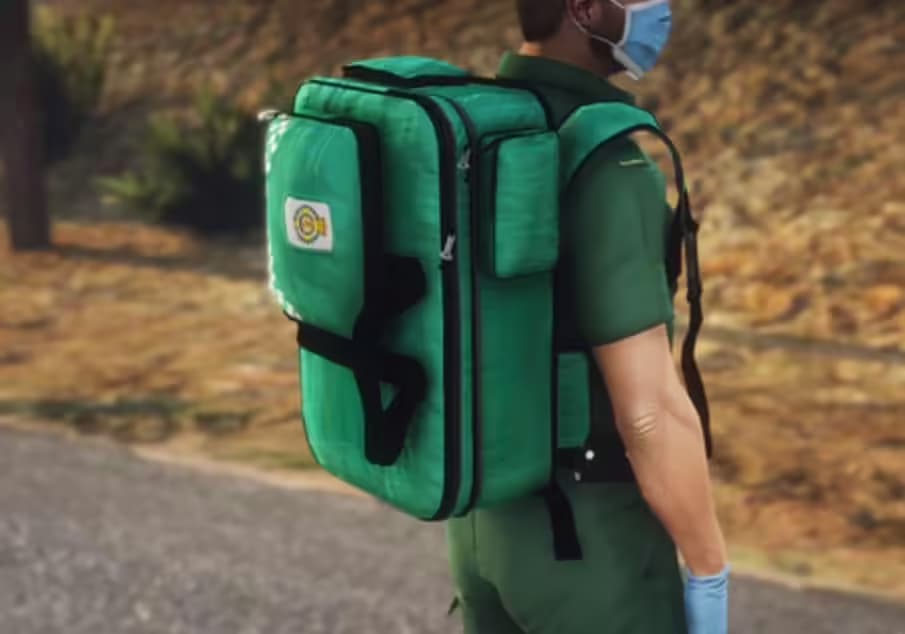
Umfassendes Accessoire-System mit Brillen und Sonnenbrillen, Hüten und Helmen, Ohrringen und Piercings, Halsketten und Ketten, Uhren und Armbändern, Taschen und Rucksäcken, Masken (Vollgesichts-, Halbgesichts-, Bandanas) und Abzeichen/Patches zur Jobidentifizierung.
Appearance Features
Tiefe Charakteranpassung einschließlich Gesichtserbe (Elternauswahl), Gesichtsmerkmale (Nase, Wangen, Kiefer, Augen, Lippen), Hauttöne und Overlays, Alterung und Falten, Teint und Hautunreinheiten, Sonnenschäden und Sommersprossen, Make-up (Lippenstift, Rouge, Lidschatten), Frisuren und Farben, Gesichtsbehaarung, Augenbrauenformen und -färben.
Installation
- Lade die Advanced Clothing V2 Ressource herunter
- Entpacke sie in deinen Server-Ressourcenordner
- Wähle deine Framework-Konfiguration (ESX oder QBCore) in den Einstellungen
- Importiere die Datenbank SQL Datei, um die notwendigen Tabellen hinzuzufügen
- Konfiguriere Shop-Standorte in config.lua
- Lege Artikelpreise und Anpassungskosten fest
- Füge die Ressource zu server.cfg hinzu
- Starte den Server neu und teste an den Standorten der Bekleidungsgeschäfte
- Entferne/deaktiviere in Konflikt stehende Bekleidungs-Scripts (alte esx_skin, qb-clothing)
Framework Compatibility
- ✅ ESX Legacy - Volle ESX Unterstützung, ersetzt esx_skin nahtlos
- ✅ ESX 1.9+ - Funktioniert mit älteren ESX Versionen mit geringfügigen Konfigurationsanpassungen
- ✅ QBCore - Native QBCore Integration, ersetzt qb-clothing und qb-clothing-menu
- ✅ QBOX - Kompatibel mit dem QBOX Framework
- ✅ Appearance Systems - Funktioniert mit fivem-appearance, illenium-appearance, raid_clothes
- ✅ Custom Frameworks - Anpassbar an benutzerdefinierte Frameworks mit Konfiguration
Configuration Options
- Shop Locations: Definiere mehrere Bekleidungsgeschäft-Koordinaten auf der Karte
- Pricing System: Lege Pauschalgebühren oder Preise pro Artikel/Kategorie fest
- Permissions: Beschränke bestimmte Artikel auf Jobs oder Admin-Gruppen
- Wardrobe Access: Erlaube das Wechseln überall, nur zu Hause oder nur im Geschäft
- Job Uniforms: Konfiguriere erforderliche Outfits für jeden Job/Rang
- Barber Integration: Aktiviere/deaktiviere Friseursalons, lege Preise fest
- Default Outfits: Lege Spawn-Kleidung für neue Charaktere fest
- Outfit Limits: Optionale Begrenzung der gespeicherten Outfits pro Spieler (oder unbegrenzt)
User Interface Features
Category Navigation
Anstatt endlos durch alle Artikel zu scrollen, organisiert die UI Kleidung in logische Kategorien mit symbolbasierter Navigation. Spieler klicken auf Oberteile, um nur Hemden und Jacken zu sehen, Schuhe für Schuhe, Accessoires für Hüte und Brillen usw. Diese Organisation macht das Finden bestimmter Artikel schnell und intuitiv.
Real-Time Preview
Jedes Kleidungsstück, jede Farbänderung oder jede Accessoire-Ergänzung wird sofort auf dem Charaktermodell mit 360-Grad-Drehung angezeigt. Spieler können ganze Outfits vor dem Kauf oder Speichern in der Vorschau anzeigen, teure Fehler vermeiden und sicherstellen, dass sie mit ihrem Look zufrieden sind, bevor sie ihn bestätigen.
Color Customization
Der erweiterte Farbwähler mit RGB-Schiebereglern und voreingestellten Paletten ermöglicht eine präzise Farbanpassung. Spieler können koordinierte Outfits mit passenden Farben erstellen, Gangfarben exakt replizieren oder einzigartige persönliche Stile mit benutzerdefinierten Farbkombinationen entwerfen, die in einfachen Systemen unmöglich sind.
Technical Specifications
- Performance Impact: 0.01-0.03ms im Leerlauf, 0.05-0.08ms bei geöffnetem Menü
- Database Structure: Optimierte Tabellen für die Outfit-Speicherung (unterstützt unbegrenzte Speicherungen)
- UI Framework: Moderne HTML/CSS/JS Oberfläche mit flüssigen Animationen
- Clothing Database: Volle GTA V native Kleidungsstücke + Unterstützung für benutzerdefinierte Addons
- Compatibility: Funktioniert mit benutzerdefinierten Kleidungs-Mods und Addon-Paketen
- Resource Size: Geringes Gewicht (~5-10MB je nach Konfiguration)
- Dependencies: Framework (ESX/QB), Aussehenssystem (falls extern verwendet)
What Makes It Stand Out
Generische Kleidungs-Scripts fühlen sich klobig an mit verwirrenden UIs, begrenzter Outfit-Speicherung oder Framework-spezifischen Einschränkungen. Advanced Clothing V2 bietet ein modernes, professionelles Erlebnis, das Framework-übergreifend funktioniert – keine Auswahl von Scripts mehr basierend auf ESX vs. QBCore Kompatibilität. Das Outfit-Speichersystem ist wirklich unbegrenzt (keine Beschränkungen auf 5 Outfits), die UI ist intuitiv genug, damit sich neue Spieler ohne Tutorials zurechtfinden, und die Leistungsoptimierung bedeutet kein Lag, selbst bei Hunderten von benutzerdefinierten Kleidungs-Addons. Es ist das Kleidungssystem, von dem sich Spieler wünschen, dass es standardmäßig in FiveM enthalten ist.
Job Uniform Examples
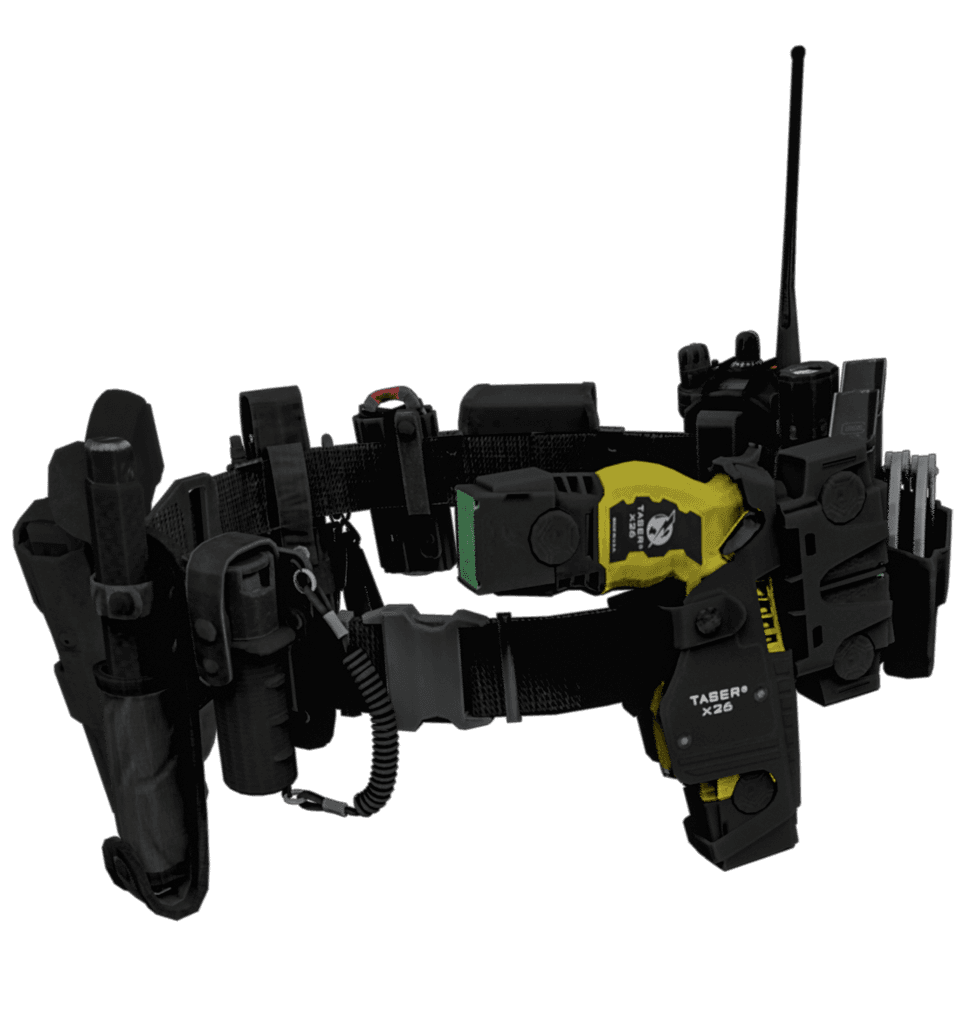
Konfiguriere automatische Uniformen für Polizei (Dienstuniform, Streifenuniform, SWAT-Ausrüstung), EMS (Sanitäter-Kittel, Arztmäntel, Feuerwehrausrüstung), Mechaniker (Overalls mit Werkstattlogo-Patches), Gangs (spezifische Farbschemata, die für Mitglieder durchgesetzt werden), Unternehmen (Kleiderordnungen für Mitarbeiter in Restaurants, Banken, Einzelhandel), Sicherheit (Wachuniformen für private Sicherheitsfirmen) und Veranstaltungen (Personaluniformen für Konzerte, Sportveranstaltungen, besondere Anlässe).
Fashion Roleplay Enhancement
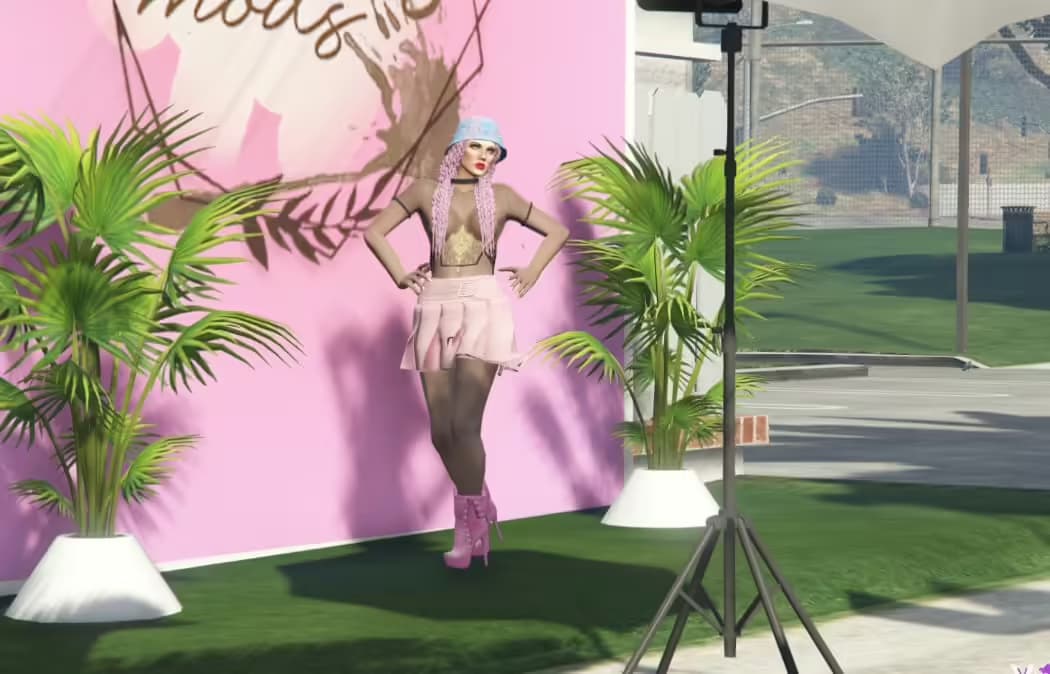
Für auf Mode ausgerichtete Server ermöglicht dieses System Bekleidungsboutiquen mit kuratierten Inventaren, persönliches Stylisten-Roleplay, das Spielern bei der Erstellung von Outfits hilft, Modenschauen mit Outfit-Wettbewerben, die von der Community bewertet werden, Kleidungsdesigner, die Outfit-Codes teilen, saisonale Verkaufsveranstaltungen mit thematischen Kollektionen, VIP-Kleidungsstücke für exklusive Mitglieder und Influencer-Roleplay mit Fotoshootings in Signature-Outfits.
Admin Features
Administratoren haben Zugriff auf spezielle Funktionen, darunter das Erzwingen von Outfit-Änderungen bei Regelverstößen (unangemessene Kleidung), das Anzeigen aller gespeicherten Outfits pro Spieler, das Löschen von Outfits bei Bedarf, das Hinzufügen von eingeschränkten Artikeln, die nur für bestimmte Jobs/Gruppen zugänglich sind, das Konfigurieren von Job-spezifischen Outfit-Anforderungen und das Festlegen von Standard-Spawn-Outfits für neue Charaktere (um sicherzustellen, dass jeder angemessen gekleidet startet).
Migration From Old Systems
Der Übergang von esx_skin, qb-clothing oder anderen Aussehenssystemen ist mit den enthaltenen Migrationstools unkompliziert. Das Script kann vorhandene Charakteraussehensdaten importieren, gespeicherte Outfits beibehalten (falls das vorherige System diese hatte) und Spieleranpassungen beibehalten, ohne dass jeder seine Looks neu erstellen muss. Die Dokumentation enthält schrittweise Migrationsanleitungen für gängige Systeme.
Preview Video
Sehen Sie sich eine vollständige Demonstration der Bekleidungsoberfläche, der Outfit-Speicherung, der Anpassungsoptionen und der Funktionen an:
https://www.youtube.com/watch?v=E728bjYDkfESupport & Updates
Enthält eine umfassende Installationsanleitung für ESX und QBCore Frameworks, eine Konfigurationsdokumentation mit Beispielen, einen Abschnitt zur Fehlerbehebung für häufige Probleme, Migrationsanleitungen von beliebten Kleidungs-Scripts und Video-Tutorials für Einrichtung und Anpassung. Lebenslange Updates gewährleisten die Kompatibilität mit Framework-Änderungen und GTA V Updates. Eine aktive Support-Community hilft bei Konfigurationsfragen und benutzerdefinierten Integrationen.