View Product
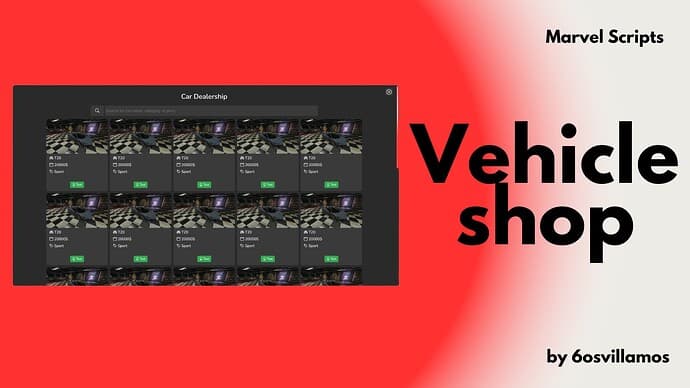
Free Cardealer (Editable) FiveM
ESX
$0.00
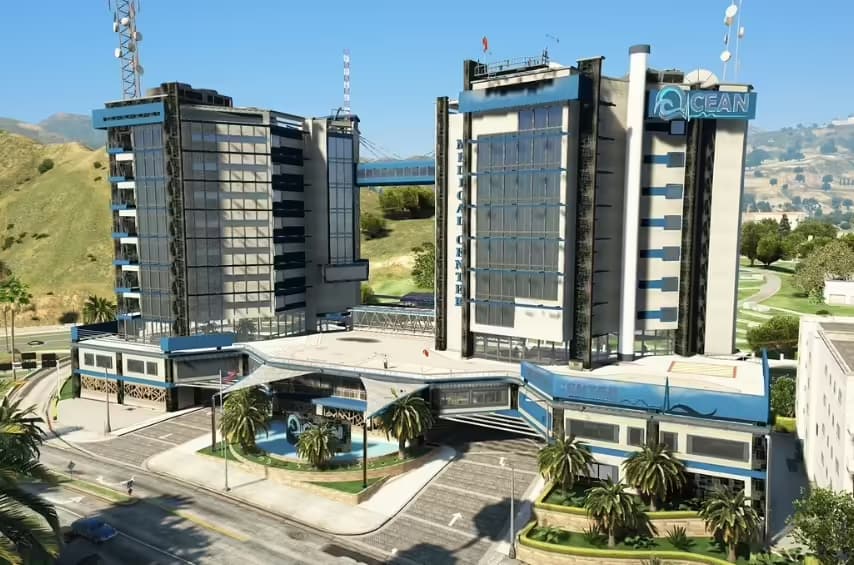
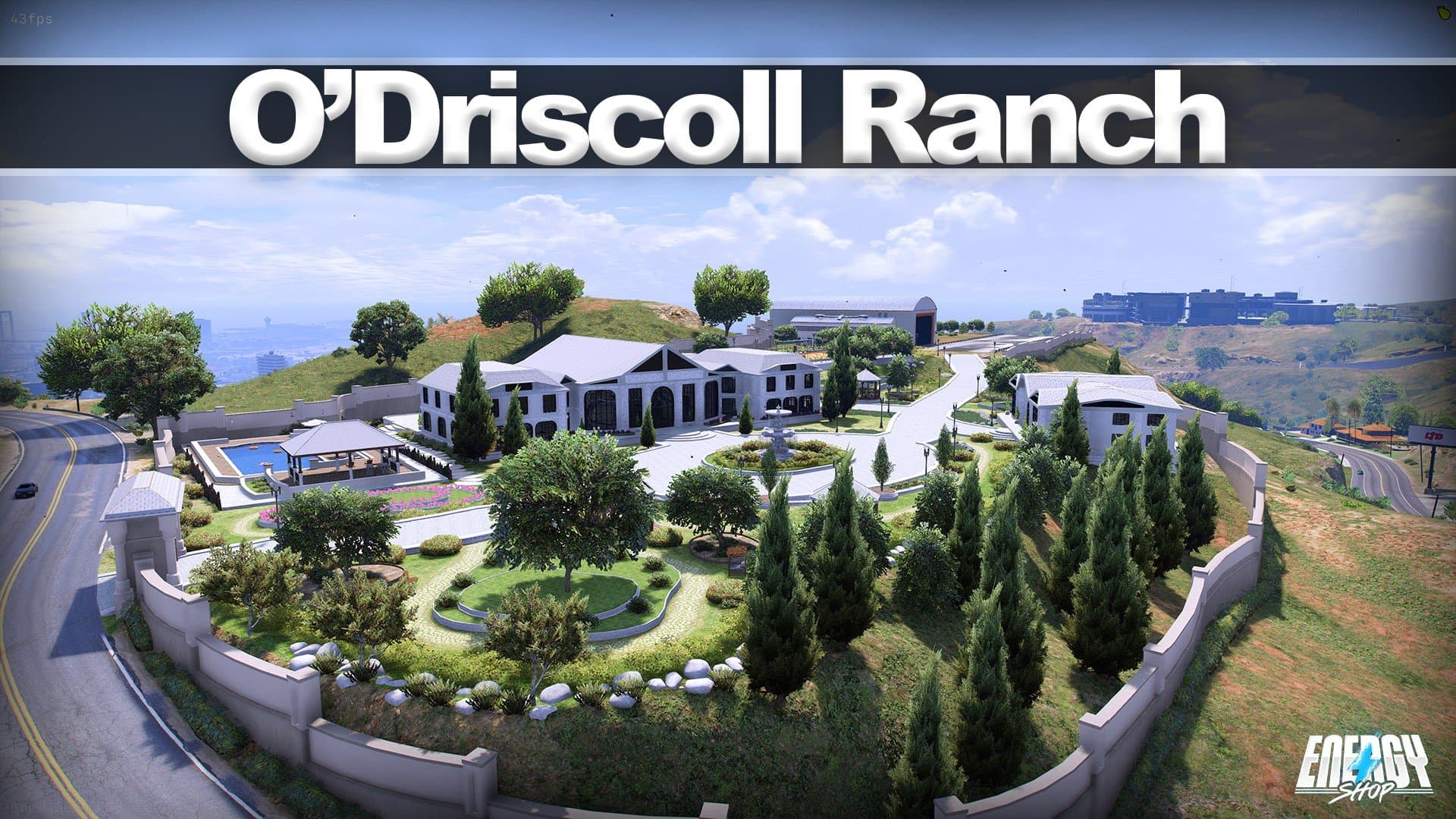
Transform your server with detailed interior maps, custom buildings, and unique locations. From police stations to luxury apartments.
Hand-picked custom buildings and interiors for immersive roleplay.
Everything you need to know about FiveM MLO interiors.
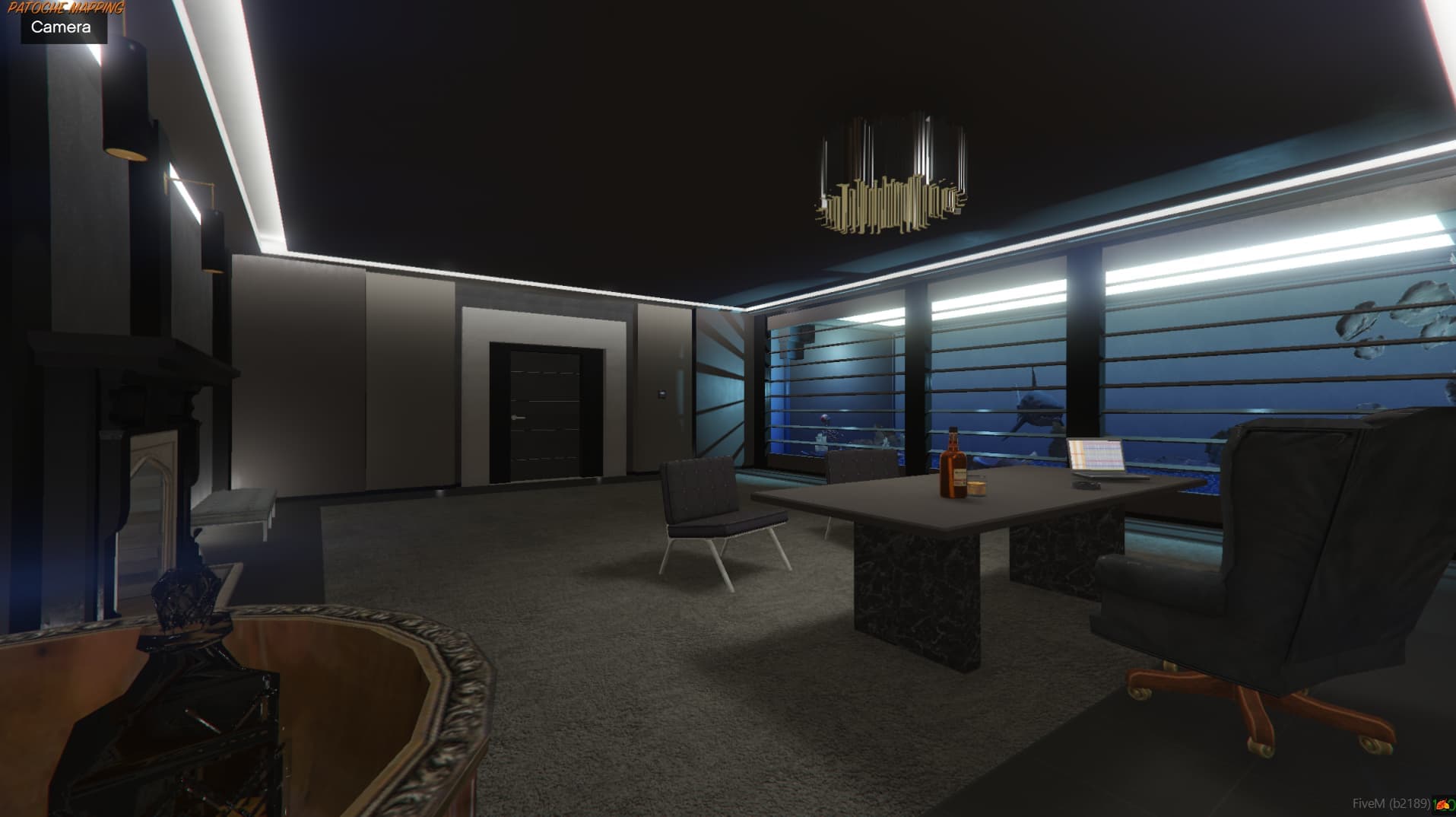
MLO (Map Loader Object) interiors are custom-built 3D interior maps that replace or add new accessible buildings to your FiveM server. They include detailed rooms, furniture, lighting, and collision data for immersive roleplay experiences.
Download the MLO resource, place it in your server's resources folder, add 'ensure [resource-name]' to your server.cfg, and restart your server. Most MLOs work standalone without additional dependencies.
Yes! We offer a collection of free community-made MLO interiors alongside our premium options. Free MLOs are great for getting started, while premium MLOs offer more detail, optimization, and unique designs.
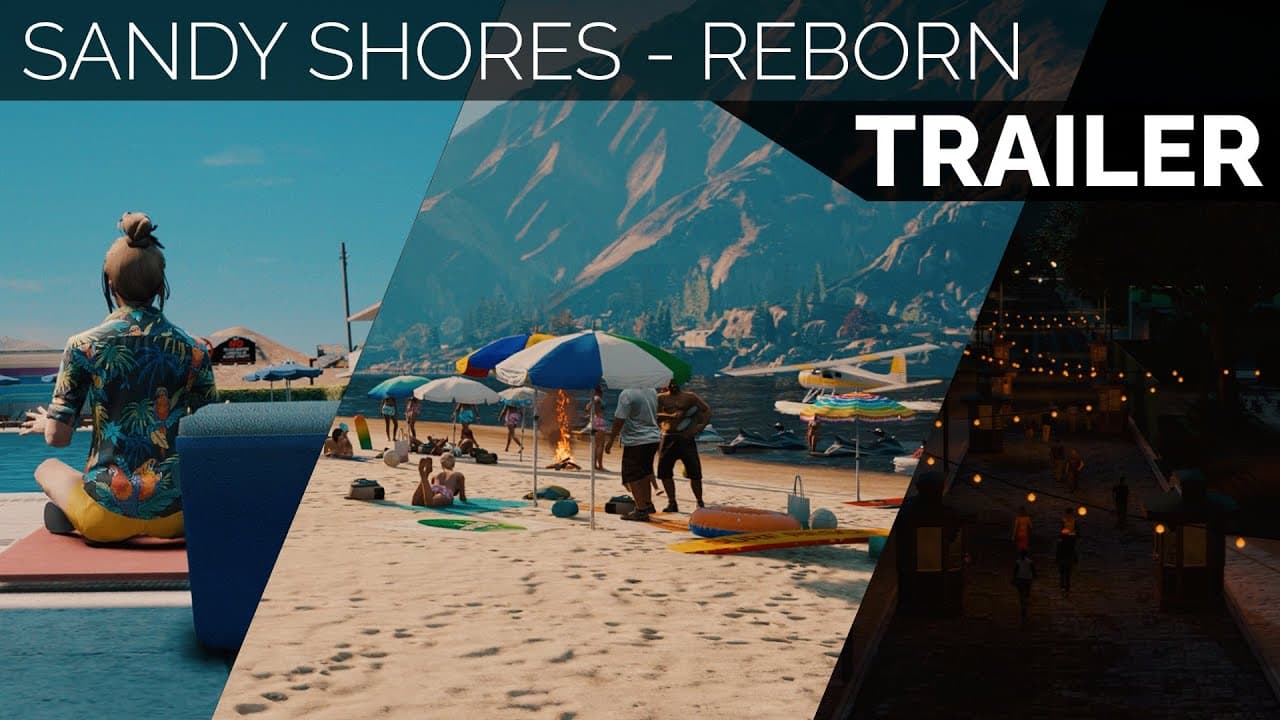
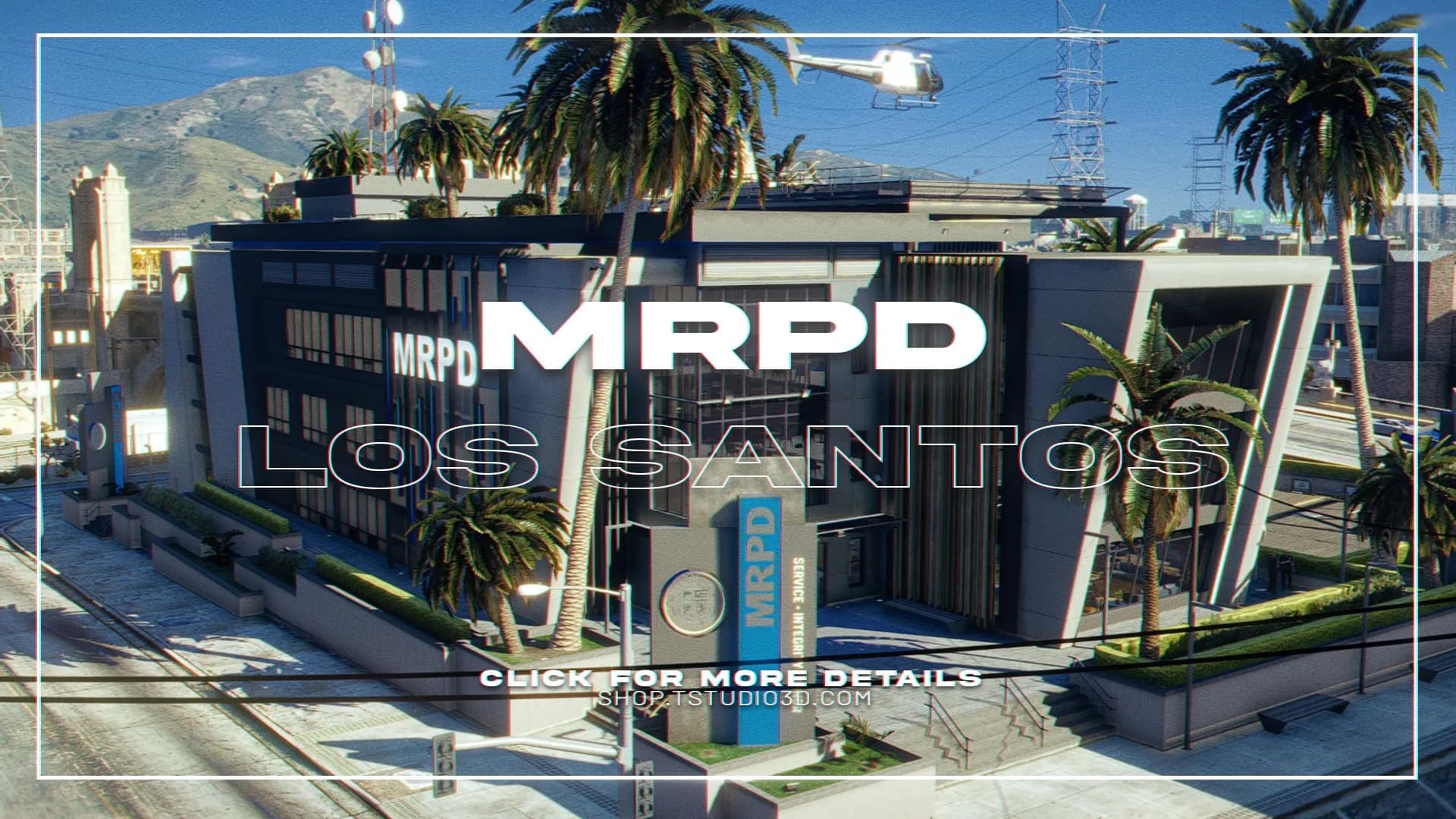
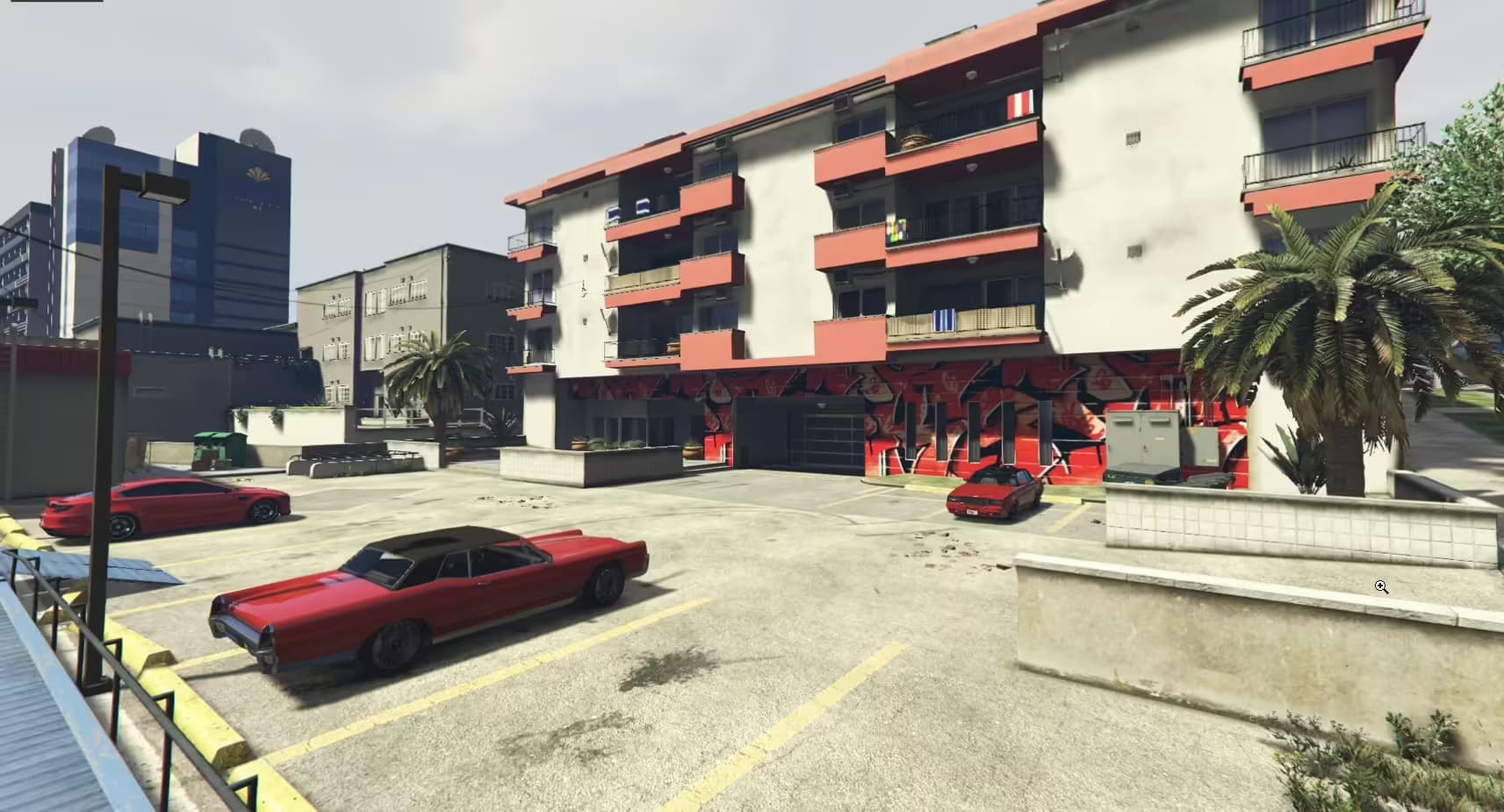
MLOs are perfect for creating unique roleplay locations like custom police stations, hospitals, gang hideouts, luxury apartments, nightclubs, restaurants, and any building interior you can imagine for your GTA RP server.
Yes, most MLO interiors are framework-independent (standalone). They work with QBCore, ESX, QBOX, and any other framework since they only modify the map/environment, not server logic.
Well-optimized MLOs have minimal impact because GTA V only streams interior assets when a player enters the building. Watch out for MLOs with excessive polygon counts or uncompressed textures — those can cause FPS drops near the location. Check the listed triangle count and texture resolution before installing, and avoid clustering many high-detail interiors in one area.
FiveM MLO interiors range from free community releases to premium builds costing between $10 and $60. Free MLOs cover basic locations like small apartments or simple police rooms, while premium MLOs deliver highly detailed multi-room structures — hospitals, courthouses, nightclubs — with optimized textures, proper collision, and door-lock script integration. VertexMods offers both free and premium MLOs, all security-reviewed and tested for framework compatibility before listing.
Start by identifying what your roleplay scenario needs — a police station MLO, a hospital, a gang safehouse, or a luxury apartment. Then check the polygon count and texture size listed in the product details; lower polygon counts mean better performance for players near the location. Verify the MLO is compatible with your map dimension (Los Santos vs. custom maps), and confirm it does not conflict with existing resources at the same coordinates. Reading reviews from other server owners on VertexMods gives you real-world feedback on stability and immersion quality before you buy.
Browse our collection of premium and free MLO interiors to create unique roleplay locations.