How To Create a RedM Server (Guide)
Launching a RedM server is easier than you think. This step‑by‑step guide walks you from zero to a running FXServer with txAdmin, plus tips for frameworks (VORP/RedEM:RP), performance, security, and growth.
What is RedM?
RedM is the Red Dead Redemption 2 multiplayer framework powered by Cfx.re that lets you run custom roleplay and minigame servers.
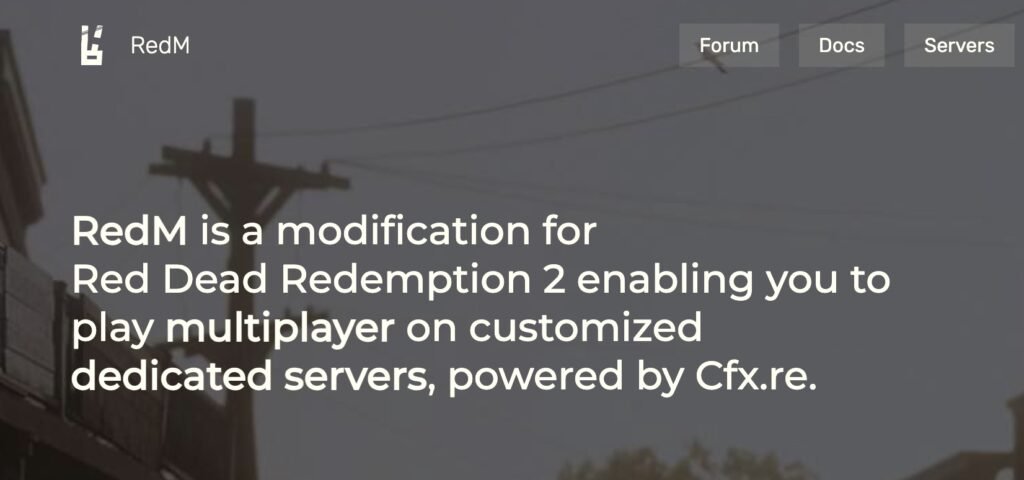
Table of Contents
Quick Start (TL;DR)
- Download FXServer artifacts for Windows or Linux.
- Run
FXServer.exe(Windows) or start the Linux binary; the browser opens txAdmin. - Link your Cfx.re account and create a new server using the Vanilla/Popular recipe.
- Generate a server license key (Keymaster) and paste it into your server config.
- Start the server, join via the RedM client, and iterate.
Prerequisites
- Hardware: modern 4+ core CPU, 8–16 GB RAM minimum, SSD storage; dedicated/fast VPS recommended for >50 players.
- OS: Windows Server 2019/2022 or a recent Linux distro (Ubuntu 22.04+).
- Ports: Open/forward the game port (default
30120TCP/UDP) and any reverse proxy/txAdmin ports you plan to use. - Accounts: Cfx.re account for txAdmin + Keymaster license key.
Tip: Hosting providers can get you online fast, but self‑hosting gives you full control. We cover both paths below.
Option A — One‑Click Hosting (fastest)
Authorized partners let you deploy RedM in minutes with txAdmin, then you upload resources and configs.
- Browse partners and pick a plan that fits your player goals.
- After deployment, open the console, copy the txAdmin link & PIN, link your Cfx.re account, and complete the recipe (Vanilla or framework‑ready).
Related FiveMX guides:
Option B — Self‑Host on Windows (recommended for beginners)
- Create your folder layout (example:
C:\RedMServer\cfxandC:\RedMServer\server-data). - Download the latest recommended FXServer artifacts and extract to your
cfxfolder. - Start
FXServer.exe. Your browser opens txAdmin → click Link Account → Allow. - Choose a recipe → Vanilla (you can add frameworks later).
- Generate a server license key in Keymaster and paste it when txAdmin asks.
- Finish the wizard and Start. Your RedM server is now live.
Example server.cfg (minimal)
# Core
endpoint_add_tcp "0.0.0.0:30120"
endpoint_add_udp "0.0.0.0:30120"
sv_maxclients 48
sv_licenseKey "YOUR_KEYMASTER_KEY"
sv_hostname "My RedM Server | Vanilla"
sv_enforceGameBuild 1491   # adjust as needed for RDR2 build

# Resources
ensure sessionmanager
ensure mapmanager
ensure spawnmanager
ensure rconlog

# Language/Tags
sets locale "en-US"
sets tags "roleplay, redm, vorp, vanilla"

# Admins (add your Cfx.re identifiers)
add_ace group.admin command allow
add_principal identifier.license:YOUR_LICENSE group.admin
Self‑Host on Linux (advanced)
- Create a non‑root user and prepare folders, e.g.
~/redm/cfxand~/redm/server-data. - Download and extract artifacts (
wget+tar xf). - Start the FXServer binary and visit the printed txAdmin URL.
- Complete the txAdmin wizard, add your license key, and start the instance.
- Configure a systemd service for autostart and set up a firewall (UFW) for port
30120.
Add a Framework (VORP or RedEM:RP)
Frameworks give you character systems, inventories, jobs, and crafting.
- VORP Core: Often available as a txAdmin recipe. After creating a fresh server, import the recipe or follow the README to install modules (inventory, crafting, jobs).
- RedEM:RP: Alternative framework with similar goals; install base resources, database schema (MySQL/MariaDB), then layer job/economy packs.
FiveMX picks to get started:
Database note: Many RedM frameworks rely on MySQL/MariaDB. Use a remote DB with backups and limit public exposure (firewall + SSL). See our ops tips below.
Install & Manage Resources
- Place resources into
server-data/resources/<category>/<resourceName>and addensure <resourceName>toserver.cfg. - Prefer well‑maintained, escrow‑free resources you trust.
- Boot once with a clean set, then add in small batches, testing each commit.
Popular content hubs on FiveMX:
Performance & Stability Checklist
- Artifacts: Track the latest recommended server artifacts; only bump after testing.
- Tick & threads: Keep heavy loops efficient; use server‑side throttling and event gating.
- I/O & DB: Pool connections, index hot queries, and avoid blocking calls in hot paths.
- Resmon: Benchmark resource time, memory, and spikes; remove offenders.
- Crash hygiene: Log crashes to a file and keep backups of configs and DB snapshots.
Read next on FiveMX:
Security & Compliance
- License key: Keep it private; rotate if leaked.
- Admin roles: Use
add_principalfor named admins, not wildcard ACEs. - Backups: Schedule nightly backups for
/server-data,server.cfg, and your database. - Updates: Track framework updates; read changelogs before upgrading.
- Monetization: Follow Cfx.re/Rockstar monetization rules. Use transparent perks (cosmetics, queue priority) and avoid pay‑to‑win.
FiveMX monetization guides:
Publish & Grow Your Server
- Name & tags: Clear theme + region tags to improve discovery.
- List your server: Ensure it’s public and visible in the RedM server list.
- Discord funnel: Use a clean rules channel, onboarding form, and ticketing for staff support.
- Content cadence: Publish weekly updates, changelogs, and short trailers.
- Optimize onboarding: Add a welcome script, starter kit, and spawn guidance.
Helpful FiveMX articles:
Troubleshooting Quick Wins
- Server won’t start: Check
server.cfgfor typos; confirm license key; try previous recommended artifact. - Can’t reach txAdmin: Check firewall, confirm port binding, or change the bind address.
- Players can’t connect: Verify public IP/port, NAT/forwarding, host firewall, and if the server is listed.
- Resource crashes: Disable recent additions; re‑add one by one. Watch
resmonfor spikes. - DB errors: Confirm credentials, migrations, and engine versions; restore from last good backup.
FiveMX help:
FAQ
Is FiveM documentation relevant to RedM?
Much of the server tooling (FXServer, txAdmin) is shared; some scripting docs differ. Prefer RedM‑specific native references where possible.
Do I need a Patreon key?
You need a Keymaster license key to run a public server. Extra Patreon entitlements are optional for certain premium features.
Which framework should I choose—VORP or RedEM:RP?
Both are viable. VORP has a large module ecosystem; RedEM:RP is modular and lightweight. Choose based on your desired gameplay and resource availability.
What’s a safe player cap for new servers?
Start at 32–48, then scale after load testing and resmon profiling.
Next Steps
- Spin up a test instance locally and document your baseline resmon metrics.
- Install a framework (VORP/RedEM:RP) and one trusted inventory/economy pack.
- Write a simple launch checklist: artifacts version, DB backups, last‑change log.
- Draft a monetization plan that respects platform rules.
Helpful Links (External)
- Cfx.re Server Setup (txAdmin/Windows/Linux)
- Cfx.re Keymaster (create your license key)
- RedM Downloads & Docs
- txAdmin Homepage/Docs
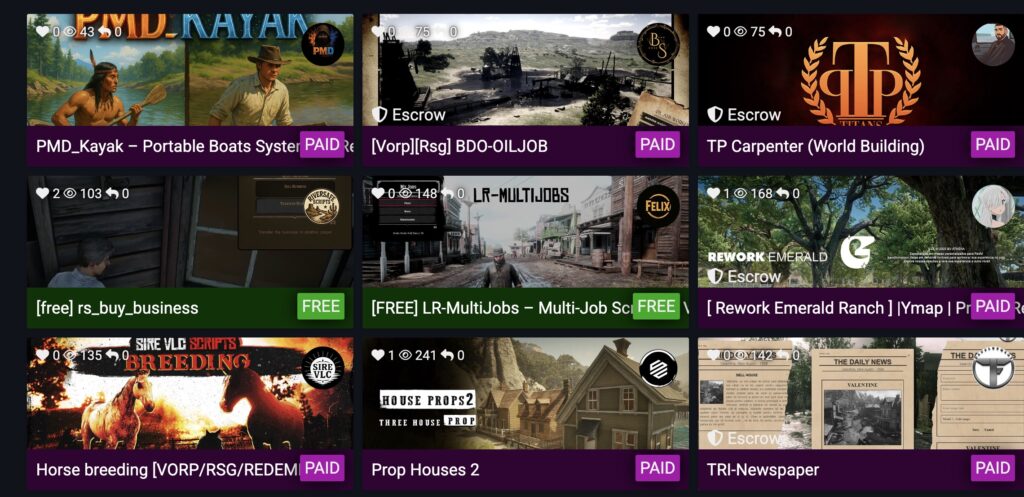
Want more? Check our full Tutorials & Guides library, then browse Scripts and MLOs to expand your world.
Stay in the Loop
Get the latest FiveM tutorials, mod releases, and exclusive updates delivered to your inbox.
No spam. Unsubscribe anytime.