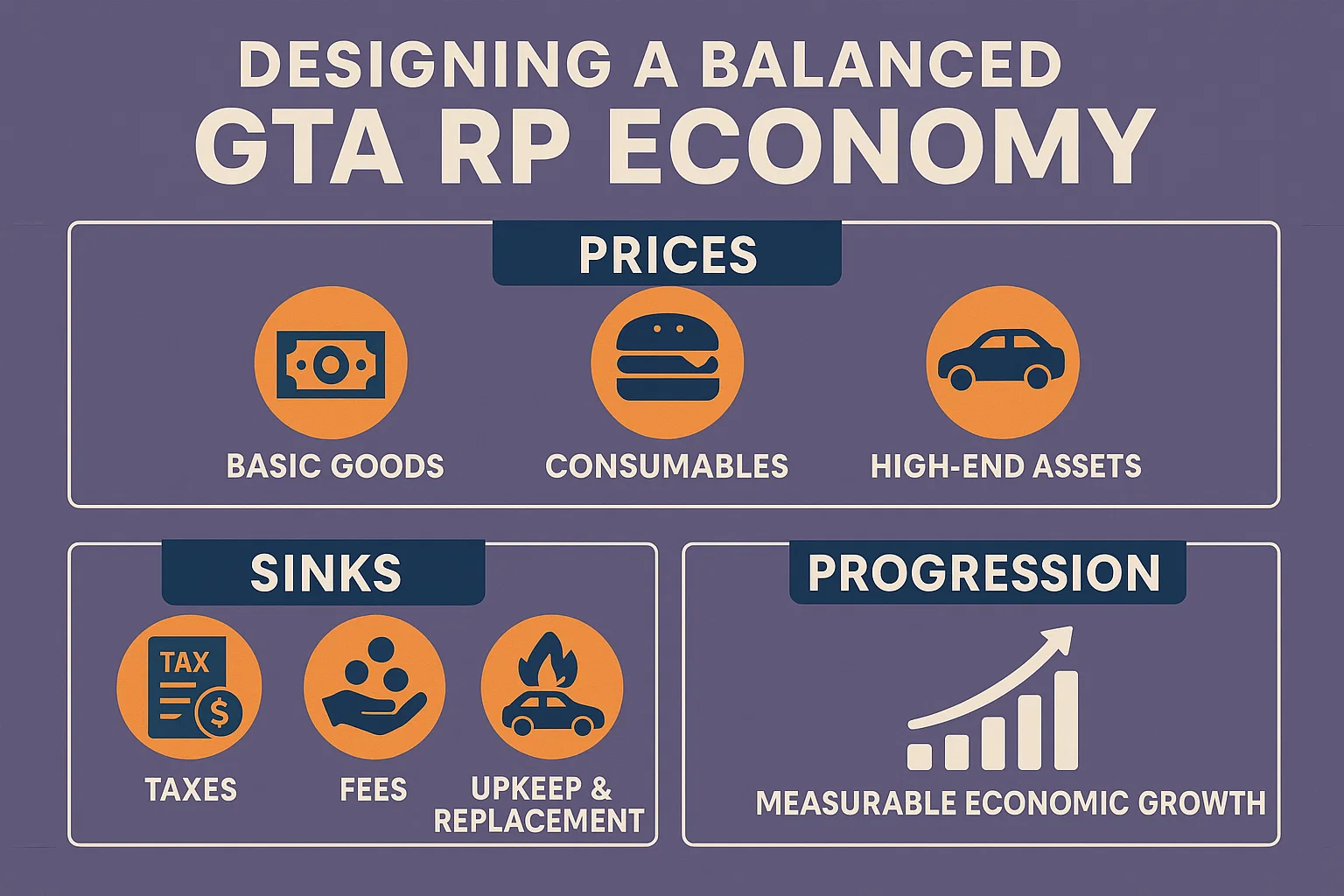
Designing a Balanced GTA RP Economy: Prices, Sinks & Progression
Introduction to A complete, practical framework for FiveM servers (ESX
A complete, practical framework for FiveM servers (ESX & QBCore) with calculators, starter prices, and sample configs.
This guide is part of our complete FiveM frameworks guide, where we compare ESX, QBCore, and QBOX in depth and help you choose the right one.
Who this is for: Server owners, economy designers, and devs who want a fair, grind‑free progression curve with healthy money sinks and stable prices.
Executive Summary
A good GTA RP economy makes money meaningful without turning progression into a chore. You need:
- Clear income routes (faucets) balanced by compelling, recurring sinks.
- A predictable early-game path (first car, starter house, toolkit) in X hours/days.
- Mid/late-game goals (businesses, prestige vehicles, cosmetics) that preserve challenge.
- Instrumentation (metrics, dashboards) and guardrails (taxes, dynamic pricing) to keep inflation in check.
This guide gives you:
- A balancing workbook (XLSX + CSV) with price & sink calculators.
- Starter price tables and progression milestones.
- Sample config packs for ESX and QBCore (shops, vehicles, taxes, paychecks).
- A rollout checklist and live‑ops playbook.
? Also see Economy System Scripts for ready‑to‑use modules.
Core Principles
- Faucet–Sink Equilibrium: Daily inflows ≈ daily outflows for the median active player.
- Time‑Fairness: Payouts scale with time-on-task × difficulty × risk, not with meta exploits.
- Predictable Onboarding: First meaningful milestone (starter car + toolkit) reachable in 6–10 hours of varied play.
- Recurring Costs > Punitive Taxes: Regular, opt‑in costs (maintenance, insurance, cosmetics) feel less punishing than flat income taxes.
- Elastic Controls: Use dynamic fees/markups and seasonal rebasing to nudge—not nuke—the economy.
Economy Model (What to Track)
Faucets (money in): legal jobs, deliveries, resource
Faucets (money in): legal jobs, deliveries, resource gathering, player trading margins, criminal payouts, government salaries, events.
Sinks (money out): vehicle purchases/licensing, maintenance & fuel, fines & citations, crafting & repairs, housing & storage, cosmetics, business fees, lotteries/raffles.
Key KPIs:
- Median Net Flow / day = Faucets − Sinks (target ≈ 0 for median; slightly positive for new players, slightly negative for late-game).
- Time to First Car/House/Business (p50, p80).
- Gini (wealth inequality) and % wealth top decile.
- Velocity of Money (trades per day per $).
Step‑by‑Step Balancing Process
- Define Milestones & Targets
- First car: 35k–60k within 6–10 hrs.
- First house/storage: 120k–200k within 25–40 hrs.
- Business buy‑in: 400k–1.2M within 80–150 hrs.
- Set Baseline Prices (Tiered)
- Tier 1 essentials (food/water/repair kits) affordable; Tier 3–4 gear aspirational; Tier 5–6 prestige.
- Design Payouts via Formula
Payout = base_per_min × minutes × difficulty × risk × team × scarcity.- Introduce Recurring Sinks
- Insurance, maintenance, storage fees, business overhead, vanity sinks.
- Install Guardrails
- Luxury taxes, import duties, dynamic shop markups, progressive fines.
- Instrument & Iterate
- Log faucets/sinks per source, track net flows by cohort (new vs veteran), adjust weekly.
Starter Price Table (Suggested Ranges)
Category Tier Examples Price (Suggested) Consumables 1 Water, Sandwich 15–35 Tools 1–2 Repair Kit, Lockpick Basic 750–1,500 Entry Vehicles 2 Compact, Low‑end Sedan 35,000–60,000 Work Vehicles 3 Van, Pickup 65,000–120,000 Mid Cars 3–4 Sedan/Coupe 120,000–250,000 High‑End 5 Sports 350,000–750,000 Exotic/Prestige 6 Super 1.2M–3.0M Housing (starter) 2–3 Motel/Small Apt 120,000–200,000 Housing (mid) 4 Apt/Small House 350,000–700,000 Business buy‑in 4–6 Shop/Club/Dealership 400,000–1,200,000+ Use the workbook sheets price_catalog and
Use the workbook sheets
price_catalogandvehicle_cost_calcto tune these to your server.
Job Payout Design (Formula & Multipliers)
Base rate per minute (legal): 160–240.
Multipliers (suggested):
- Difficulty: 1.00 (easy), 1.25 (moderate), 1.50 (hard).
- Risk (criminal exposure): 1.00 (none), 1.35 (medium), 1.75 (high).
- Team: 1.00 (solo), 1.10 (duo), 1.20 (squad ≥3).
- Scarcity (server‑wide event): 1.00–1.40.
Example: 12‑min armored delivery, moderate difficulty, medium risk, duo.
Payout ≈ 200 × 12 × 1.25 × 1.35 × 1.10 ≈ 4,455Use the workbook’s
job_payout_calcto standardize across all activities.
Recurring Sinks That Don’t Feel Punitive
- Insurance (per real‑day): 0.15–0.35% of vehicle value (cap exotics to avoid runaway costs).
- Maintenance: wear‑based (distance/time), 400–1,800 per service.
- Storage & Housing Fees: 600–2,400 per day; scale with slots.
- Licensing & Renewals: driver/firearm/fishing licenses with 7–14 day renewal periods.
- Cosmetics & Vanity: plates, liveries, emotes, clubs—bottomless sinks with zero power creep.
- Business Overhead: utilities, staff wages, %‐of‐sales fee.
Vehicle & Property Pricing Model
Vehicle Total = MSRP × (1 + import_tax) + dealer_fee + license_fee
import_tax: 5–15% (elastic, can auto‑adjust with inflation index)dealer_fee: 2–6%license_fee: flat 500–2,500 by class
Ongoing: insurance per day, maintenance per km/time, fuel price elasticity (1.5–3.5 per litre baseline).
Property: base price + property tax (0.05–0.20% per real‑day) + utilities (tiered by storage).
The workbook sheets
vehicle_cost_calcandproperty_tax_calcimplement these.
Dynamic Controls (Inflation Guardrails)
- Luxury Tax: +5–12% on Tier 5–6 vehicles when inflation index > 1.05.
- Import Duty Ladder: +2% per 10% supply‑demand imbalance.
- Dynamic Shop Markup: 0.9–1.3× based on stock & sales velocity.
- Progressive Fines: scale with wealth bracket, not flat values.
Configure these via scheduled scripts that read
Configure these via scheduled scripts that read rolling 7‑day metrics and update server convars.
Progression Curves (Practical Targets)
Milestone Time Target Notes First 50k 6–10 hrs mix legal jobs & deliveries; small fines won’t block First Car 6–10 hrs cash + trade‑in options; financing optional First House/Storage 25–40 hrs recurring utilities motivate play Business Buy‑In 80–150 hrs requires multi‑source income, team play
Anti‑Exploit & Stability
- Cap high‑variance payouts (heists) with cooldowns & anti‑farm checks.
- Price Floors on raw resources; Price Ceilings on essentials during shortages.
- Server‑side validation for sales, distance, time‑on‑task, and duty status.
- Audit Trail: log each faucet/sink with
player_id,source,amount,ctx.
Telemetry You Should Log
- Per‑player: faucets, sinks, net flow/day, wealth, vehicle/property count.
- Per‑source: total payout/sales, average per event, participants.
- Price index: weekly basket (Tier 1–4) = base 100.
- Inflation triggers: import tax, insurance index, markup index.
Build a lightweight dashboard that reads your DB and plots:
- Median Net Flow/day (N7) by cohort.
- Basket Price Index vs time.
- Top 10 Faucets/Sinks by total.
Rollout Plan (2 Weeks)
Week 1 – Staging
- Import starter prices & sinks from the workbook.
- Patch job scripts to use formula‑based payouts.
- Enable dynamic markups (read‑only; dry‑run logs).
- Run a 48‑hr closed test; capture KPIs.
Week 2 – Live
- Launch with conservative payouts, strong recurring sinks.
- Enable dynamic markups in “bounded mode” (±10%).
- Daily review: faucets/sinks, top exploits; weekly rebalance.
Sample Configs (ESX & QBCore)
The downloadable packs include example configs for
The downloadable packs include example configs for shops, vehicles, paychecks, and taxes.
Adapt paths/structure to your fork (comments inline). Highlights:ESX (examples)
- Log faucets/sinks per source, track net flows by cohort (new vs veteran), adjust weekly.
-- esx_shops.sample.lua
Config.Shops = {
  ["24/7"] = {
    Items = {
      { name = "water", price = 25 },
      { name = "sandwich", price = 30 },
      { name = "repairkit", price = 900 },
    }
  }
}
-- esx_vehicleshop.sample.lua
Config.Vehicles = {
  { model = "blista", label = "Blista", price = 42000, class = "compact" },
  { model = "asea", label = "Asea", price = 56000, class = "sedan" },
}
Config.Fees = { importTax = 0.08, dealerFee = 0.03, licenseFee = 1000 }
-- esx_paycheck.sample.lua
-- Example bands (society salaries)
Config.Paychecks = {
  police = { recruit = 650, officer = 900, sergeant = 1200 },
  ambulance = { intern = 600, ems = 850, doctor = 1100 }
}
-- esx_taxes.sample.lua
Config.Taxes = {
  propertyDailyRate = 0.0012, -- 0.12% per real‑day
  insuranceDailyRateByClass = { compact = 0.0018, sedan = 0.0022, sports = 0.0030, super = 0.0035 }
}
QBCore (examples)
-- qb-shops.sample.lua
Config.Products = {
  ["247supermarket"] = {
    { name = "water", price = 25, amount = 100 },
    { name = "sandwich", price = 30, amount = 100 },
    { name = "repairkit", price = 900, amount = 20 },
  }
}
-- qb-vehicleshop.sample.lua
Config.Vehicles = {
  { model = "blista", name = "Blista", price = 42000, category = "compacts" },
  { model = "asea", name = "Asea", price = 56000, category = "sedans" },
}
Config.Fees = { importTax = 0.08, dealerFee = 0.03, licenseFee = 1000 }
-- qbcore-items-prices.sample.lua
QBShared.Items["water"].price = 25
QBShared.Items["sandwich"].price = 30
QBShared.Items["repairkit"].price = 900
-- qb-taxes.sample.lua
Config.Taxes = {
  propertyDailyRate = 0.0012,
  insuranceDailyRateByClass = { compacts = 0.0018, sedans = 0.0022, sports = 0.0030, super = 0.0035 }
}
These are examples : align with your resource
These are examples: align with your resource versions and naming.
Workbook: What’s Inside
faucets– define all income sources; computes daily inflow using DAP and event frequency.sinks– recurring/one‑off outflows; computes daily outflow.price_catalog– tiers, base prices, and markups (legal vs black market).job_payout_calc– formula‑based payouts with multipliers.vehicle_cost_calc,property_tax_calc– one‑time + recurring cost models.dynamic_pricing– elasticity controls by stock & velocity.economy_overview– summary dashboard (net flow, milestones, guardrails).
Import this into Google Sheets or Excel; all formulas are included.
FAQ
Q: Should we tax income directly?
Prefer recurring optional sinks (insurance, upkeep) and elastic markups. Use income tax sparingly for top‑bracket players only.
Q: How do we avoid pay‑to‑win perceptions?
Make all performance‑impacting items attainable in a reasonable time; keep cosmetic sinks infinite.
Q: How often should we rebalance?
Minor nudges weekly, major changes seasonally (4–8 weeks), with clear patch notes.
Next Steps
- Download the workbook and config packs.
- Import starter prices, run a weekend test.
- Ship with conservative faucets, visible sinks, and dynamic guardrails.
- Iterate using your KPIs.
Downloads
Related reading: ? Economy System Scripts (modules for taxes, markups, business overhead, etc.)
Stay in the Loop
Get the latest FiveM tutorials, mod releases, and exclusive updates delivered to your inbox.
No spam. Unsubscribe anytime.