Inventory Scripts
-67% OFF
VVS Gun Pack
VVS Gun Pack - advanced inventory management for ESX servers Compatible with ESX framework. Fully customizable and optimized.
50,00 €150,00 €
Money-Back Guarantee
14-day refund policy
Lifetime Updates
Free updates forever
Open Source
Inspect & modify the code
SSL Encrypted
|Visa, Mastercard, Amex, Apple Pay
|Crypto
Video Preview
Click to load video from YouTube. By watching, you agree to their privacy policy.
Description
VVS Gun Pack - Premium Custom Weapon Collection for FiveM
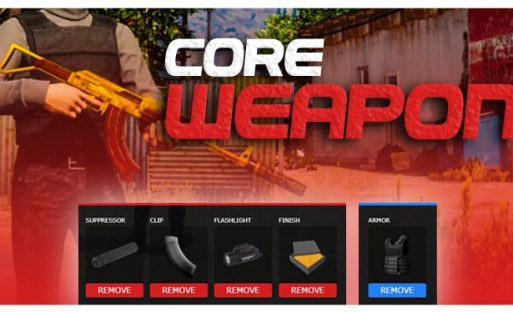
The VVS Gun Pack transforms your FiveM server's weapon system with a stunning collection of custom firearms featuring diamond-encrusted designs, gold plating, and premium finishes. This comprehensive weapon pack brings luxury firearm aesthetics to your server, perfect for roleplay servers that want to offer exclusive, high-end weapons for VIP players, gang members, or collectors. Each weapon is meticulously crafted with custom textures and models that stand out from standard GTA V weapons.
What's Included
This premium weapon pack includes multiple custom firearms with VVS (Very Very Slightly included - a diamond clarity grade) styling. Each weapon features:
- Custom weapon models with diamond and gold aesthetics
- High-resolution textures optimized for performance
- Complete inventory integration for ESX, QBCore, and OX frameworks
- Custom weapon spawn locations on the map
- Pre-configured weapon stats and compatibility
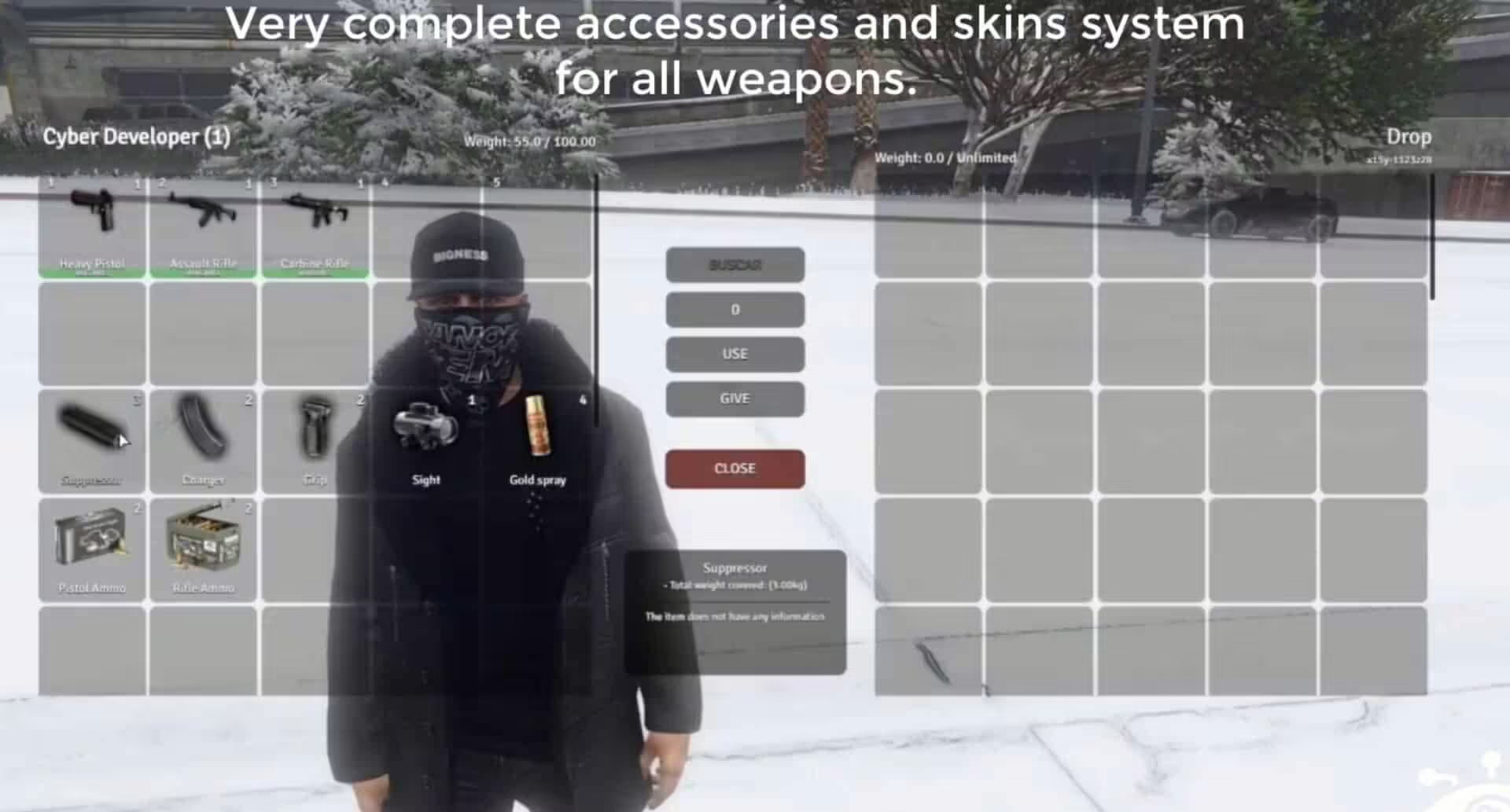
- Professional inventory images for all weapons
Key Features
- Premium Visual Design - Diamond-encrusted and gold-plated weapon finishes that make these firearms instantly recognizable
- Multi-Framework Support - Works seamlessly with ESX, QBCore, and OX inventory systems with dedicated installation guides for each
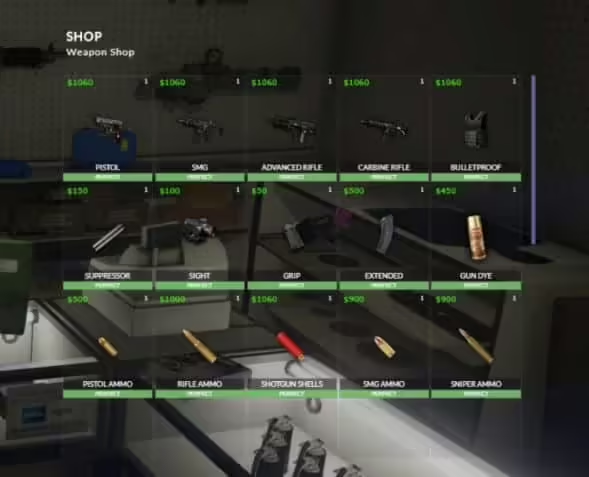
- Custom Map Integration - Includes dedicated weapon shop location at coordinates 470.4408, -1804.4441, 28.1914
- Performance Optimized - High-quality models that maintain server performance without excessive resource usage
- Inventory Ready - All weapon images included for perfect inventory display
- Community Support - Access to VVS Customs Discord for custom weapon configurations and buss down requests
- Ongoing Updates - Subscribers receive new weapons and updates as they're released
Perfect For
- Roleplay servers with economy systems featuring luxury items
- Gang/mafia servers wanting exclusive weapon aesthetics
- VIP/donor reward systems
- Weapon collector roleplay mechanics
- Servers with custom weapon shops or black market systems
- High-end criminal roleplay scenarios
Installation Guide
- Choose Your Framework - Navigate to the [installme] folder and select your framework (ESX, OX, or QBCORE)
- Install Framework Files - Follow the installation guide specific to your framework (ESX-INSTALLATION, OX-INSTALLATION, or QBCORE-INSTALLATION)
- Add Inventory Images - Copy all images from the (images) folder to your server's inventory image directory
- Install Resource Files - Place folders (vvsgunpack), (vvsgunpack2), and (vvsgunsmap) in your server's main resources folder
- Update server.cfg - Add the following lines to your server.cfg:
ensure vvsgunpack
ensure vvsgunpack2
ensure vvsgunsmap
- Restart Server - Restart your server to load all resources
Framework Compatibility
- ✅ ESX - Full support with dedicated installation guide
- ✅ QBCore - Complete compatibility with video installation tutorial
- ✅ OX (QBox) - Optimized for OX inventory system
- ✅ Custom Frameworks - Request custom configurations via Discord
Custom Weapon Shop Location
The pack includes a custom map location for your VVS weapon shop:
- Coordinates: 470.4408, -1804.4441, 28.1914, 51.5394
- Location: Custom interior perfect for luxury weapon sales
- Usage: Ideal for VIP weapon dealers or black market roleplay
What Makes It Stand Out
Unlike standard weapon packs, VVS Gun Pack focuses on luxury aesthetics that appeal to high-end roleplay scenarios. The diamond and gold finishes create instant visual distinction, making these weapons perfect for gang hierarchies, VIP rewards, or exclusive criminal enterprise roleplay. The multi-framework support means you can implement these weapons regardless of your server's foundation, while the included custom map location provides a ready-made luxury weapon shop experience.
Support & Customization
Join the VVS Customs Discord community (discord.gg/vvscustoms) to:
- Request custom weapon configurations
- Get buss down treatments for your existing weapons
- Access subscriber-exclusive weapon updates
- Receive installation support from the community
Video Installation Guide
QBCORE INSTALL GUIDE VIDEO
https://youtu.be/YWu21b_GPpI
Requirements
- REQUIRED: ars_vvsguns resource for full experience
- ESX, QBCore, or OX framework
- Inventory system (ox_inventory, qb-inventory, or esx_inventory)
- Server restart capability for resource loading
Related ESX Scripts
Related Products
Questions & Answers
0 questions
No questions yet
Be the first to ask a question about this product!