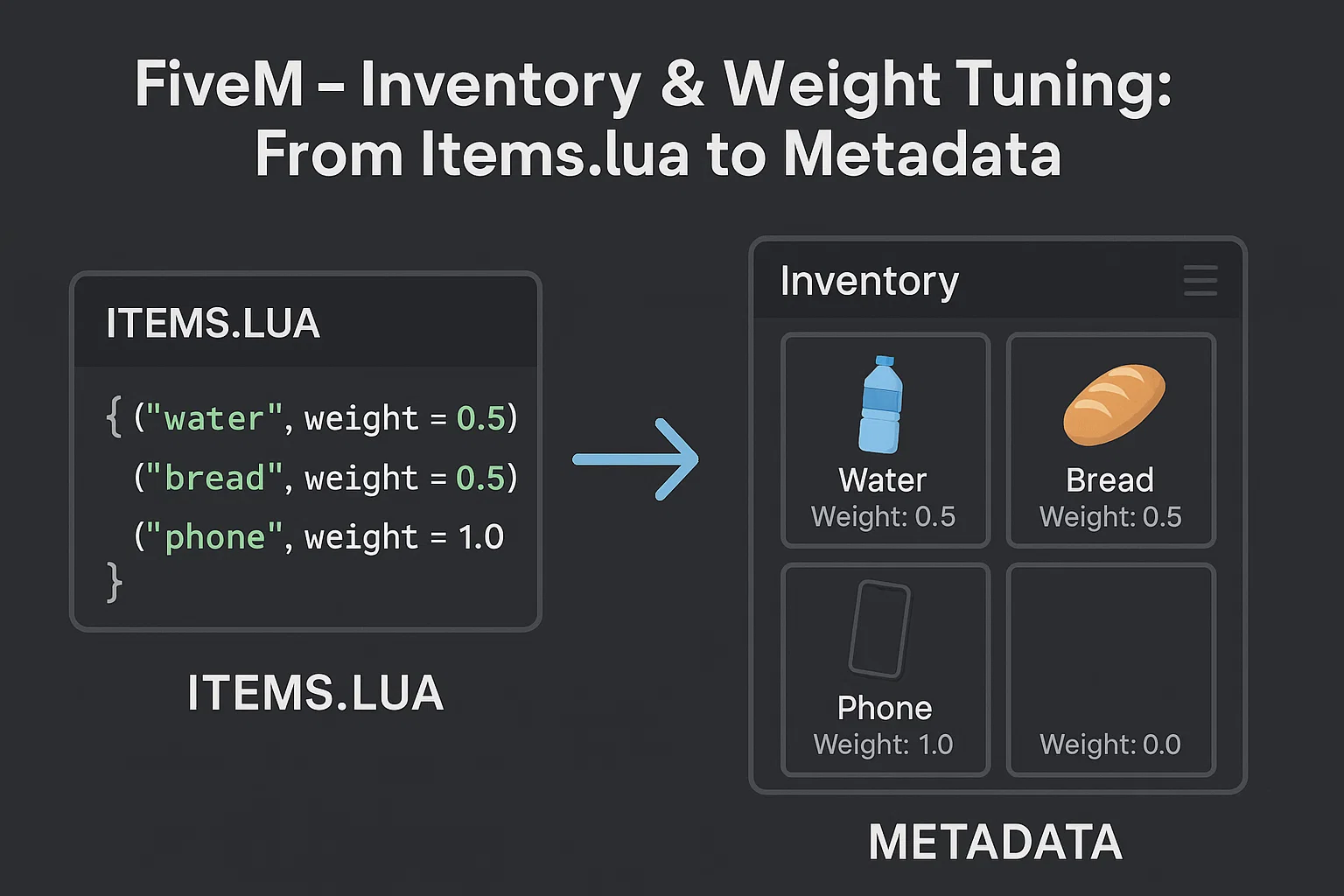
Inventory & Weight Tuning: From items.lua to Metadata
TL;DR: This guide gives you production‑ready weight/slot presets, item budget tables, copy‑pasteable
items.luadefinitions (ESX/QBCore/ox_inventory), and safe migration playbooks between popular inventories. Use it to eliminate over‑encumbrance drama, stop item bloat, and keep your economy coherent.This guide is part of our comprehensive FiveM scripts resource, where you'll find all our script recommendations, framework comparisons, and buying guides.
Why inventory tuning matters
A stable RP economy depends on scarcity, friction, and meaningful choices. Inventory rules (slots, weight, stack limits, metadata like durability/serials) are the levers that make those choices real. If everyone can carry everything, prices collapse and loops break. Tune inventory first, then iterate your prices, payouts, and sinks. For broader economics, see our pillar: Designing a Balanced GTA RP Economy: Prices, Sinks, Progression.
Models: Slots vs. Weight vs. Hybrid
Slots-only
- Simple cognitive model; each item = 1 slot or defined by size classes.
- Weak at differentiating heavy vs. light stacks; exploits via many tiny high-value items.
Weight-only
- Each item has a weight (usually grams). Players have
maxWeightper container. Strong realism; needs thoughtful defaults.
Hybrid (recommended)
- Global weight cap and slot cap. Prevents both micro‑item and mega‑item exploits. Works best for RP.
Tip: Keep numbers human‑readable. If you model in grams, use whole numbers (e.g.,
water = 500g) and round player caps (e.g.,maxWeight = 120,000).
Default Presets (copy & adapt)
Below are battle‑tested starting points. Adjust ±10–20% after a week of in‑city telemetry.
Player Inventory (on‑person)
| Server Scale | Model | Max Weight (g) | Slots | Notes |
|---|---|---|---|---|
| New/Small (≤40 pop) | Hybrid | 80,000 | 30 | Faster onboarding; fewer early pain points. |
| Mid (40–150) | Hybrid | 120,000 | 35 | Balanced for general RP; good for diverse jobs. |
| High‑Pop (150+) | Hybrid | 150,000 | 32 | Tighten slots to curb hoarding; keep weight fair. |
Vehicles (common defaults)
| Container | Max Weight (g) | Slots | Rationale |
|---|---|---|---|
| Glovebox | 10,000 | 5 | Small stash, encourages planning. |
| Sedans Trunk | 80,000 | 20 | Baseline. |
| SUV/Van Trunk | 120,000 | 25 | Utility vehicles become meaningful. |
| Truck (utility) | 180,000 | 28 | Logistics gameplay. |
| Motorcycle Storage | 8,000 | 3 | Minimal pocketing. |
Stashes & Special Containers
| Type | Max Weight (g) | Slots | Notes |
|---|---|---|---|
| House Stash (Tier 1/2/3) | 120k / 180k / 240k | 40 / 60 / 80 | Incentivizes housing upgrades. |
| Job Locker | 80,000 | 20 | Prevent carryover exploits. |
| Evidence Locker | 240,000 | 120 | Admin/LEO convenience; audit logging required. |
Item Weight Budgets (by class)
Use this to assign consistent weights. Think relative friction not realism.
| Class | Examples | Suggested Weight (g) |
|---|---|---|
| Very Light | Lockpick blade, USB, SIM | 5–50 |
| Light | Pistol ammo (10), bandage, snack | 100–250 |
| Medium | Water bottle, burger, repair kit | 400–800 |
| Heavy | Rifle ammo box (30), oxy tank, material crate | 1,500–4,000 |
| Very Heavy | Weapon crate, money bag (marked) | 6,000–12,000 |
Ammo: Budget per unit for pooled stacks (e.g.,
9mm = 15geach → 30 rounds ≈ 450g) or represent as boxes (e.g.,9mm box (30) = 500g).
Stack Sizes & Slot Strategy
- Commodities (food, meds): stack 5–20 to reduce tedium.
- Ammo: stack 30–60 for pistols; 60–120 for rifles when boxed.
- Crafting Mats: stack 100–250; keep weight meaningful.
- Weapons:
stack = 1, unique metadata (serial, durability).
Metadata Patterns (durability, serials, attachments, quality)
Design metadata like a small schema. Keep fields minimal, typed, and validated.
Canonical Metadata Schema (recommendation)
{
  "serial": "string",          // weapon unique id
  "owner": "citizenid|identifier",
  "durability": 0.0,            // 0.0–1.0; decay per use/time
  "quality": 100,               // 0–100; repairable threshold 25
  "ammo": 0,                    // integer; weapon mags
  "tint": 0,                    // integer (game tint index)
  "attachments": ["flashlight", "scope"],
  "expiry": 0,                  // unix timestamp; perishable items
  "notes": ""                 // small text; avoid bloat
}
Durability & Decay
- Weapons: decay 0.5–1.5% per magazine; jam chance <5% below 20% quality.
- Tools (lockpicks, drill): consume % on use; break at 0.
- Perishables:
expirycheck at use; stale penalty or block.
Security & Performance
- Validate metadata server‑side; never trust client writes.
- Cap metadata size (e.g., <512 bytes). Large blobs hurt save/load and network payloads.
- Use enumerations for attachments and tints.
Code: items.lua / item definitions by framework
ESX (es_extended) example
-- esx items.lua (example) — weight in grams; negative weight means not counted in legacy modes
['water'] = { label = 'Water Bottle', weight = 500, stack = true, close = true, description = 'Stay hydrated.' },
['bandage'] = { label = 'Bandage', weight = 150, stack = true, close = true },
['lockpick'] = { label = 'Lockpick', weight = 50, stack = true, close = true },
['pistol_ammo'] = { label = 'Pistol Ammo (30)', weight = 450, stack = true, close = true, description = '9mm, box of 30.' },
['weapon_pistol'] = { label = 'Pistol', weight = 1500, stack = false, close = true, degrade = 0.01, unique = true },
For ESX variants that still use limit instead of weight, set
limit = -1(unlimited) and switch economy balance via weight globally.
QBCore (shared/items.lua) example
-- qb-core shared/items.lua
['water'] = { name = 'water', label = 'Water Bottle', weight = 500, type = 'item', image = 'water.png', unique = false, useable = true, shouldClose = true, description = 'Stay hydrated.',
  combinable = nil },
['bandage'] = { name = 'bandage', label = 'Bandage', weight = 150, type = 'item', image = 'bandage.png', unique = false, useable = true, shouldClose = true },
['lockpick'] = { name = 'lockpick', label = 'Lockpick', weight = 50, type = 'item', image = 'lockpick.png', unique = false, useable = true, shouldClose = true },
['pistol_ammo'] = { name = 'pistol_ammo', label = 'Pistol Ammo (30)', weight = 450, type = 'item', image = 'pistol_ammo.png', unique = false, useable = true, shouldClose = true },
['weapon_pistol'] = { name = 'weapon_pistol', label = 'Pistol', weight = 1500, type = 'weapon', image = 'weapon_pistol.png', unique = true, useable = false, shouldClose = true,
  info = { serial = '', durability = 1.0, ammo = 12, attachments = {} } },
ox_inventory (data/items.lua) example
return {
  water = {
    label = 'Water Bottle',
    weight = 500,
    stack = true,
    client = { status = { thirst = 25000 }, anim = { dict = 'mp_player_intdrink', clip = 'loop_bottle' } },
  },
  bandage = { label = 'Bandage', weight = 150, stack = true },
  lockpick = { label = 'Lockpick', weight = 50, stack = true },
  pistol_ammo = { label = 'Pistol Ammo (30)', weight = 450, stack = true },
  weapon_pistol = {
    label = 'Pistol', weight = 1500, stack = false, allowArmed = true,
    consume = 0, -- handled by durability system
    ammo = { type = 'AMMO_PISTOL', count = 12 },
    metadata = { serial = true, durability = true, attachments = true },
  },
}
ox_inventory supports rich
client/serverbehaviors in item definitions—prefer built‑ins over ad‑hoc scripts to standardize behavior.
Hybrid Enforcement Examples
QBCore container config (example)
-- qb-inventory/server/config.lua (illustrative)
Config.PlayerMaxWeight = 120000
Config.PlayerMaxSlots = 35
Config.Vehicle = {
  glovebox = { weight = 10000, slots = 5 },
  trunk = function(class)
    if class == 'sedan' then return 80000, 20 end
    if class == 'suv' or class == 'van' then return 120000, 25 end
    if class == 'truck' then return 180000, 28 end
    return 60000, 18
  end
}
ox_inventory stash setup (example)
-- ox_inventory/server/custom/stashes.lua
lib.addstash('house_tier1', 40, 120000)
lib.addstash('house_tier2', 60, 180000)
lib.addstash('house_tier3', 80, 240000)
Migration Playbooks (safe & reversible)
Principles
- Snapshot DB first. 2) Migrate items/metadata with idempotent scripts. 3) Run side‑by‑side in a staging server. 4) Provide rollback SQL.
A)
qb-inventory→ox_inventoryMap fields
QB items.lua→ox data/items.lua(name,label,weight,stack/unique,client/server behaviors).player inventorytable: convertinfoJSON →metadata(serial, durability, ammo).Pseudocode (Lua/SQL mix)
-- 1) Export QB items to a Lua table/JSON
-- 2) Generate ox items.lua entries
-- 3) Transform inventories
for item in qb_inventory_rows do
  local meta = json.decode(item.info or '{}')
  local metadata = {
    serial = meta.serial,
    durability = meta.durability or 1.0,
    ammo = meta.ammo or 0,
    attachments = meta.attachments or {},
  }
  insert_into_ox_inventory(item.name, item.amount, metadata)
end
SQL example (PostgreSQL/MySQL style)
-- Backup
CREATE TABLE backup_playeritems AS SELECT * FROM playeritems;

-- Transform example for a single item family
UPDATE playeritems
SET metadata = JSON_OBJECT(
  'serial', JSON_EXTRACT(info, '$.serial'),
  'durability', COALESCE(JSON_EXTRACT(info, '$.durability'), 1.0),
  'ammo', COALESCE(JSON_EXTRACT(info, '$.ammo'), 0),
  'attachments', COALESCE(JSON_EXTRACT(info, '$.attachments'), JSON_ARRAY())
)
WHERE name IN ('weapon_pistol','weapon_pistol_mk2');
Gotchas
- Unique items: enforce
stack = false; ensure duplicates don’t merge. - Ammo systems: reconcile boxed vs. loose ammo conventions.
- Images/icons: re‑path item images to match ox’s naming.
B) ESX (limit‑based) → weight model
- Set global
useWeight = truein config (varies by fork). - Replace per‑item
limitwithweight(g). For items formerlylimit = -1, assign realistic weights. - Migrate stash/vehicle caps accordingly.
Scripted pass
for name, item in pairs(Items) do
  if item.limit and not item.weight then
    item.weight = estimateWeightFromClass(name)
    item.limit = nil
  end
end
C) qs-inventory / lj-inventory → QBCore/ox
- Field mapping is similar to QB:
info→metadata. - Watch for custom keys (
quality,image,createdAt). Normalize to the canonical schema.
Balancing Workflow (1‑week sprint)
- Day 0: Implement presets; migrate items to budget table.
- Day 1–2: Capture telemetry: average carry weight, slots used, item distribution by job.
- Day 3: Tighten outliers (+5–10% weight on top 5 hoarded items).
- Day 4–5: Vehicle roles: buff utility trunks; nerf glovebox abuse.
- Day 6: Perishables: add
expiryfor high‑margin consumables. - Day 7: Publish patch notes; set a two‑week review.
Minimum Telemetry
% time encumbered,avg slots used, top 20 items by count and by total weight, stash utilization percentiles.
QA Checklist (ship‑ready)
- All items have
weight,stack, and clear labels. - Weapons are
unique/non‑stack and includeserial,durability. - Containers enforce both weight and slots (where supported).
- Vehicle classes map to sensible capacities.
- Stashes tiered with progression.
- Migrations backed up; rollback tested.
- Metadata size bounded; validated server‑side.
Downloadable Templates (inline)
Weight Budget CSV (copy to Google Sheets)
name,label,class,weight_g,stack,stack_size
water,Water Bottle,consumable,500,true,10
bandage,Bandage,medical,150,true,5
lockpick,Lockpick,tool,50,true,10
pistol_ammo,Pistol Ammo (30),ammo,450,true,5
weapon_pistol,Pistol,weapon,1500,false,1
Vehicle Capacity Table (CSV)
container,weight_g,slots
Glovebox,10000,5
Sedan Trunk,80000,20
SUV/Van Trunk,120000,25
Truck Trunk,180000,28
Motorcycle,8000,3
Common Pitfalls & Fixes
- Players always encumbered → Reduce top‑3 ubiquitous item weights by 15%; increase player cap by 10%.
- Endless hoarding of micro‑items → Introduce slot cap; set minimum item weight (e.g., 25g).
- Economy inflation via stockpiling → Add perishables
expiry, crafting input weight friction, or stash fees. - DB bloat → Prune metadata keys; avoid large
notesfields.
Next steps
- Roll out the hybrid presets above, then iterate with telemetry.
- Align inventory friction with payouts and prices—see our economy post for sinks and progression models that pair well with these settings.
Have questions about a specific framework fork or a custom inventory? Drop the details and I’ll tailor the exact configs.
Stay in the Loop
Get the latest FiveM tutorials, mod releases, and exclusive updates delivered to your inbox.
No spam. Unsubscribe anytime.