How to Use FiveM Single Player
Are you fascinated by the idea of experiencing GTA V mods in a standalone, single-player environment? Welcome to FiveM’s single-player mode! This guide will walk you through the process of setting up and using FiveM for a single-player experience. Follow along, and you’ll master the art of modding your single-player gameplay in no time!
1. Prerequisites
Before embarking on this journey, ensure you have the following:
- A legitimate copy of GTA V.
- An Internet connection for downloading FiveM
- Basic knowledge of file management.
- A desire for an enhanced single-player experience!
2. Installing FiveM
To get started, you need to install the FiveM client.
Download FiveM:
- Visit the FiveM official website.
- Click the download button and follow the installer instructions.
Run the Installer: Run the downloaded installer (FiveM.exe). Follow the setup instructions and specify the directory where GTA V is installed
3. Configuring Single Player Mode
Once FiveM is installed, let’s set up single-player mode.
Open FiveM: Launch FiveM from your desktop or start menu.
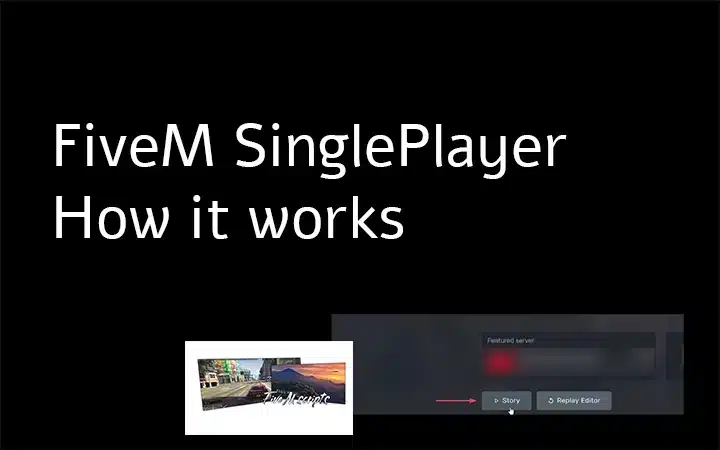
Select Single Player: In the FiveM launcher, you’ll see different options for servers. Look for and select “FiveM Single Player”!
At this point, FiveM will sync with your GTA V installation and set up any necessary files.
4. Installing Mods
Now comes the fun part—installing mods! You can customize your single-player experience by adding various mods.
Find Mods: Browse popular mod websites such as GTA5-Mods or the FiveM forums to find mods that suit your preferences.
Install Mods:
- Download the mods you want to install.
- Extract the downloaded files if they are in a ZIP or RAR format.
- Place the mod files in the
modsfolder within your FiveM application data directory. If this folder doesn’t exist, create it./FiveM Application Data/plugins/
5. Launching Your FiveM / Single Player Game
With everything set up, it’s time to launch your modded single-player game.
Start FiveM: Launch FiveM from your desktop or start menu.
Enter Single Player: Select “FiveM Single Player” again from the launcher.
Enjoy Your Mods: You are now in the FiveM single-player mode! Enjoy the enhanced experience with your installed mods.
6. Tips and Troubleshooting
Verify Game Files: Ensure your GTA V installation is intact by verifying the files through the respective launcher (Steam, Epic Games, Rockstar).
Check Mod Compatibility: Ensure that the mods you installed are compatible with the FiveM single-player mode. Some mods designed for multiplayer servers may not function correctly.
Reinstall FiveM: If issues persist, try reinstalling FiveM. Sometimes a fresh install can resolve unforeseen issues.
Community Support: Visit the FiveM forums or Discord channels for community-based support and troubleshooting tips!
Conclusion
Congratulations! By following this tutorial, you’ve successfully set up and customized FiveM for a single-player experience. Dive deep into the game like never before, explore the limitless possibilities of mods, and enjoy your personalized GTA V adventures.
For more guides, mods, and resources, make sure to visit vertexmods.com
Stay in the Loop
Get the latest FiveM tutorials, mod releases, and exclusive updates delivered to your inbox.
No spam. Unsubscribe anytime.